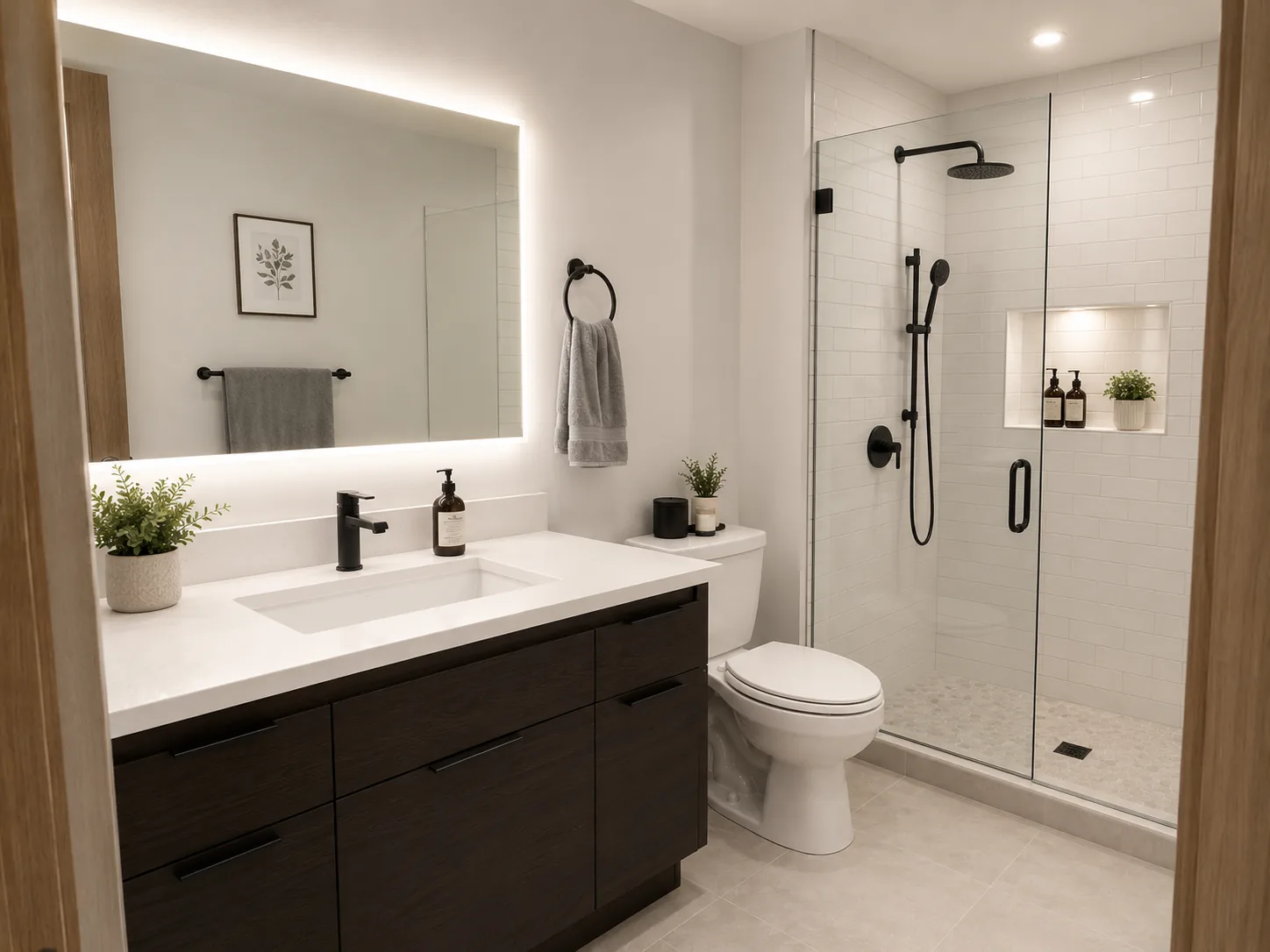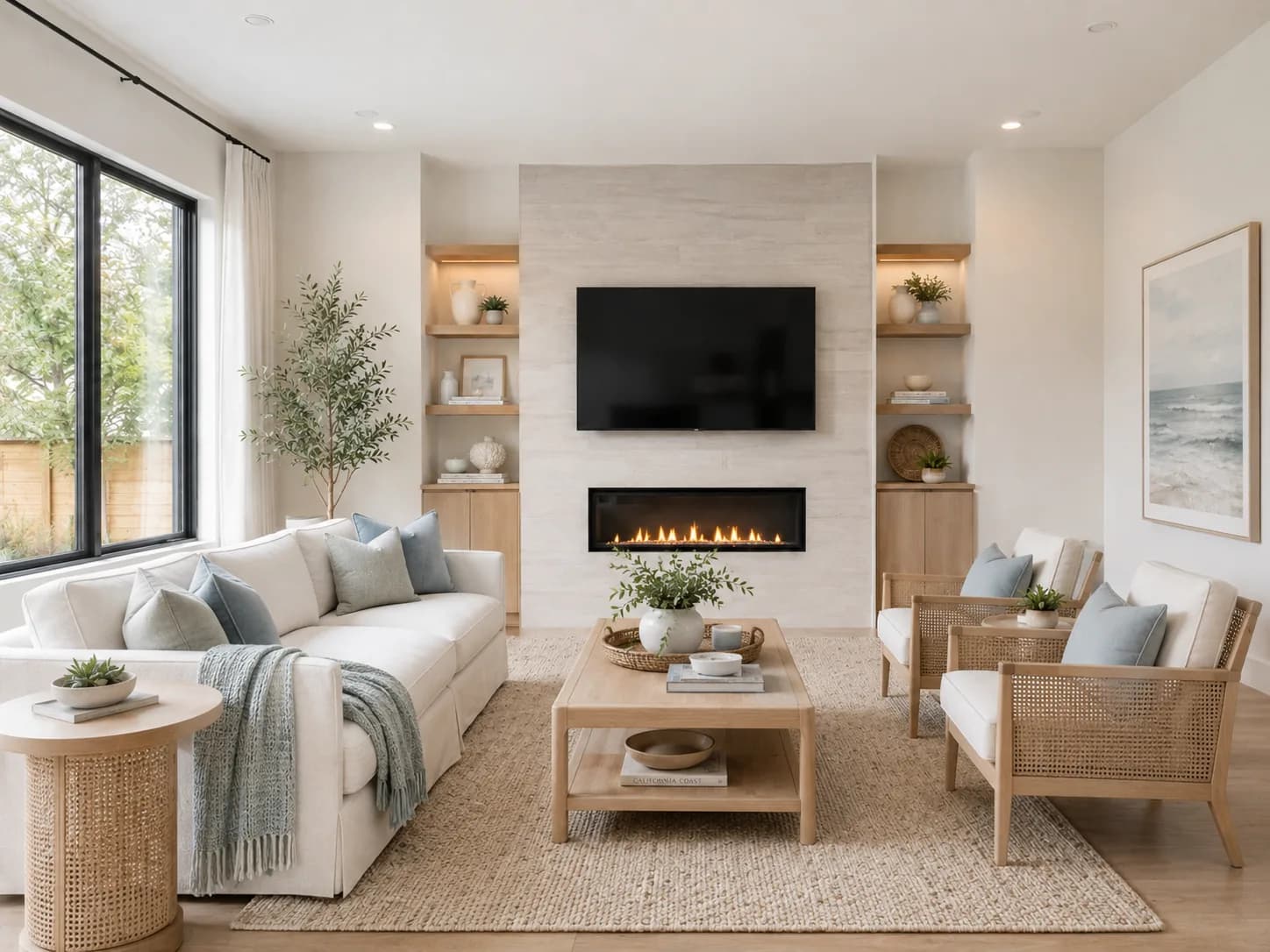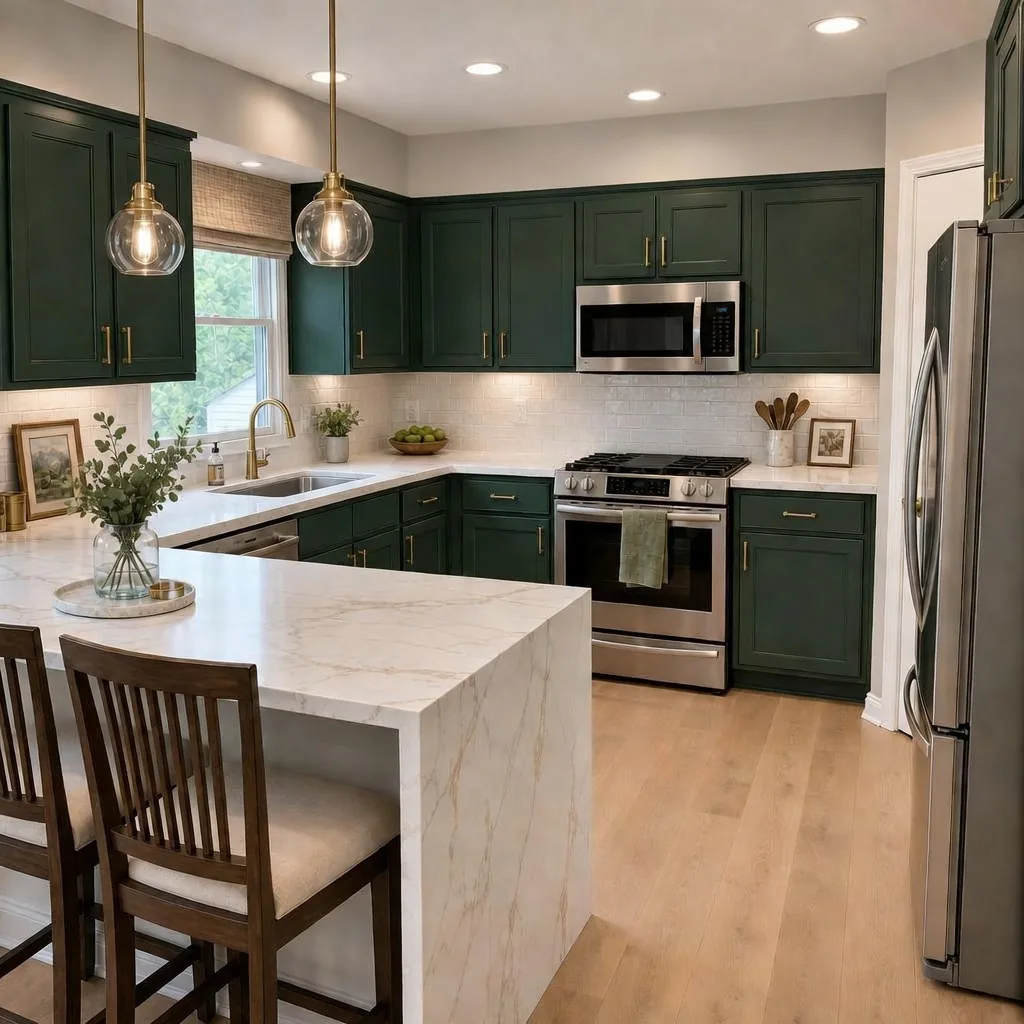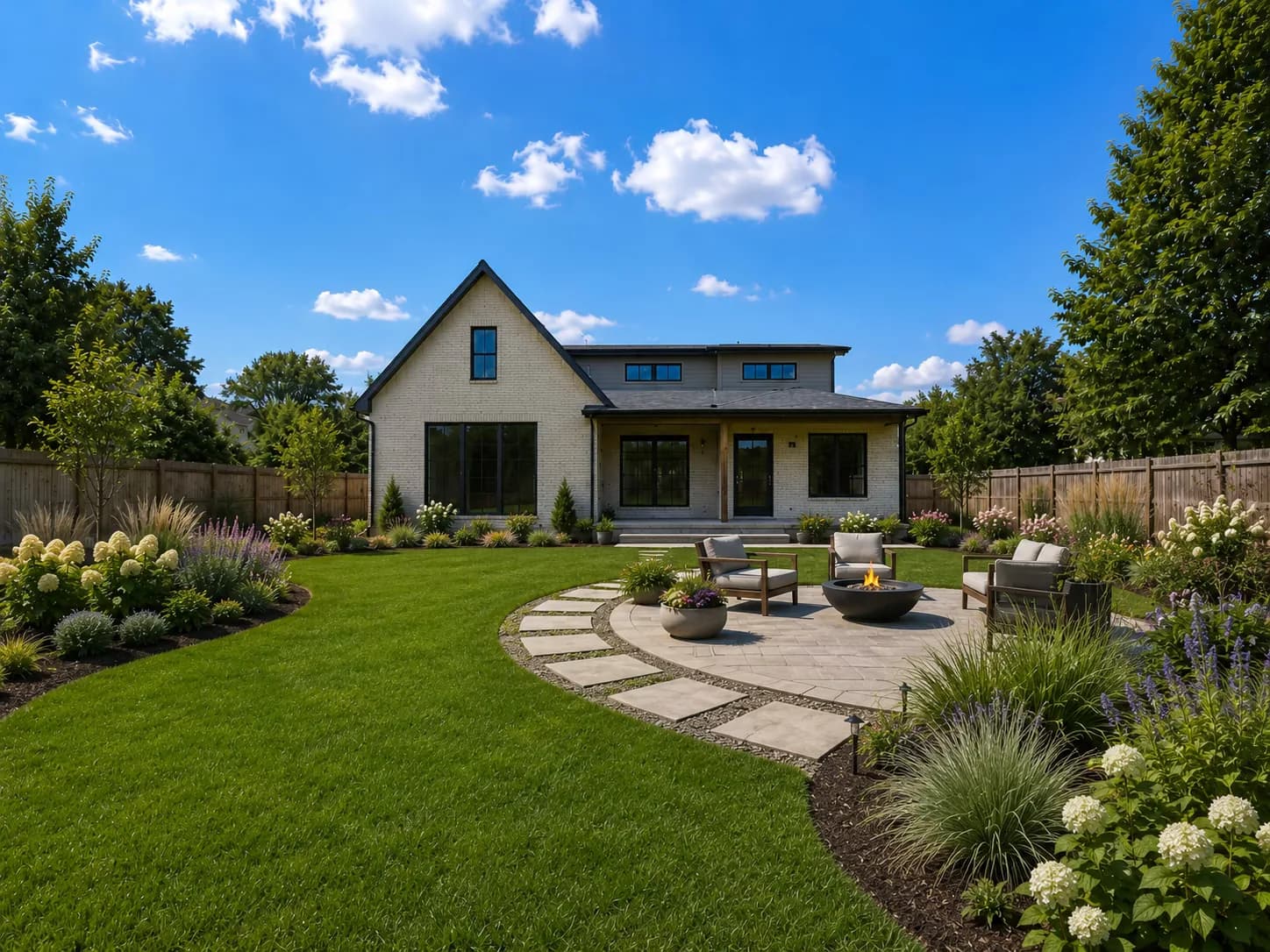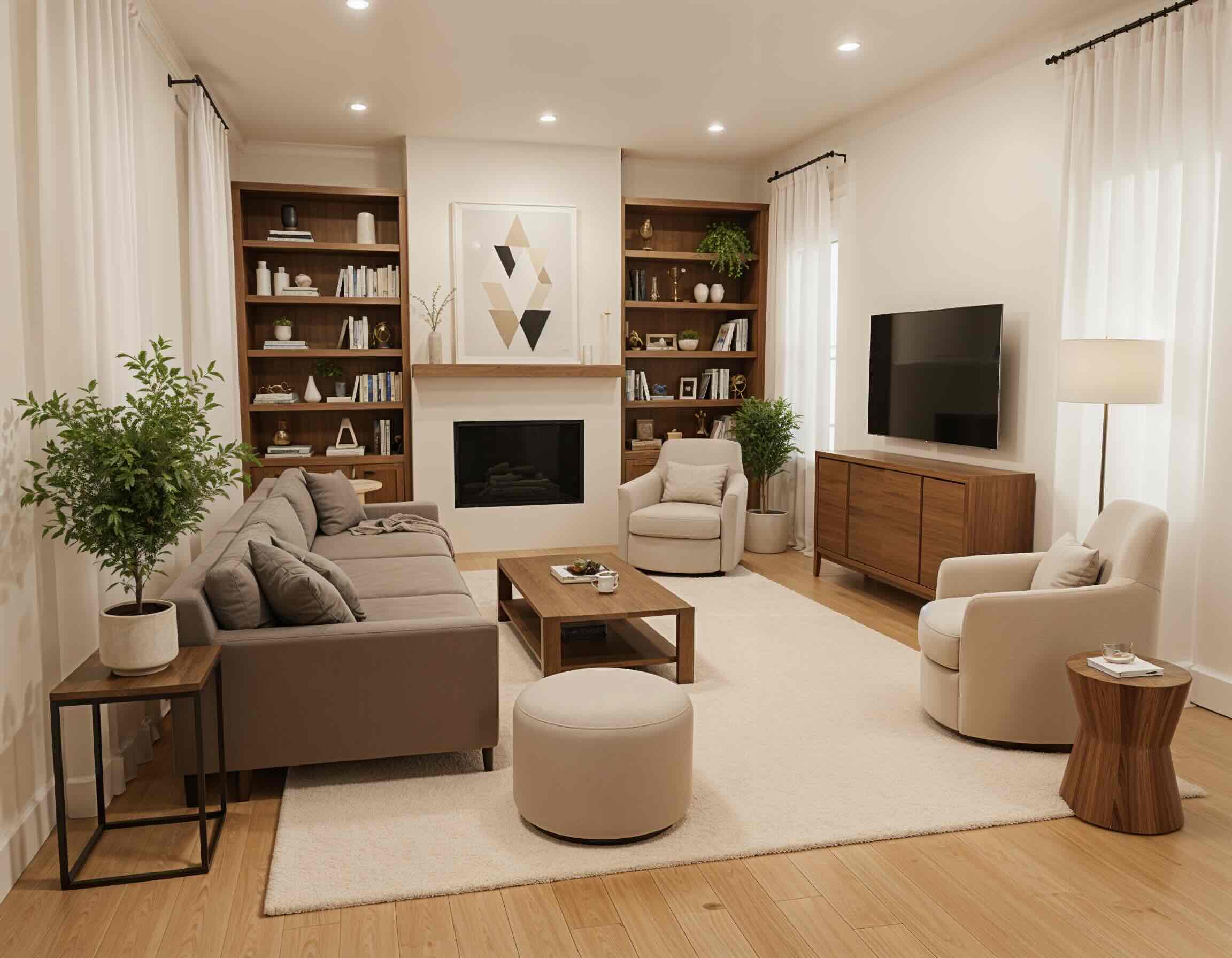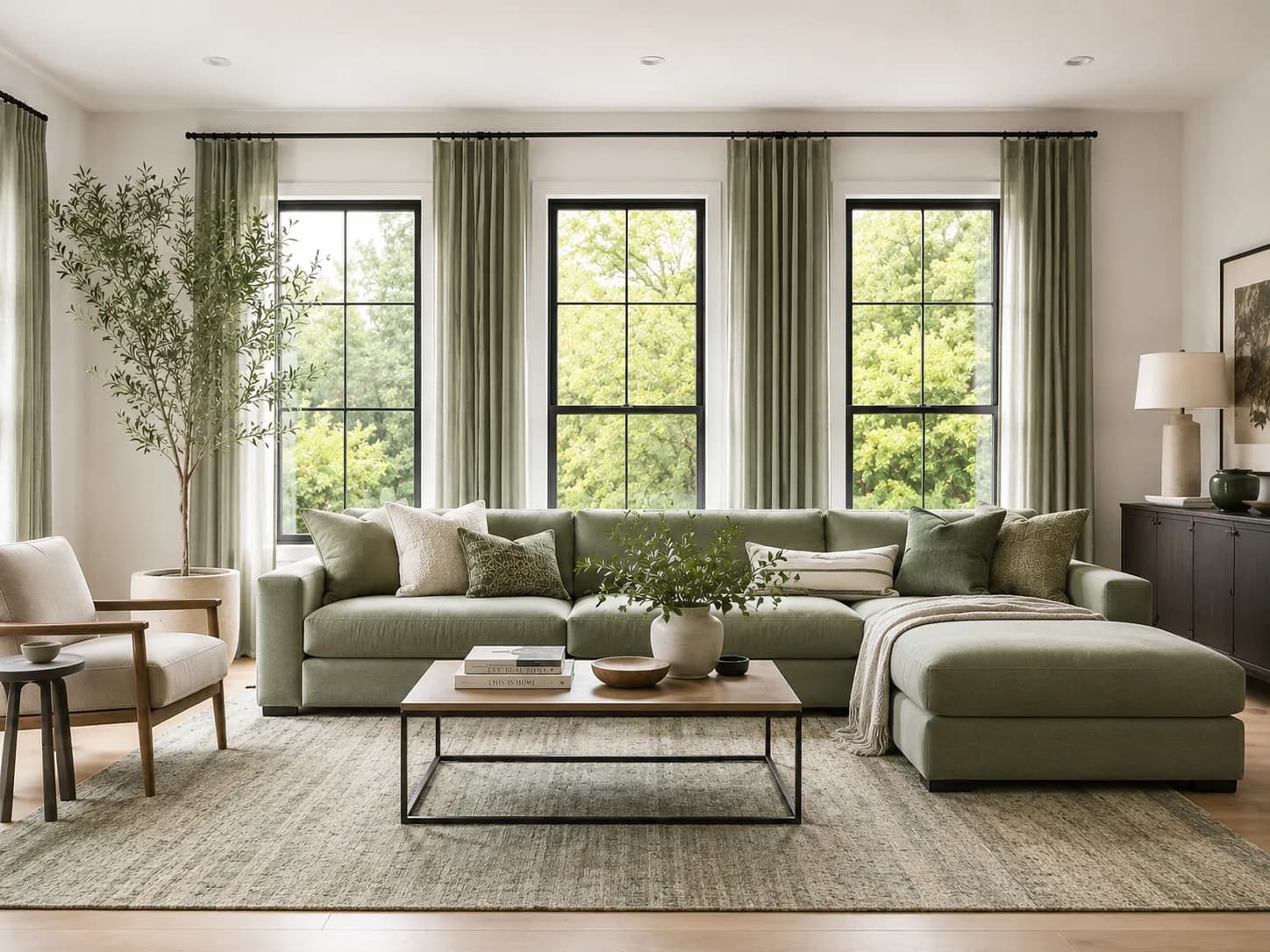
The #1 ranked AI home visualizer

AI Home Design Visualizer

Upload a room, exterior, sketch, elevation, or render. Preview remodel ideas, paint colors, kitchens, landscapes, and client-ready concepts in seconds.
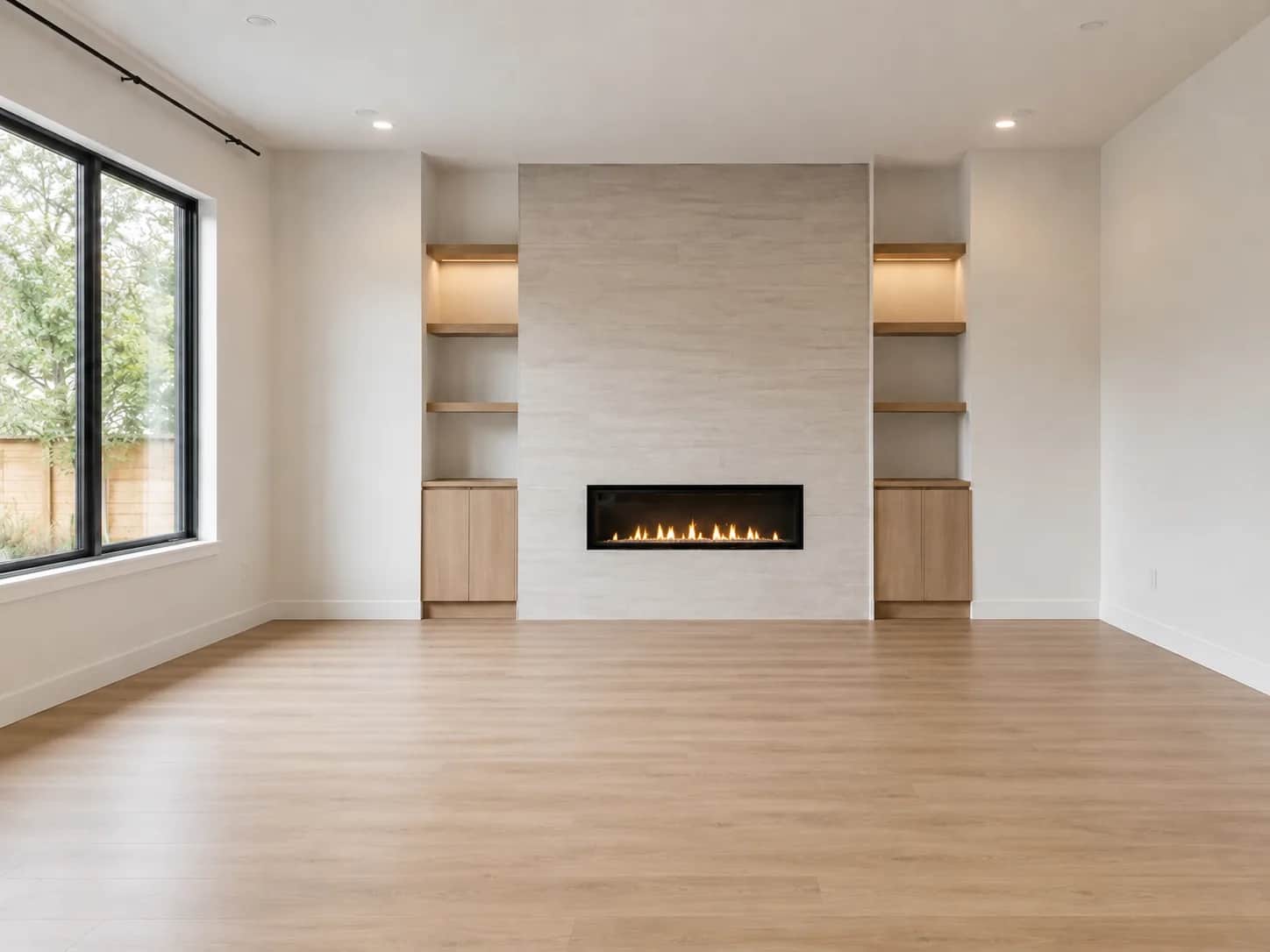
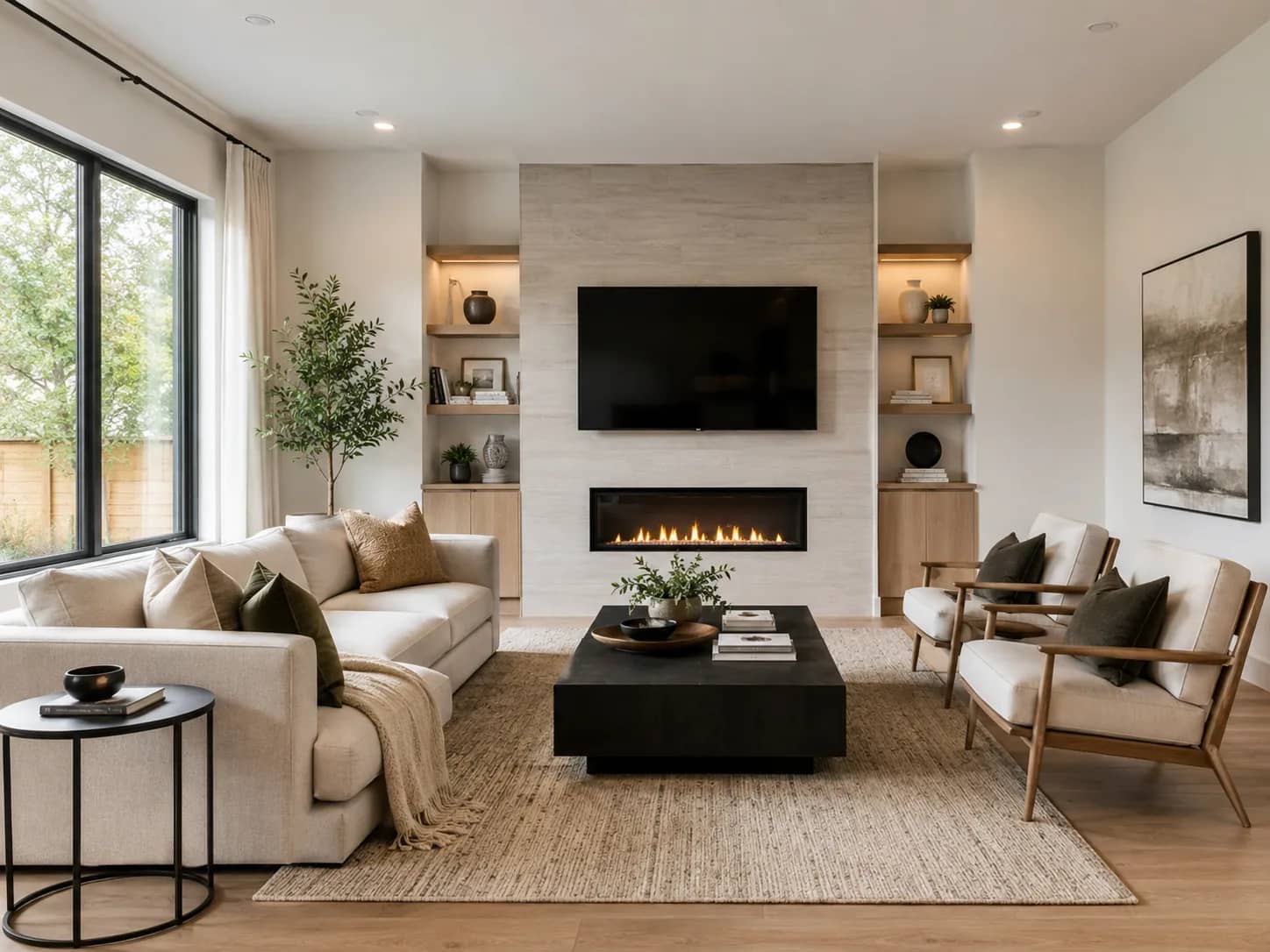
Interior styles
Interior Design AI home design preview

Trusted By Professionals

Join thousands of design professionals and homeowners

1 million+
Images Processed
500k+
Users Inspired
98%+
Satisfaction Rate
Interior Designers
Architects
Real Estate Agents
Homeowners
Contractors
Staging Professionals

Transform any space in seconds

No design skills required. Upload, choose, and visualize in just a few easy steps.

Drop image to upload
Photo, sketch, or render
1

Upload a photo

Drop in a photo, sketch, render, or elevation of any interior or exterior space.

Auto Style
AI decides
Custom
Full control
Style Fusion
Curated styles
2

Choose a design mode

Start with Auto for instant ideas, choose Custom for control, or use Style Fusion for curated references.

Select Style
Choose a design style
Modern
Coastal
Scandinavian
Industrial
Bohemian
Minimalist
3

Pick a style

Select a style, provide custom instructions, or let AI choose the perfect transformation.
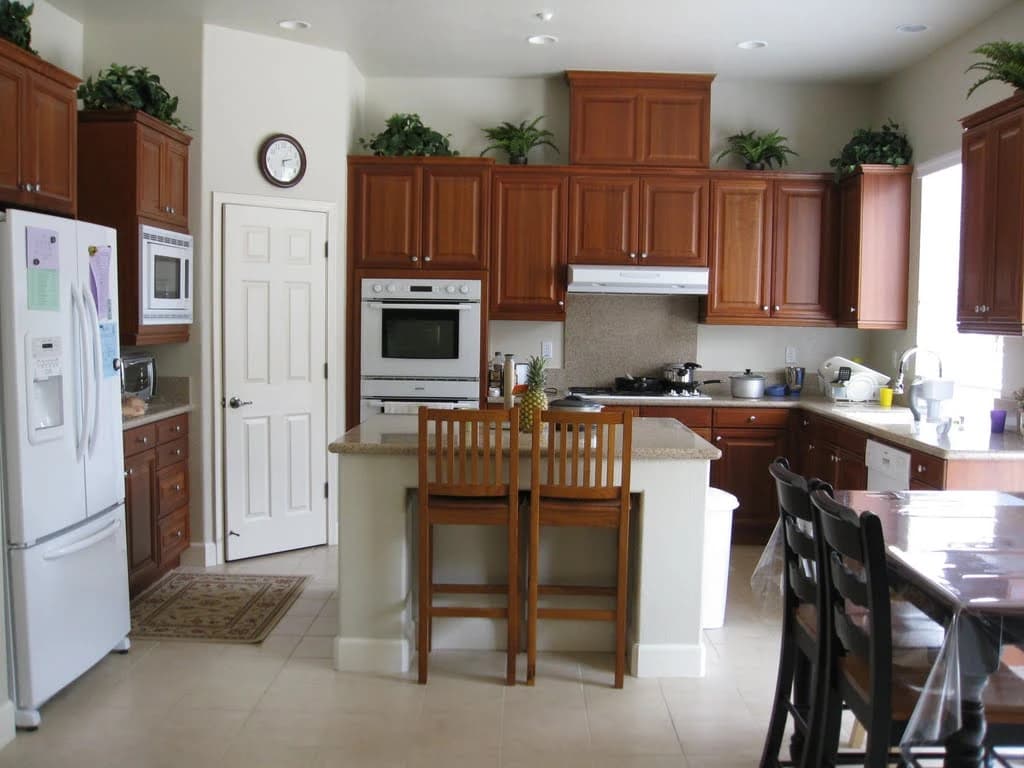
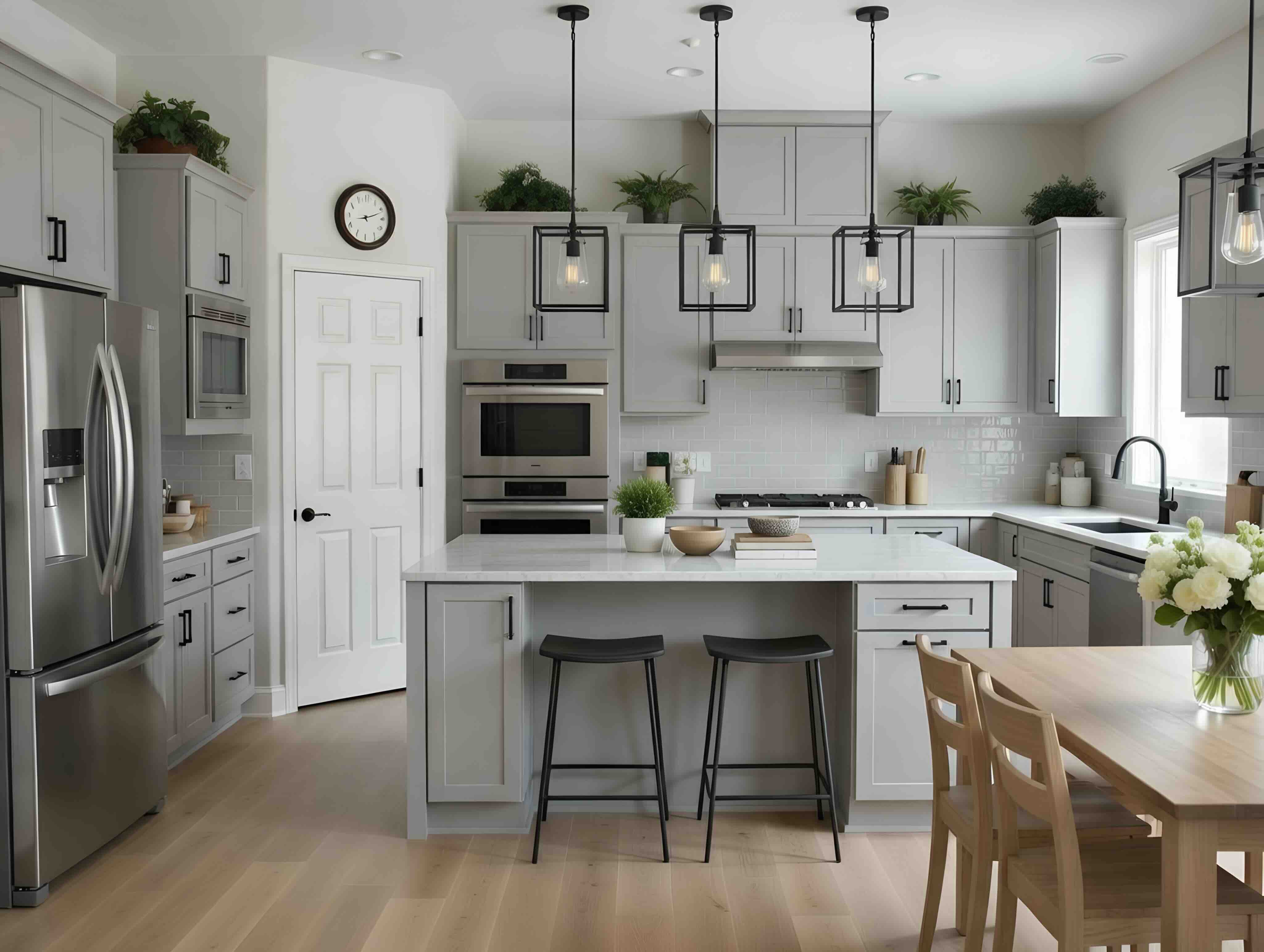
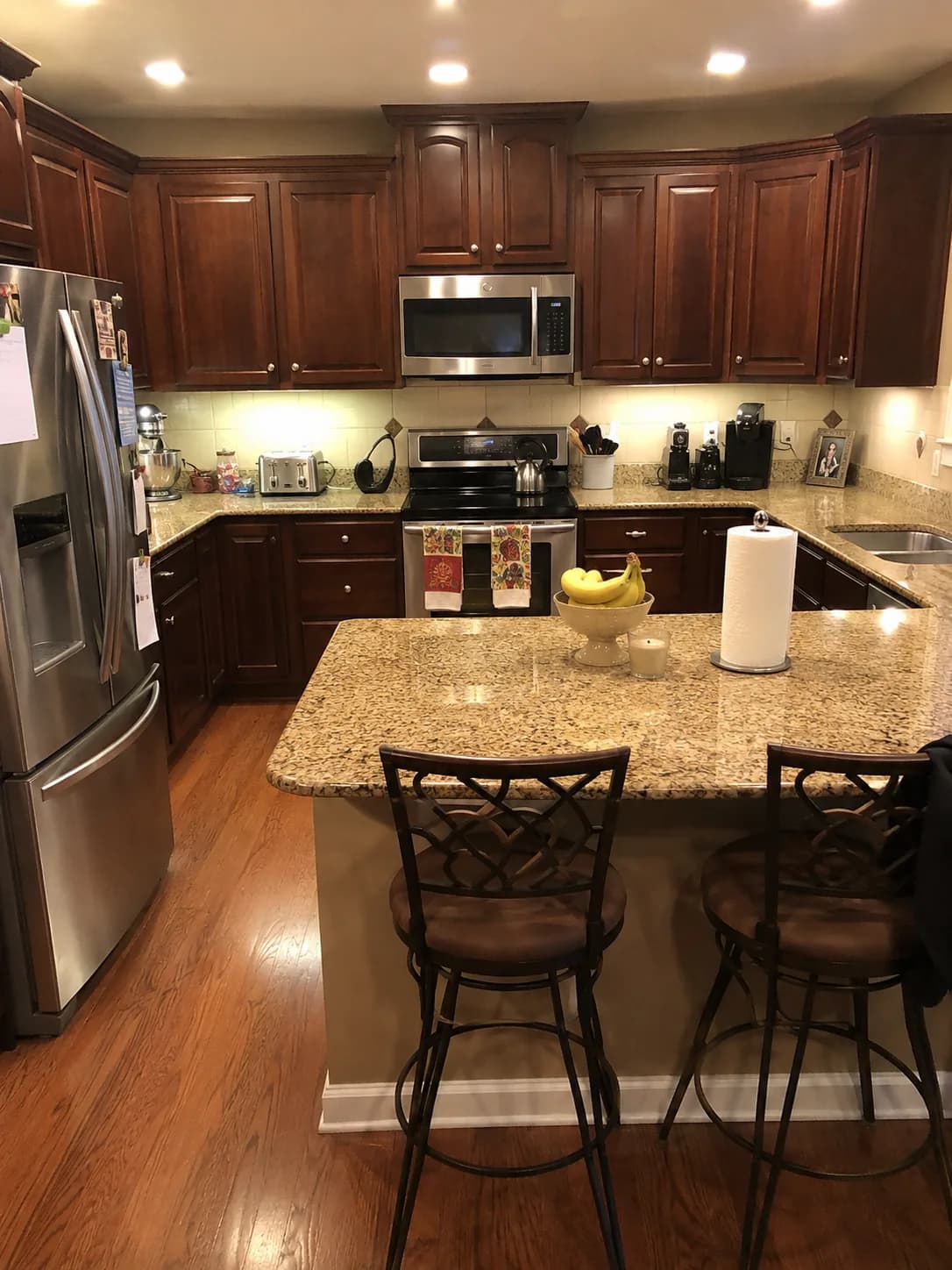
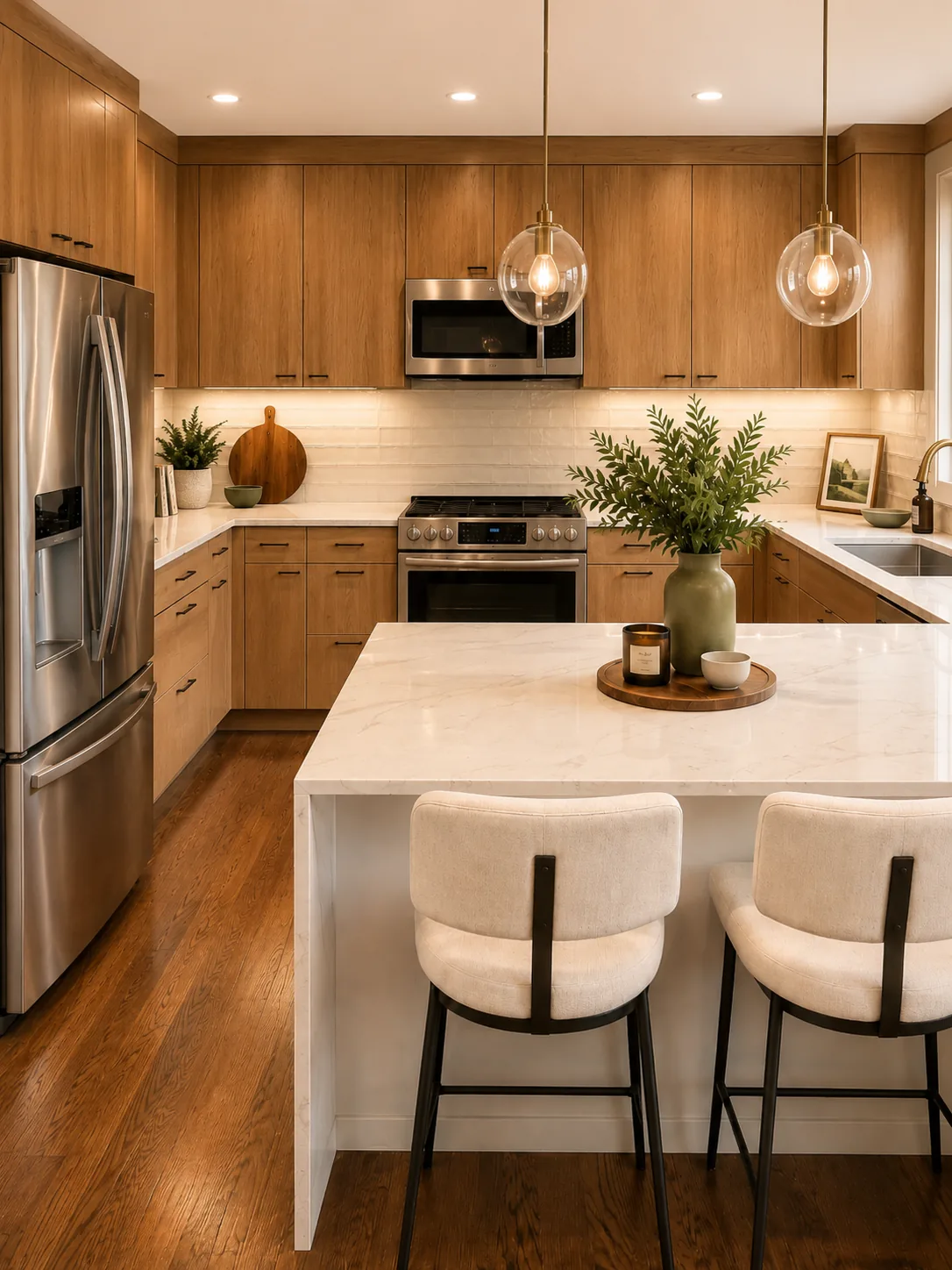
Kitchen before transformation
Kitchen after AI transformation
Transforming space
4

Visualize in seconds

Watch as AI transforms your space in seconds with photorealistic results.

One studio, endless possibilities

Whether you're redesigning a single room or planning a complete home makeover, our AI-powered tools handle it all.
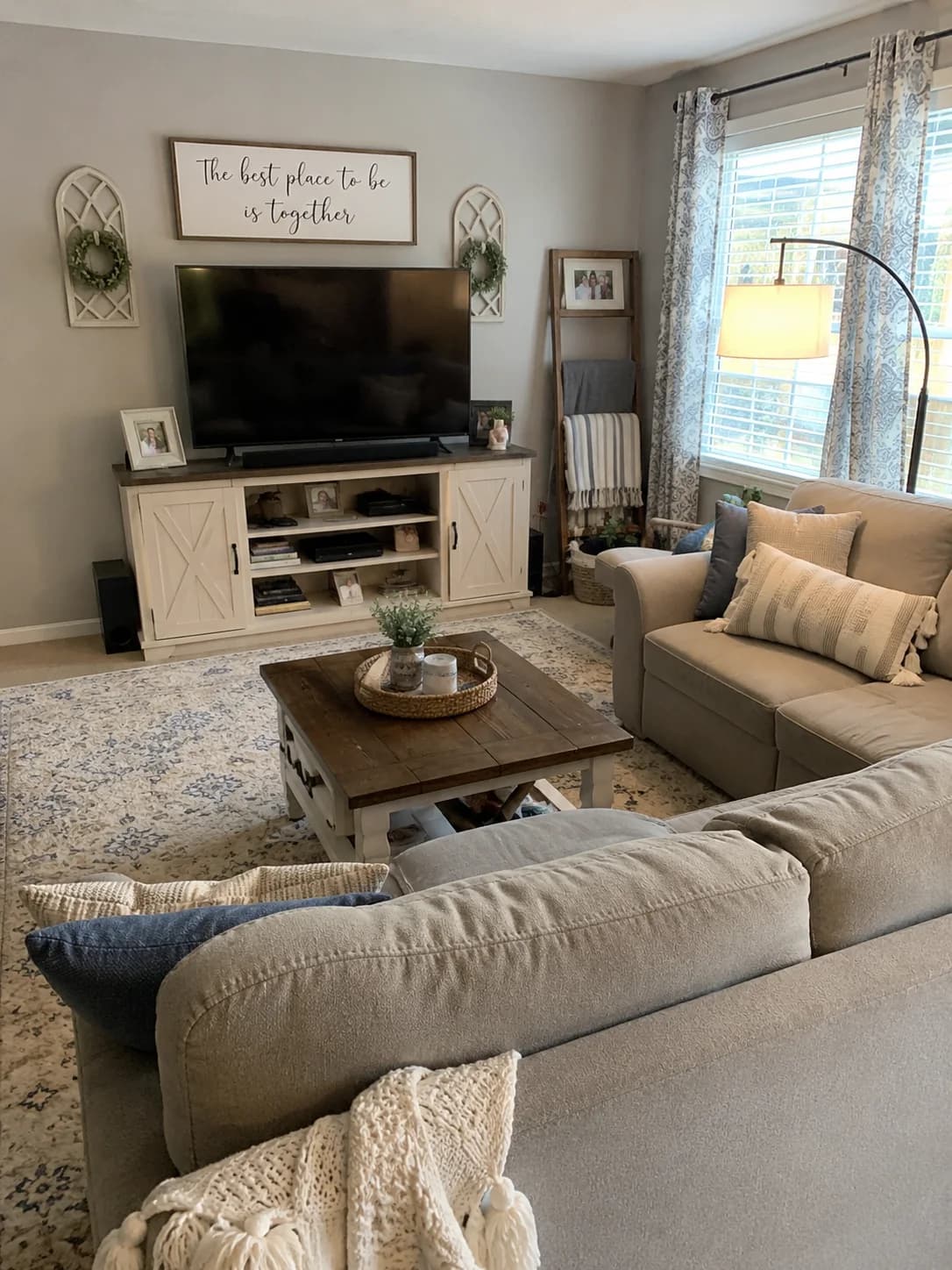
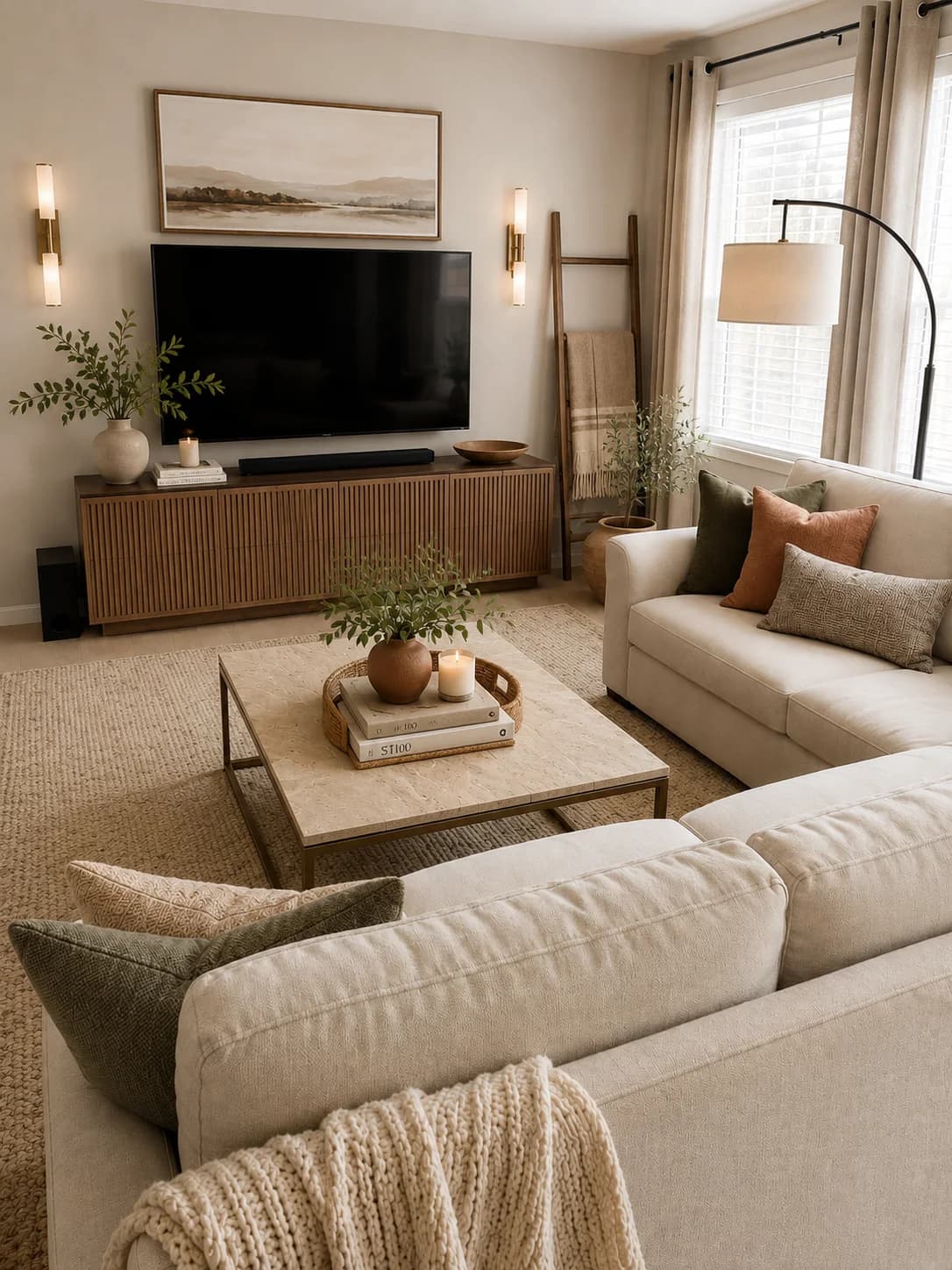
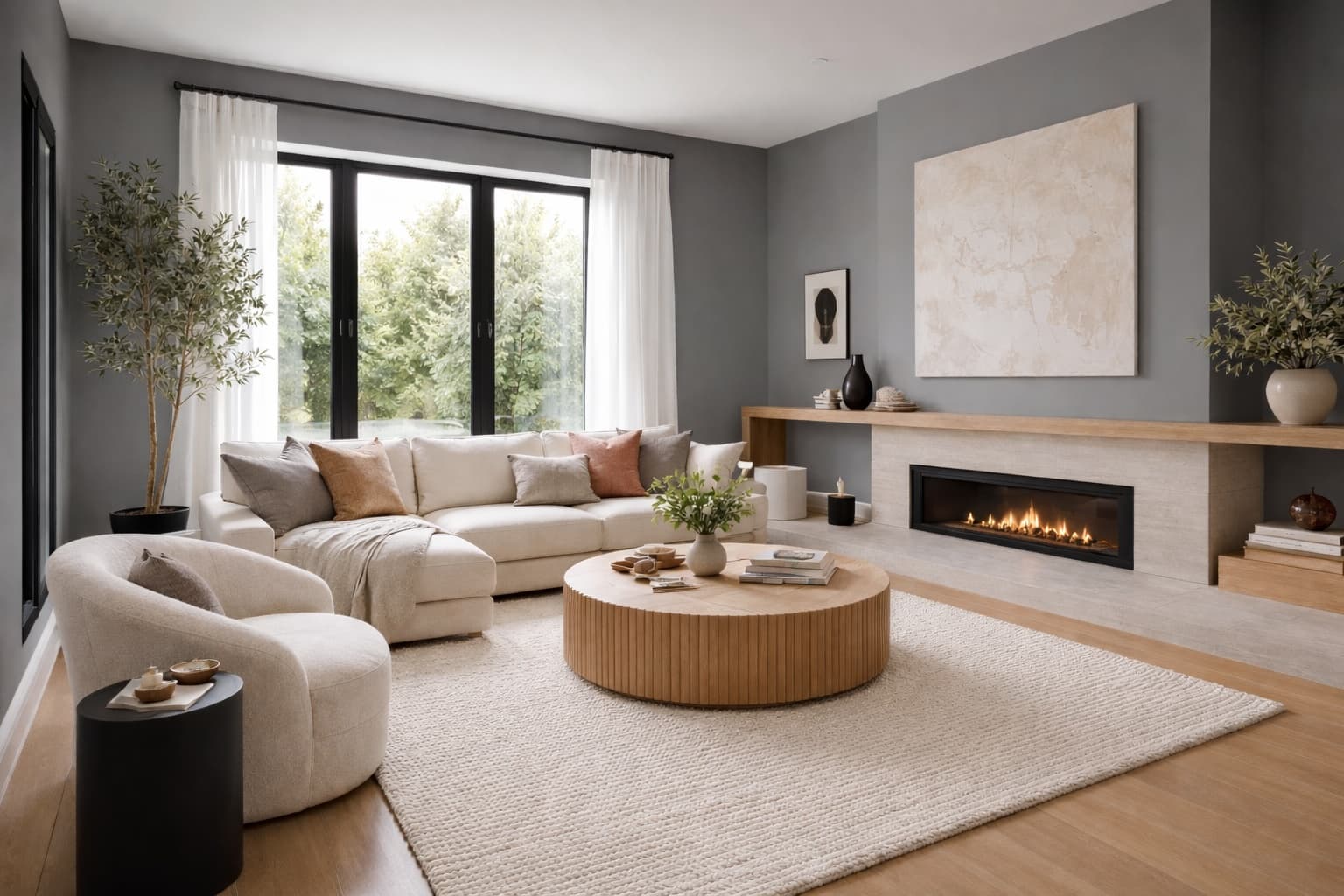
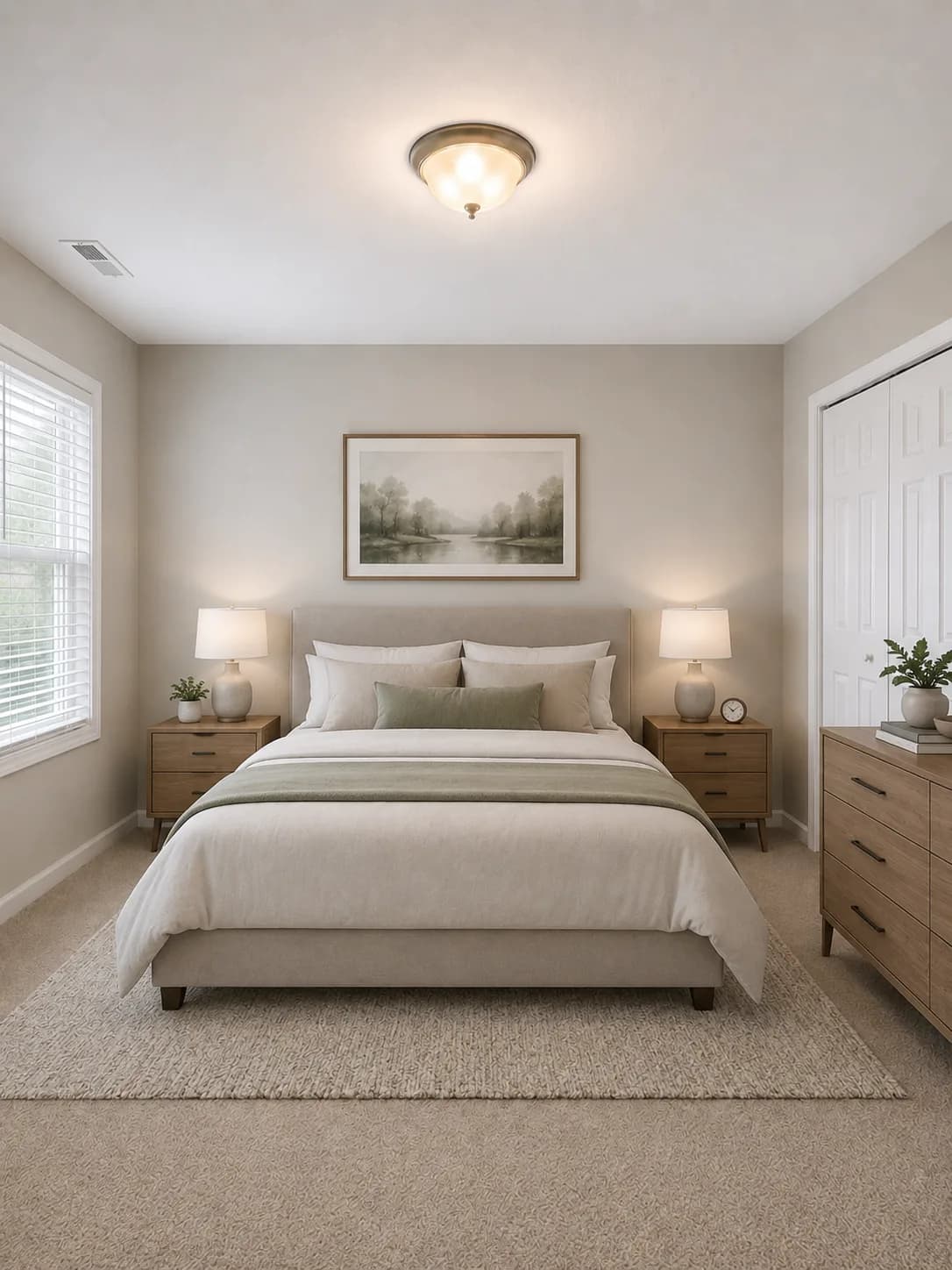
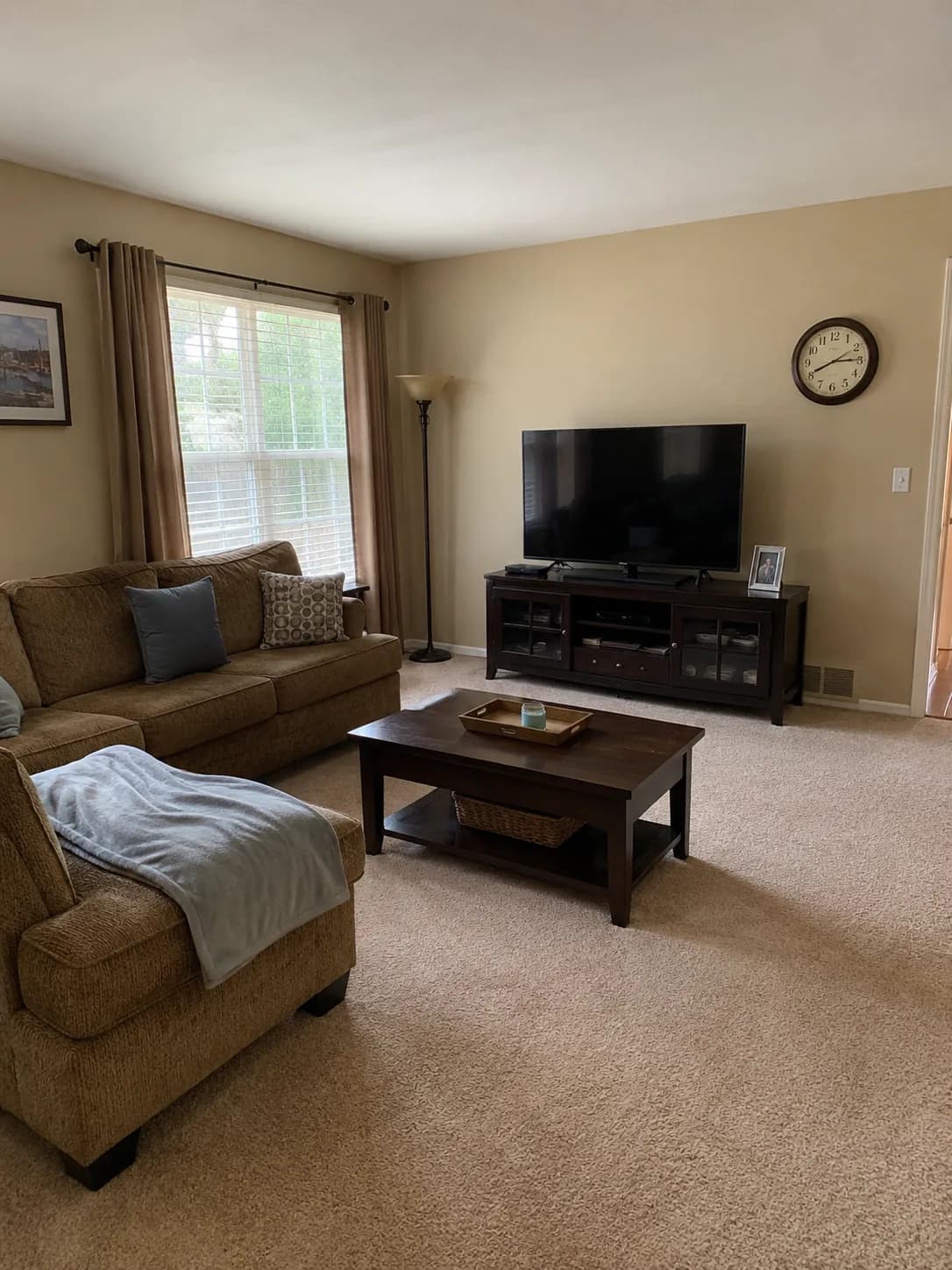
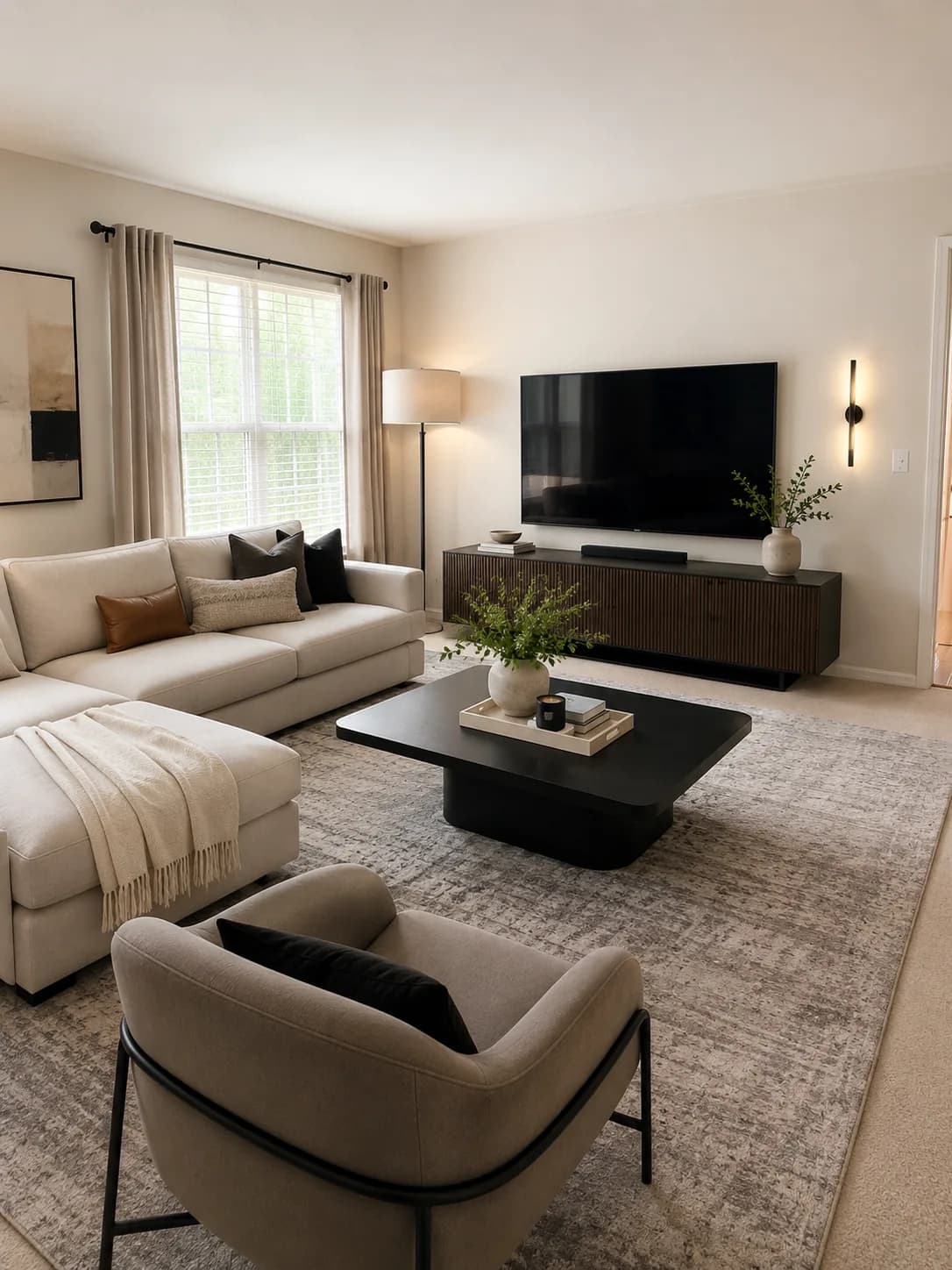
Interior Design before transformation
Before
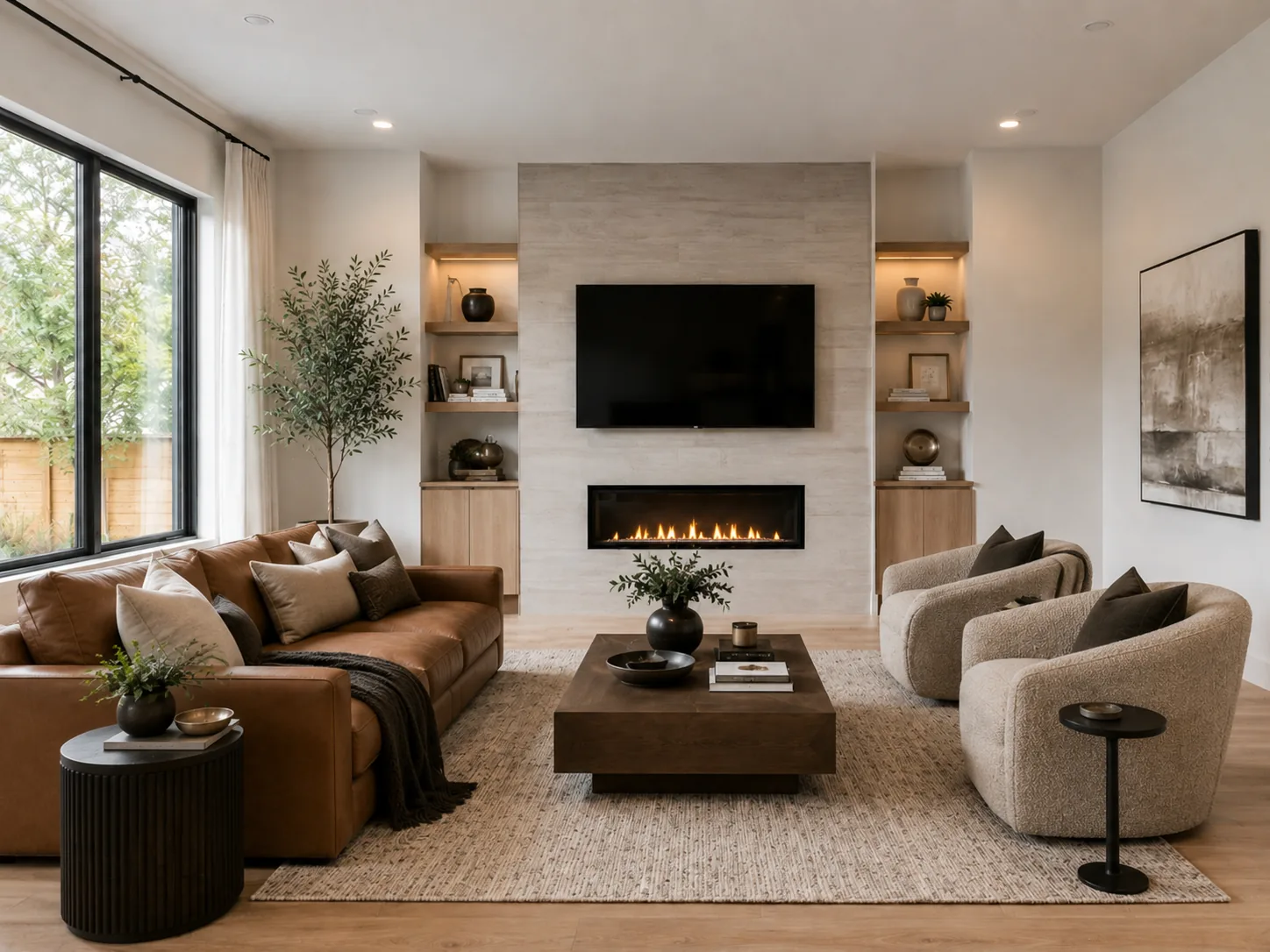
Interior Design after AI transformation
AI Render

Transform living rooms, bedrooms, and more with stunning new design styles. See your space in modern, coastal, farmhouse, and countless other aesthetics.

Try Interior Design

Ready to reimagine your home?

Redesign your home in any direction

Start from real rooms, exteriors, and yards, then compare polished AI concepts before committing to a style, material palette, or remodel direction.

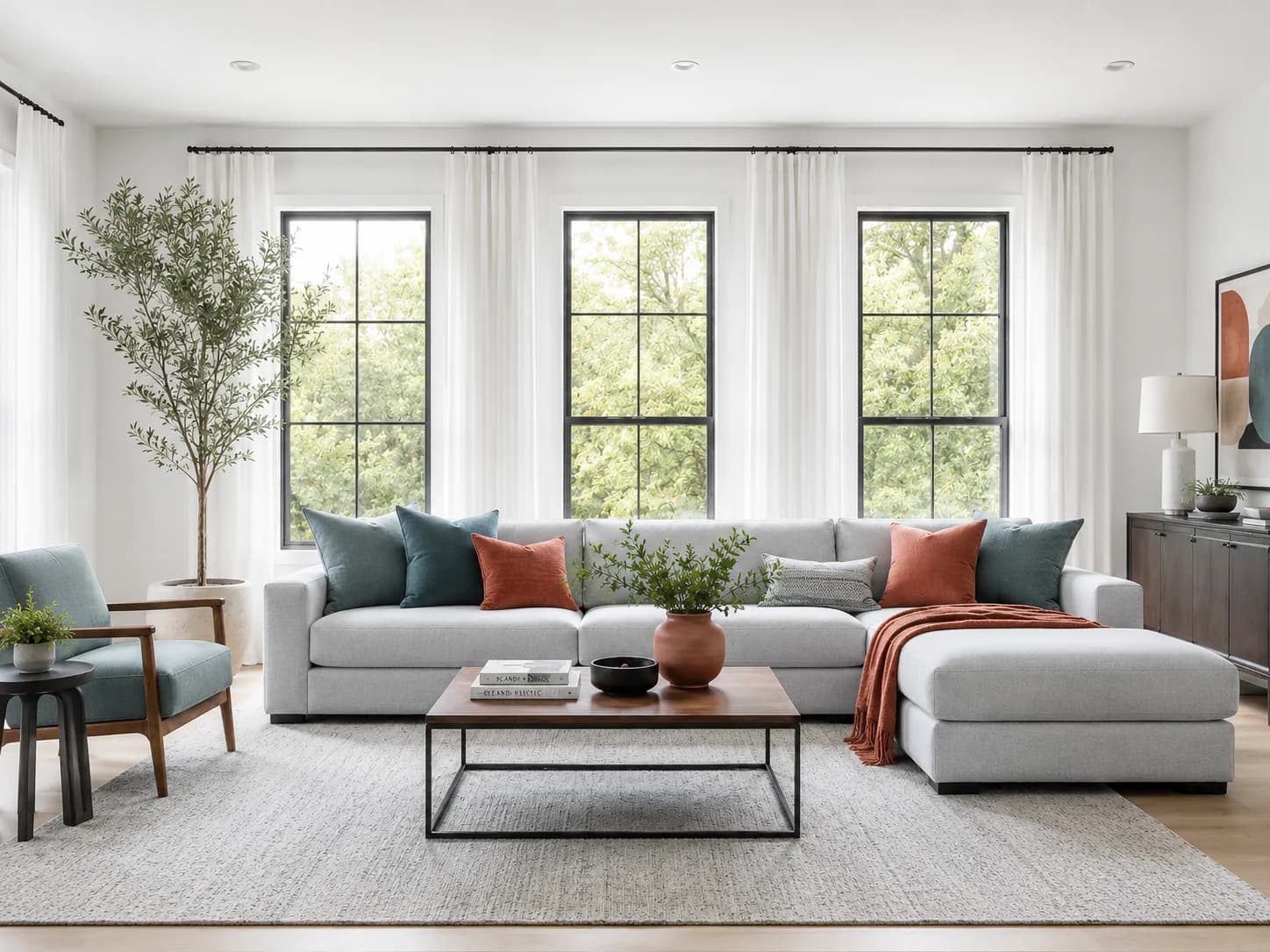
Living Room visualized in Contemporary style
Contemporary
Living Room visualized in Transitional style
Transitional
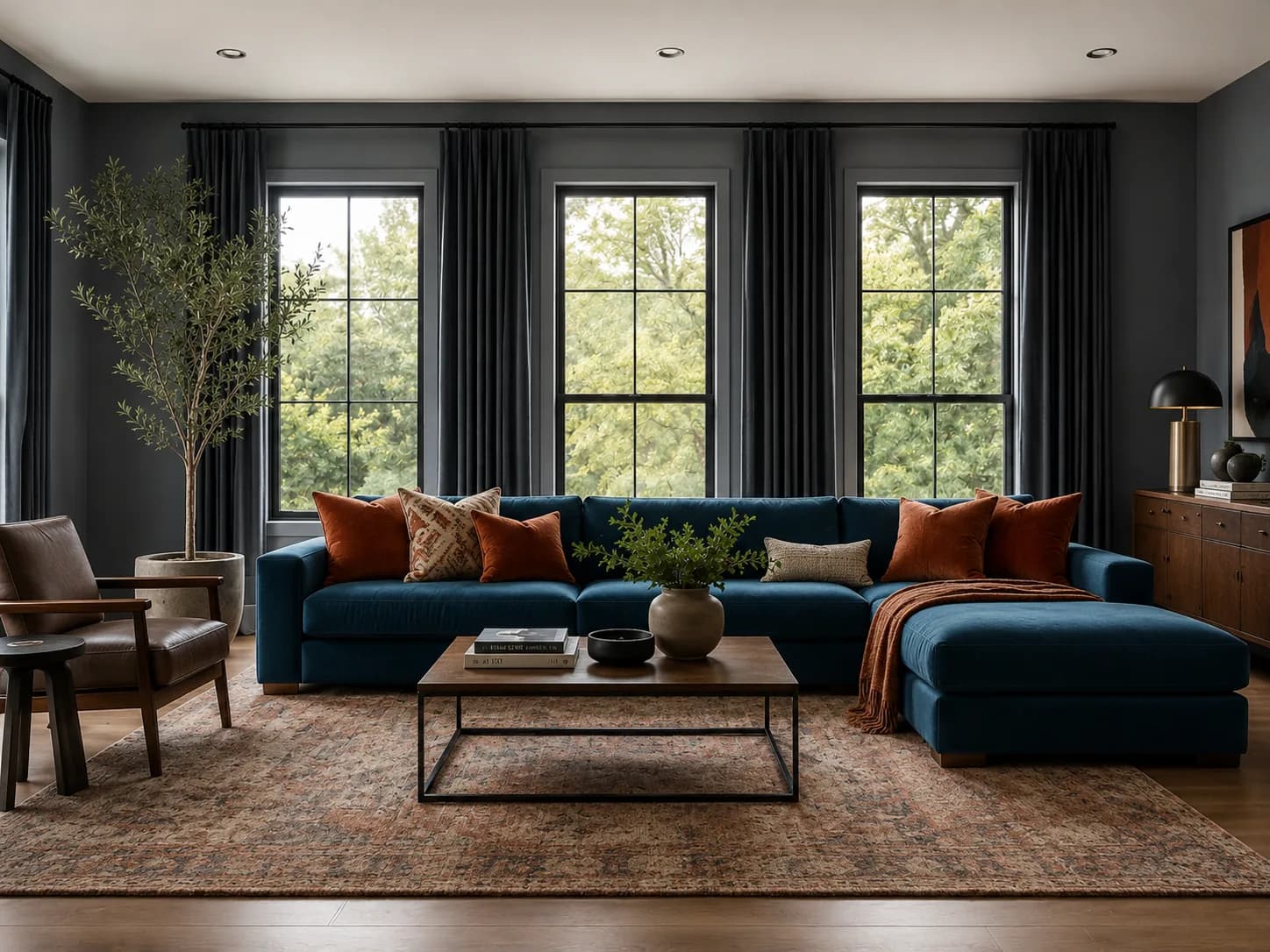
Living Room visualized in Art Deco style
Art Deco
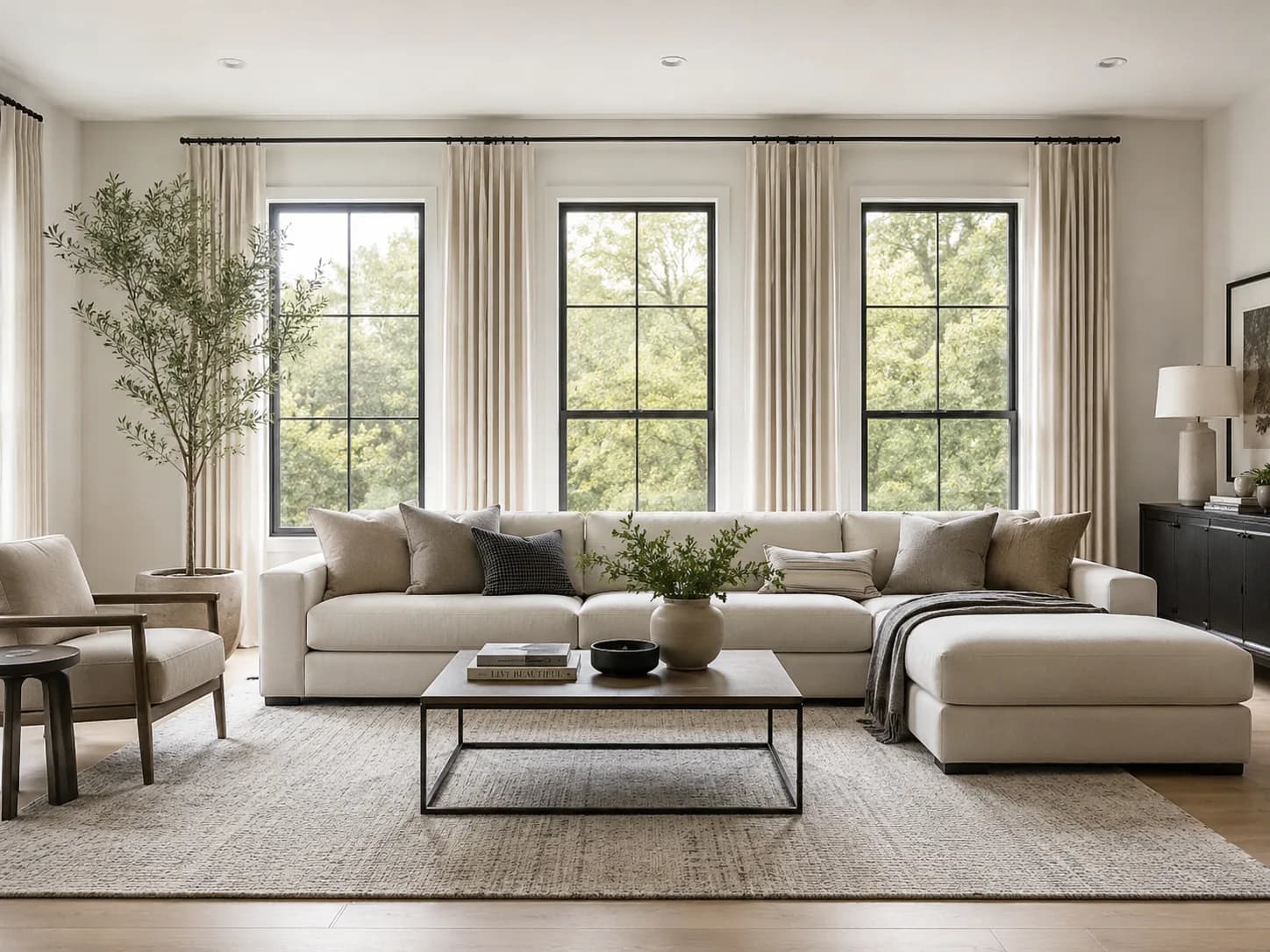
Living Room visualized in Minimalist style
Minimalist

Compare styles before you commit.

Visualize products in your home

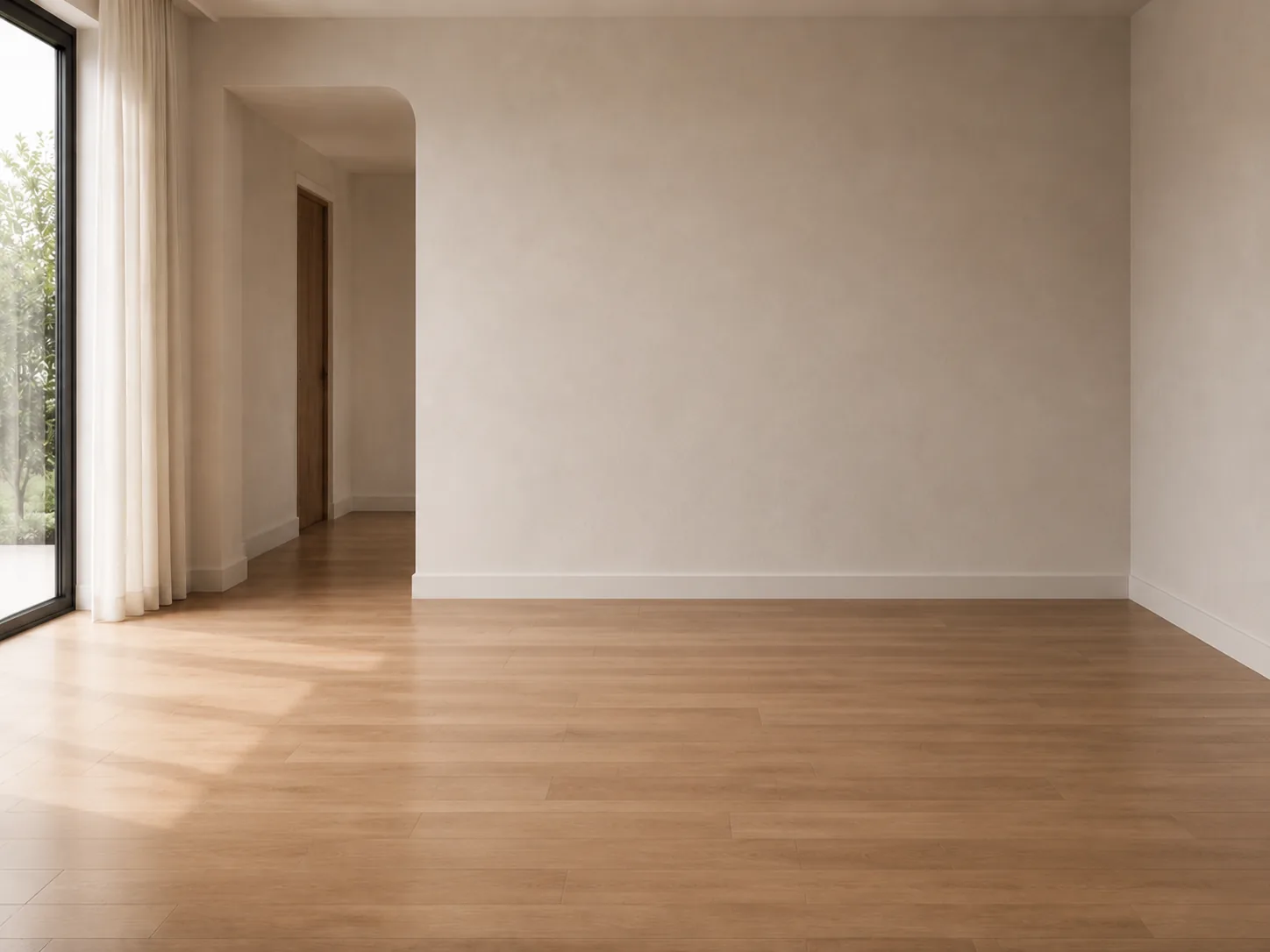
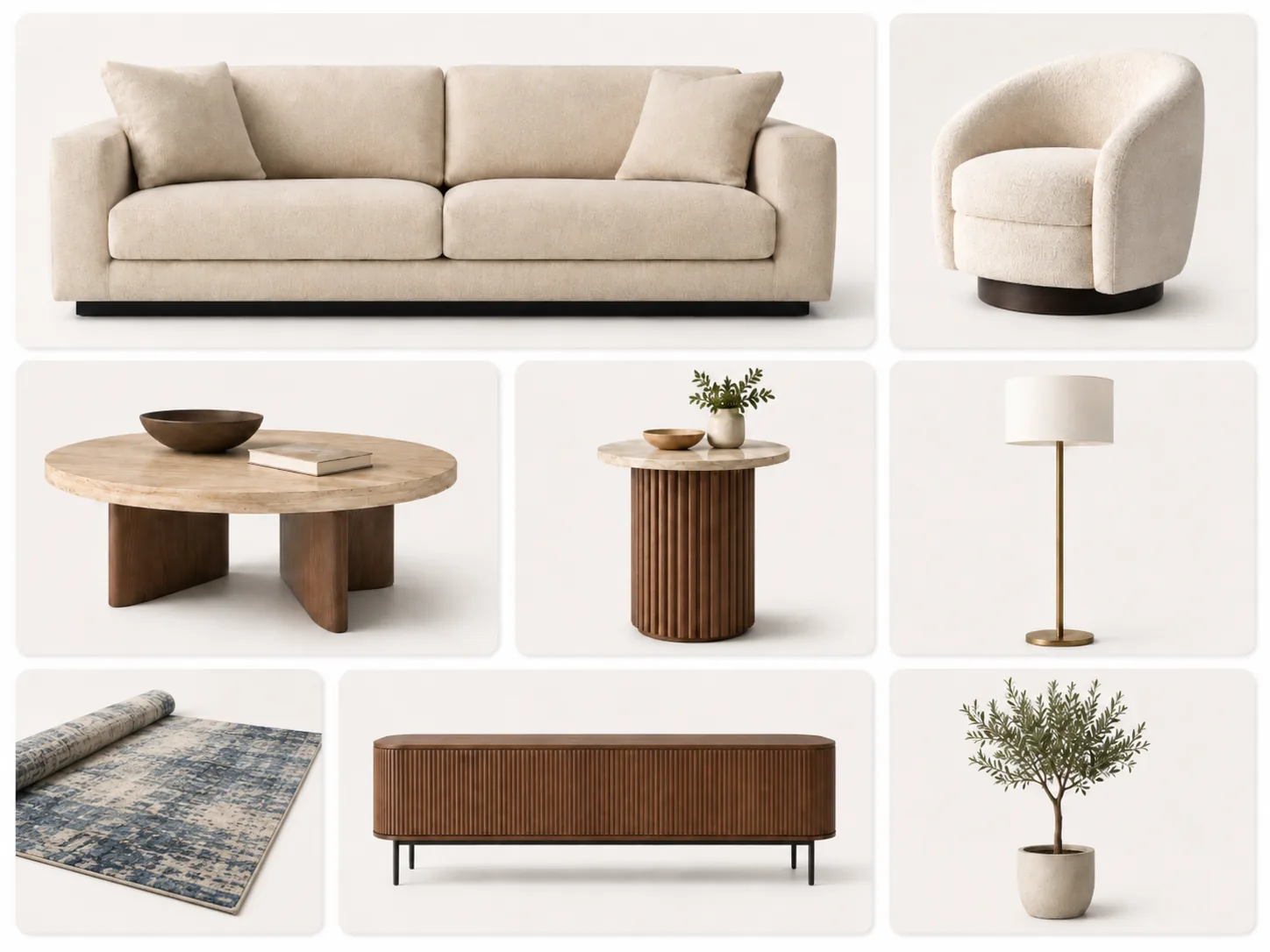
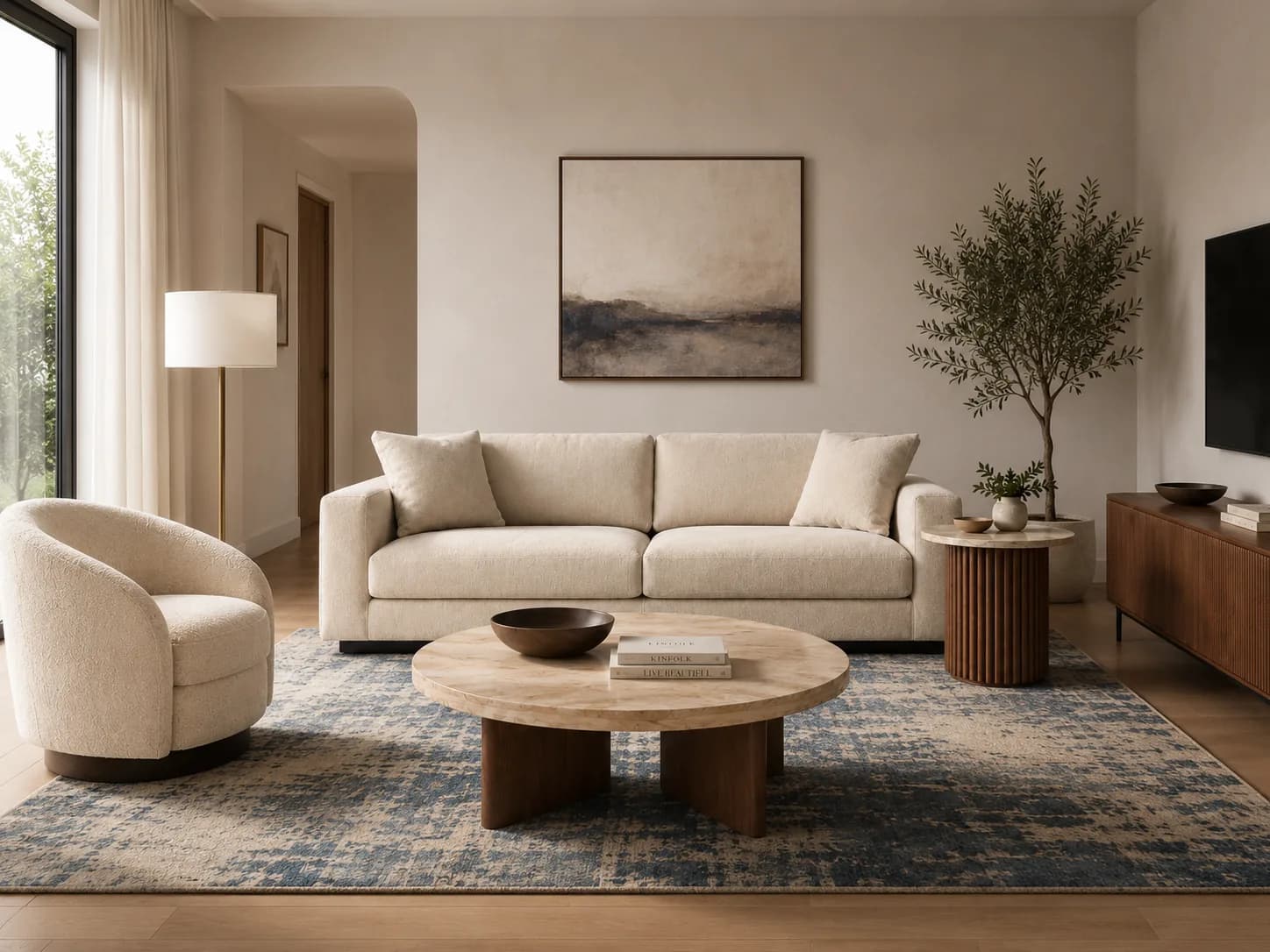
Upload a room photo, add an inspiration image or product references, then preview how those choices work together in the same space.

01

Uploaded space

Bathroom uploaded before photo
02

Bathroom selections

Bathroom inspiration reference
03

Fused AI preview

Bathroom style fusion AI preview

Fuse your room with a design direction.

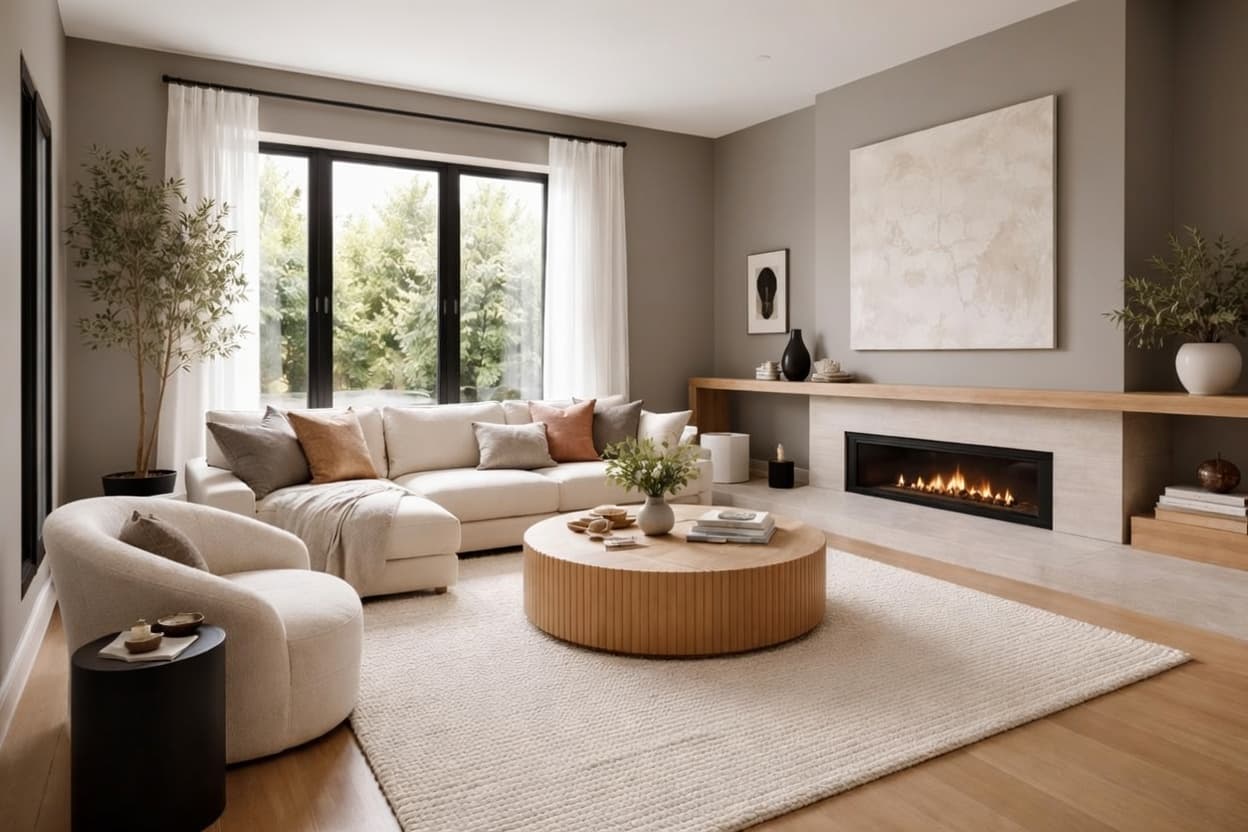
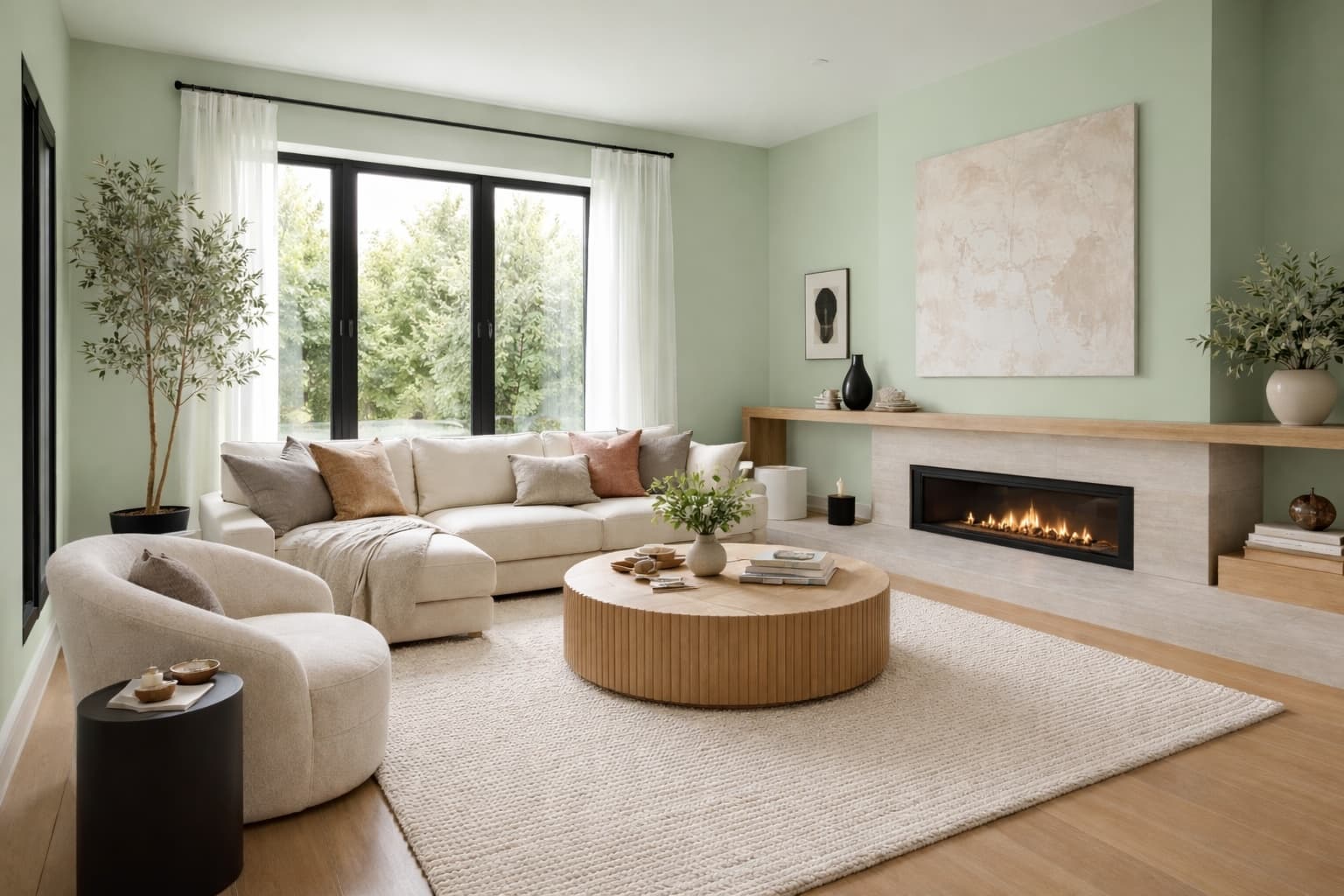
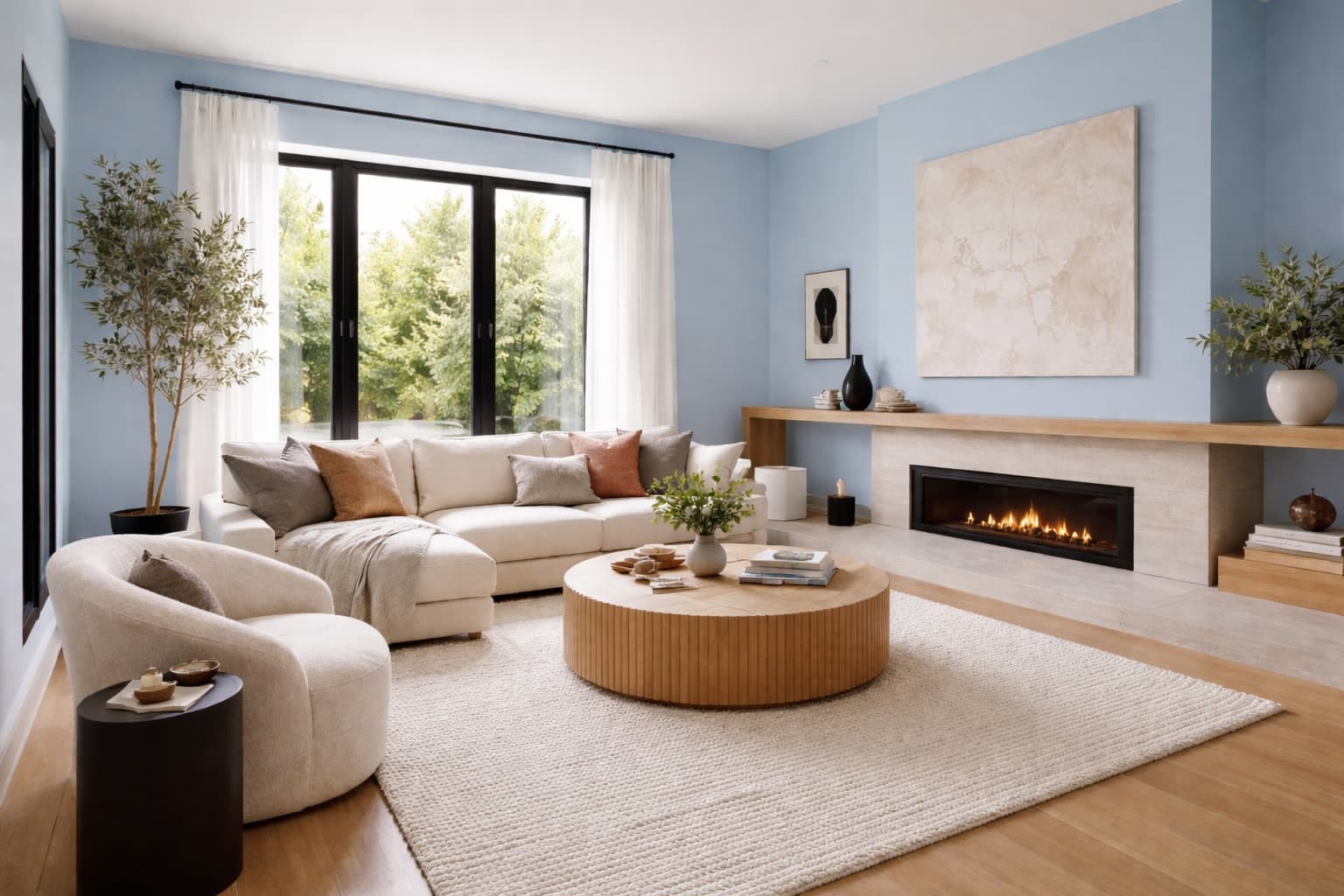
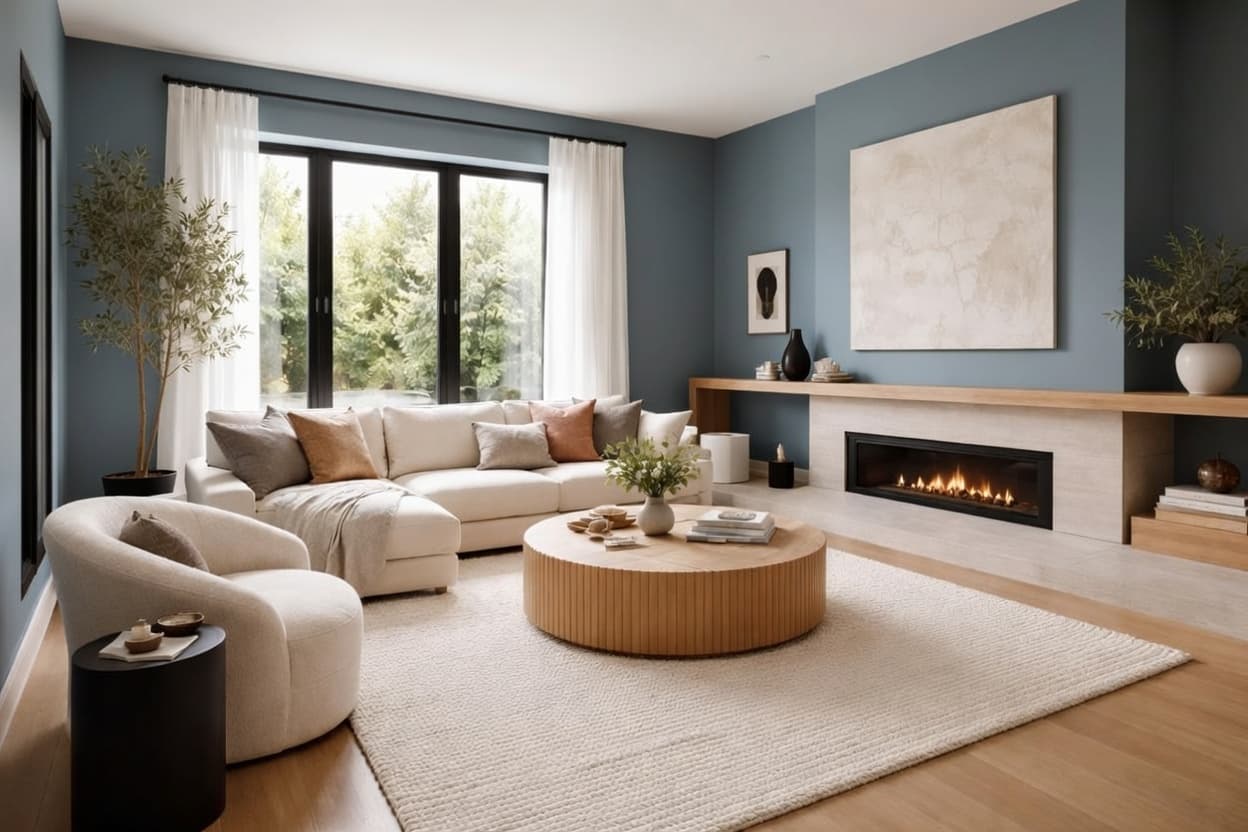
Preview real paint colors in your home

Upload a photo of your room or home exterior and preview real paint colors from top brands like Behr, Sherwin-Williams, Benjamin Moore, and more in seconds.

Before
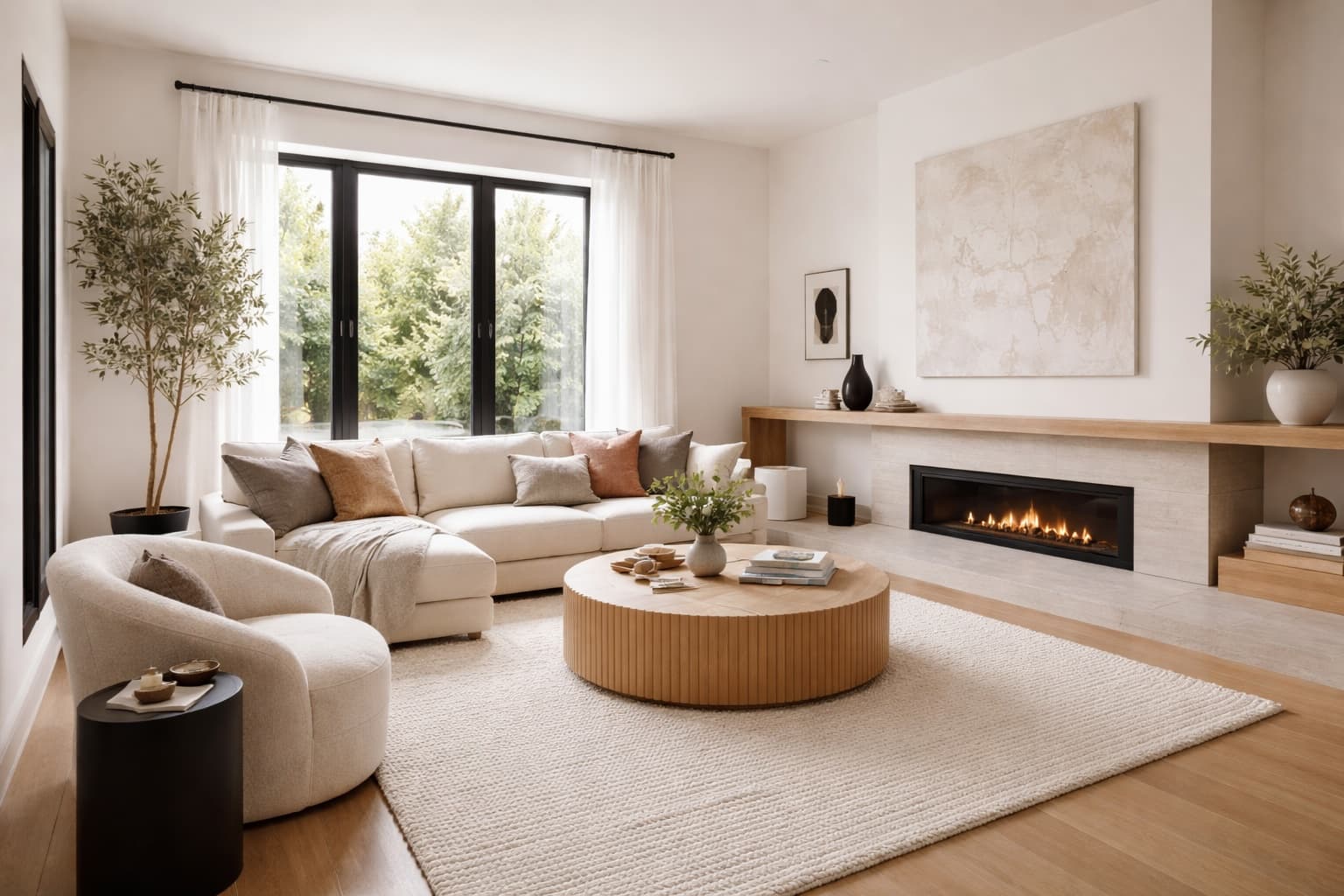
Original interior before paint visualization

After

Paint preview
interior visualization with Soft Beige paintinterior visualization with Warm Greige paintinterior visualization with Pale Mint paintinterior visualization with Sky Blue paintinterior visualization with Steel Blue paintinterior visualization with Slate Gray paint

Preview real paint colors.

Customize every detail with precision

Ask for the exact room edit you want. Home Visualizer AI keeps the parts of your space you love while previewing new finishes, fixtures, colors, and design details.

Before

Uploaded kitchen photo
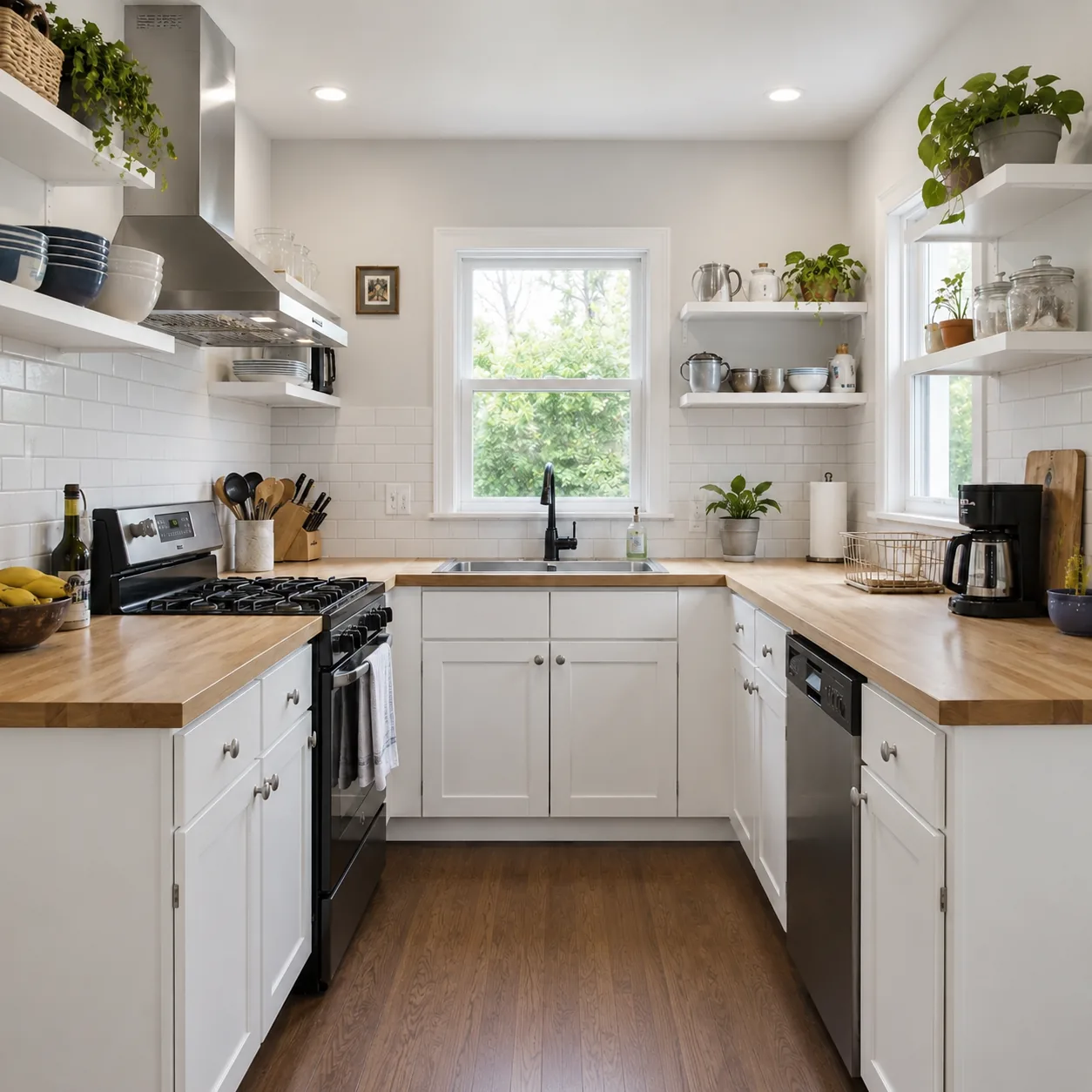
Original photo
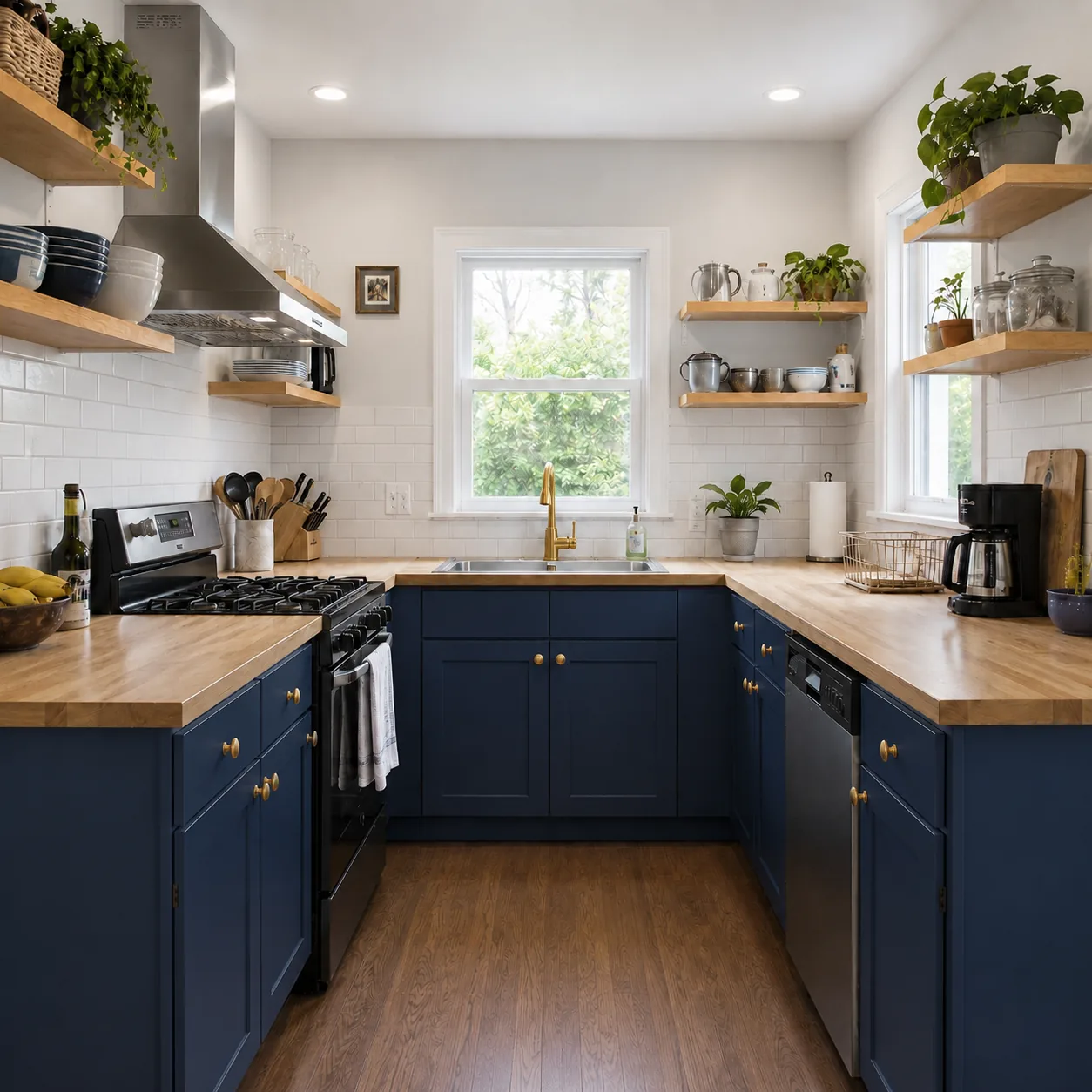
Original kitchen with white cabinets and white open shelving before a custom update

Custom request

Directed AI edit

Prompt
User requestUpdate the cabinets to navy, change the open shelving to warm oak, add gold accents, and keep everything else the same.

Output

Targeted visualization

Precise edit
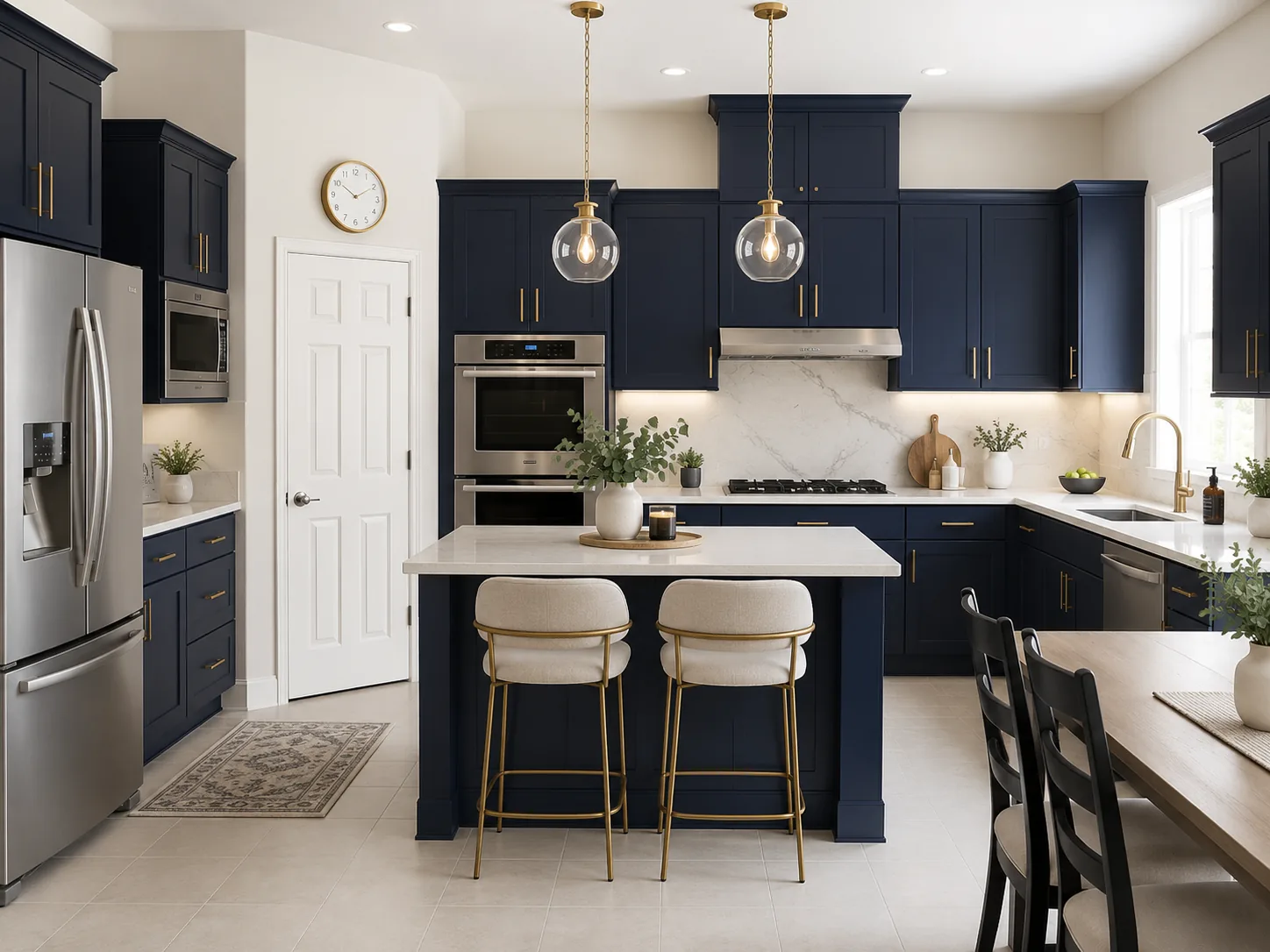
Kitchen visualization with navy cabinets, oak shelving, gold accents, and preserved flooring

Describe your exact edit.

Traditional Visualizers vs Home Visualizer AI

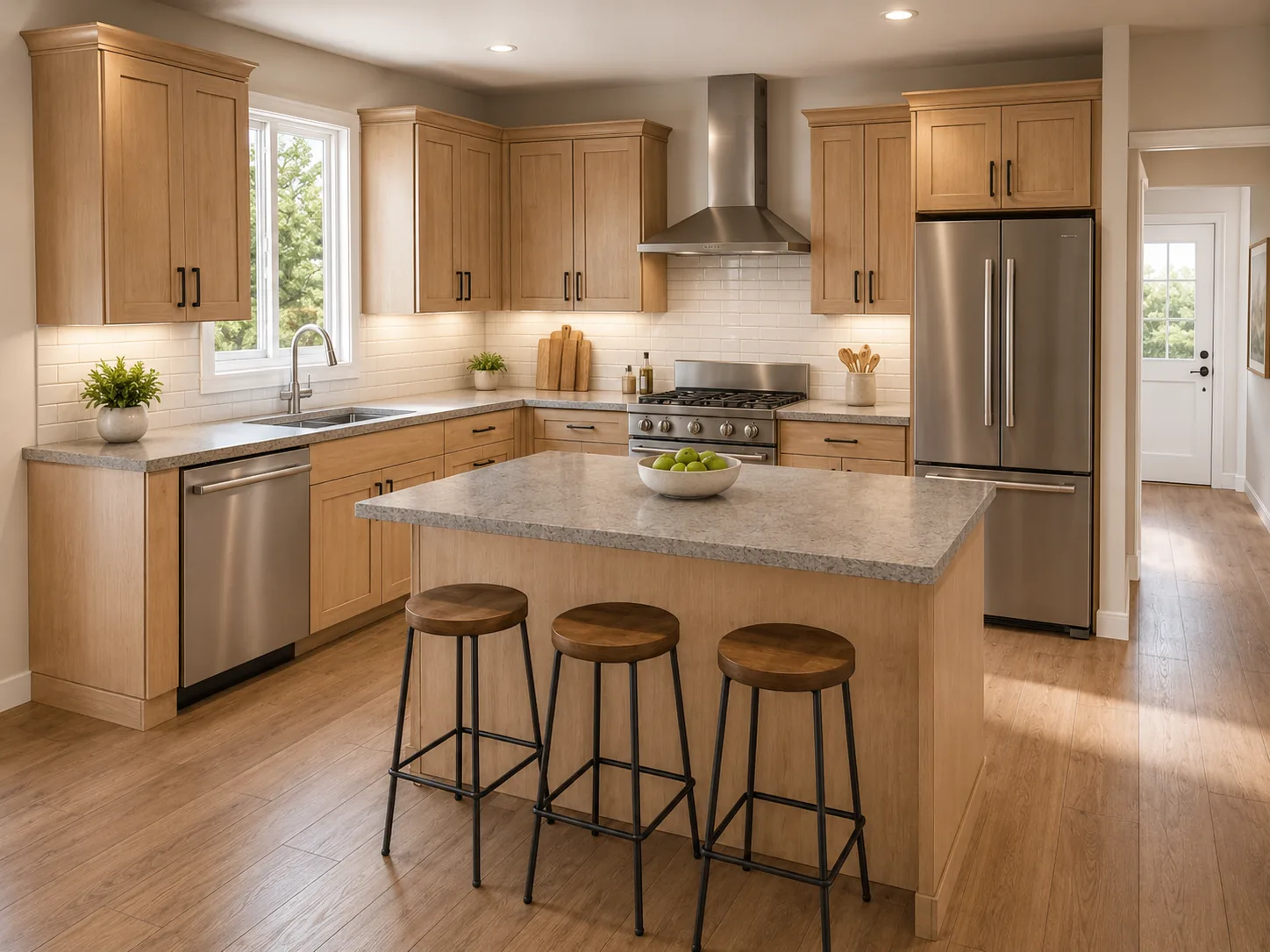
Traditional 3D visualizers make you model a space from scratch. Home Visualizer AI lets you skip the complex setup, just describe your idea, and instantly preview realistic design changes.
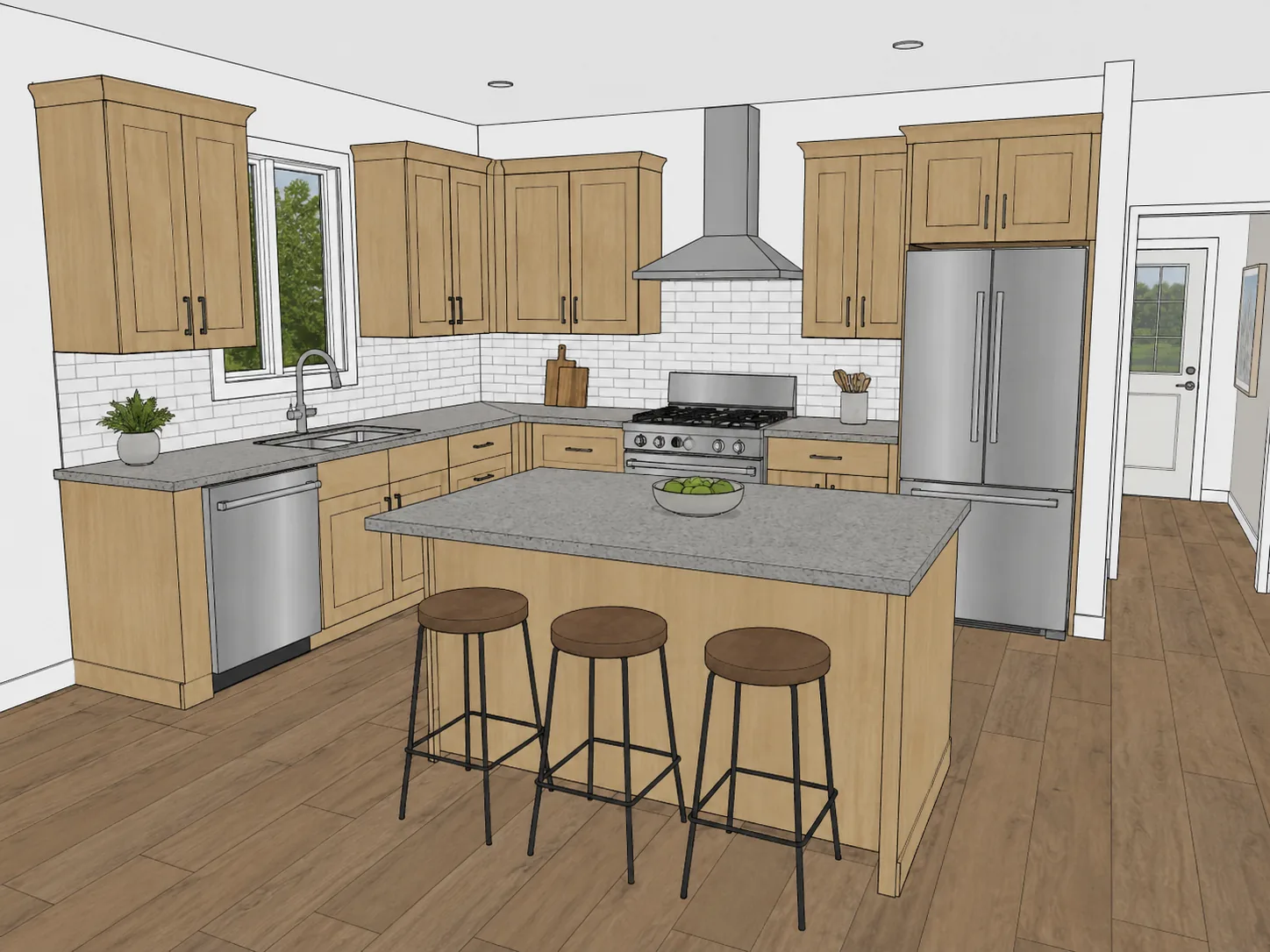
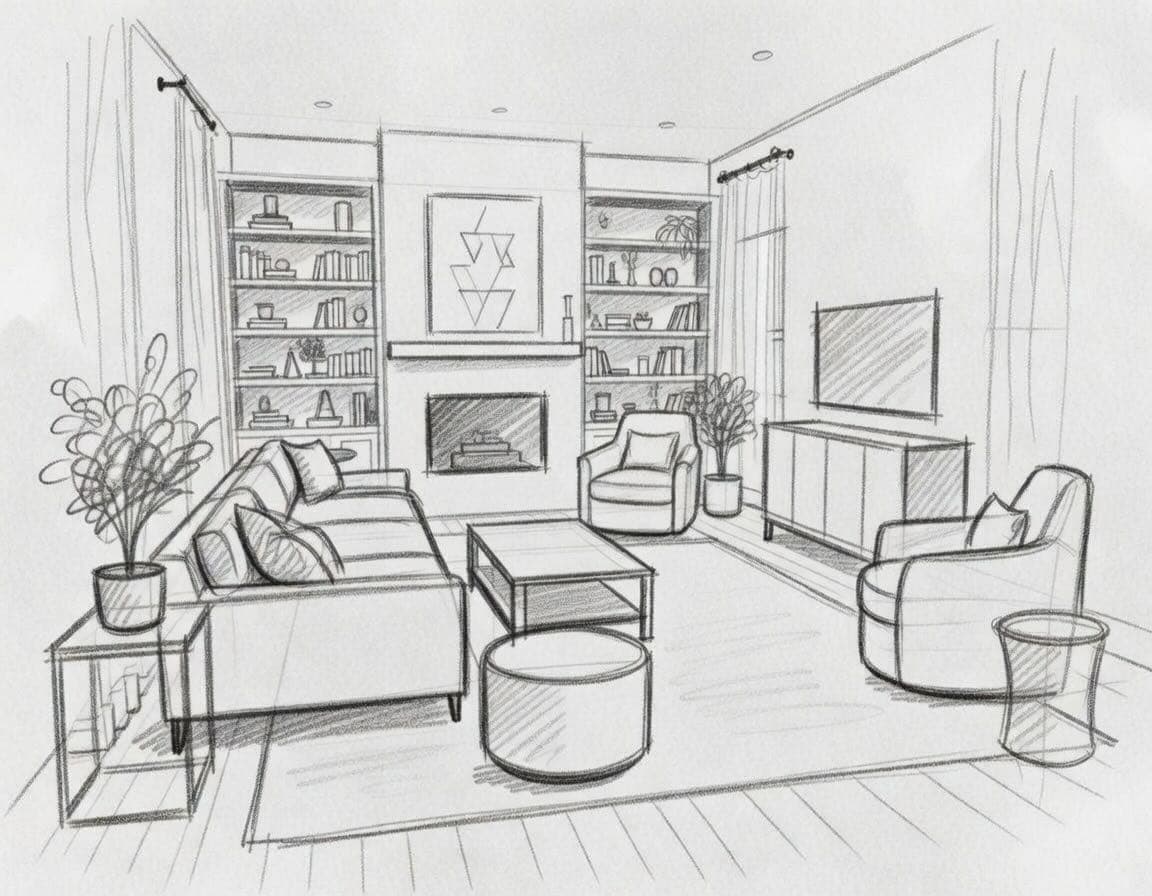
Kitchen design sketch before visualization
Traditional Visualizers
Hard to evaluate materials, lighting, and finished-room impact
Photorealistic AI kitchen design visualization
Home Visualizer AI
Ultra-realistic renders, compare options, and make decisions faster.
Feature
Traditional 3D visualizers
Home Visualizer AI
Works for interior and exterior projects
Both can support rooms, kitchens, exteriors, and larger home projects
Start from real project photos
Upload actual rooms, exteriors, kitchens, yards, listings, sketches, elevations, and renders
Limited
Fast concept generation
Preview design directions in seconds without manually modeling the space
No manual 3D modeling required
Skip measured floor plans, object placement, material setup, and lighting configuration
Custom directed edits
Describe exact changes like cabinets, countertops, trim, fixtures, finishes, colors, and landscaping
Limited
Preserve existing layout and details
Keep architecture, room layout, lighting, fixed details, and areas you do not want changed where needed
Limited
Real paint color previews
Preview interior and exterior colors from Behr, Sherwin-Williams, Benjamin Moore, Dunn-Edwards, PPG, and Valspar
Professional iteration workflow
Download renders, compare ideas, make variations, and share concepts

Visualize your home instantly.

Trusted, Secure, Reliable

Built for professional home projects, with reliable rendering, secure project data, and responsive support.

Premium Service
Contact us anytime for personalized support to address all your needs.
A1 +E %B 9=
5%B29=F &C3#
=F &C #? 7*
3#? 7*D4$A18
*D $A 8+ 5%
18+E5%B29
Data Security
Your data deserves the best protection. We will never sell it or use it for training.
Global Support
Empowering designers, homeowners, and creative teams around the globe.

Frequently Asked Questions

Need help with a specific workflow? Email support@homevisualizer.ai.

Home Visualizer AI is an AI home design visualizer that turns your own photos, sketches, elevations, or renders into realistic design concepts. You can redesign rooms, kitchens, bathrooms, home exteriors, patios, yards, gardens, real estate listing photos, and early concept images before you hire a contractor or buy materials.
Home Visualizer AI can help you compare design directions before you buy materials, order paint samples, hire a contractor, or request multiple design revisions. It is built to make early planning faster and help you narrow down ideas with more confidence.
Yes. Home Visualizer AI is built around your actual project images instead of generic templates. Upload a room photo, kitchen photo, house exterior, backyard, front yard, sketch, elevation, low-fidelity render, or under-construction space, then choose the design workflow that matches what you want to test.
Yes. Home Visualizer AI runs in your browser, so you can use it on a desktop, laptop, tablet, iPhone, iPad, or Android device with an internet connection. For the easiest upload and review experience, larger screens are often better for detailed design work.
Upload a photo of the room you want to redesign, choose a style or write a custom prompt, and generate new room design options in seconds. You can use it for furniture layout ideas, color palette exploration, staging concepts, material swaps, and full interior design direction before committing to a renovation plan.
Yes. Paint Studio supports thousands of real paint colors from major brands including Sherwin-Williams, Benjamin Moore, Behr, Dunn-Edwards, PPG, and Valspar. You can test interior wall colors or exterior paint colors on your own home photos before ordering paint samples.
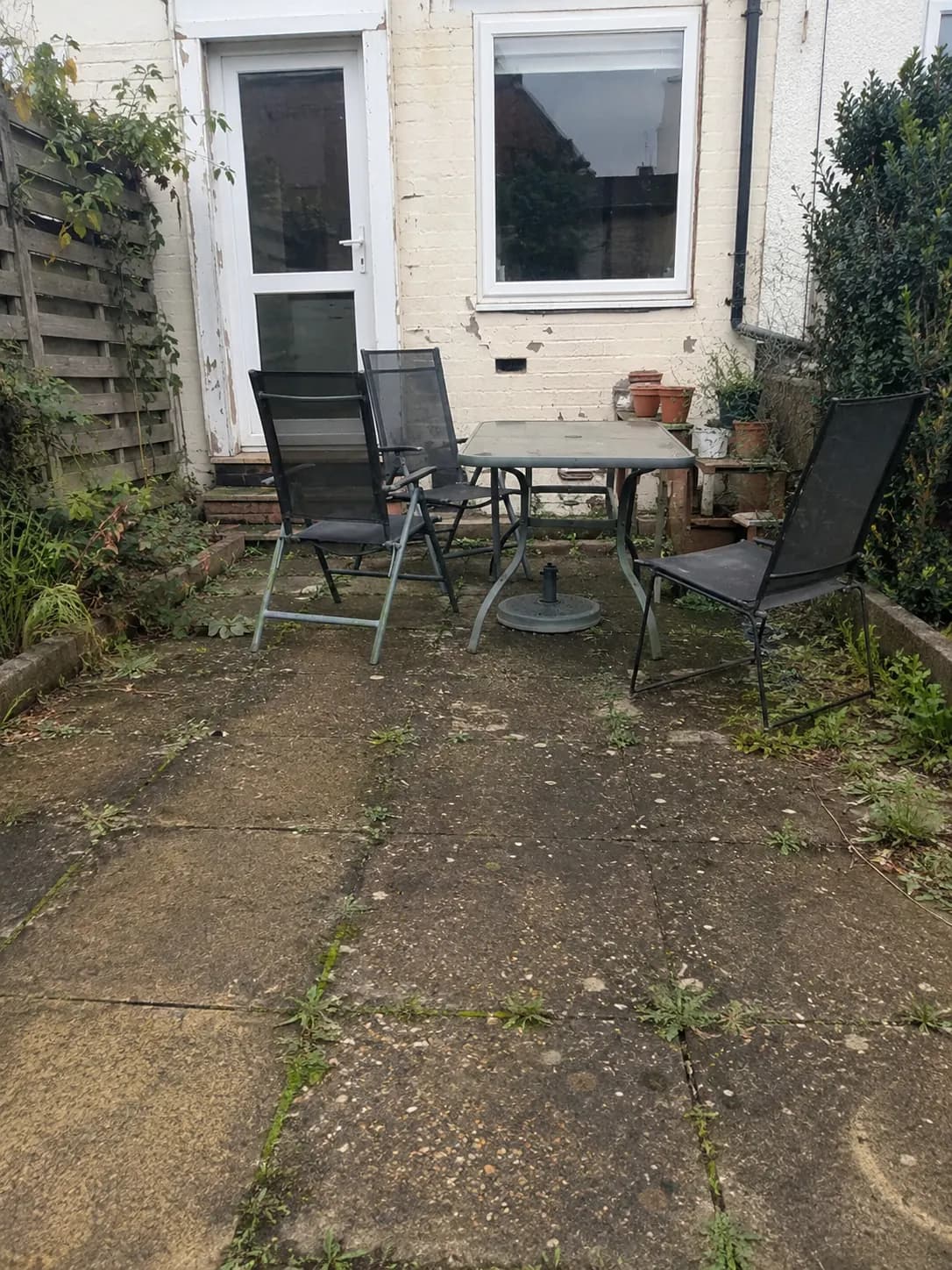
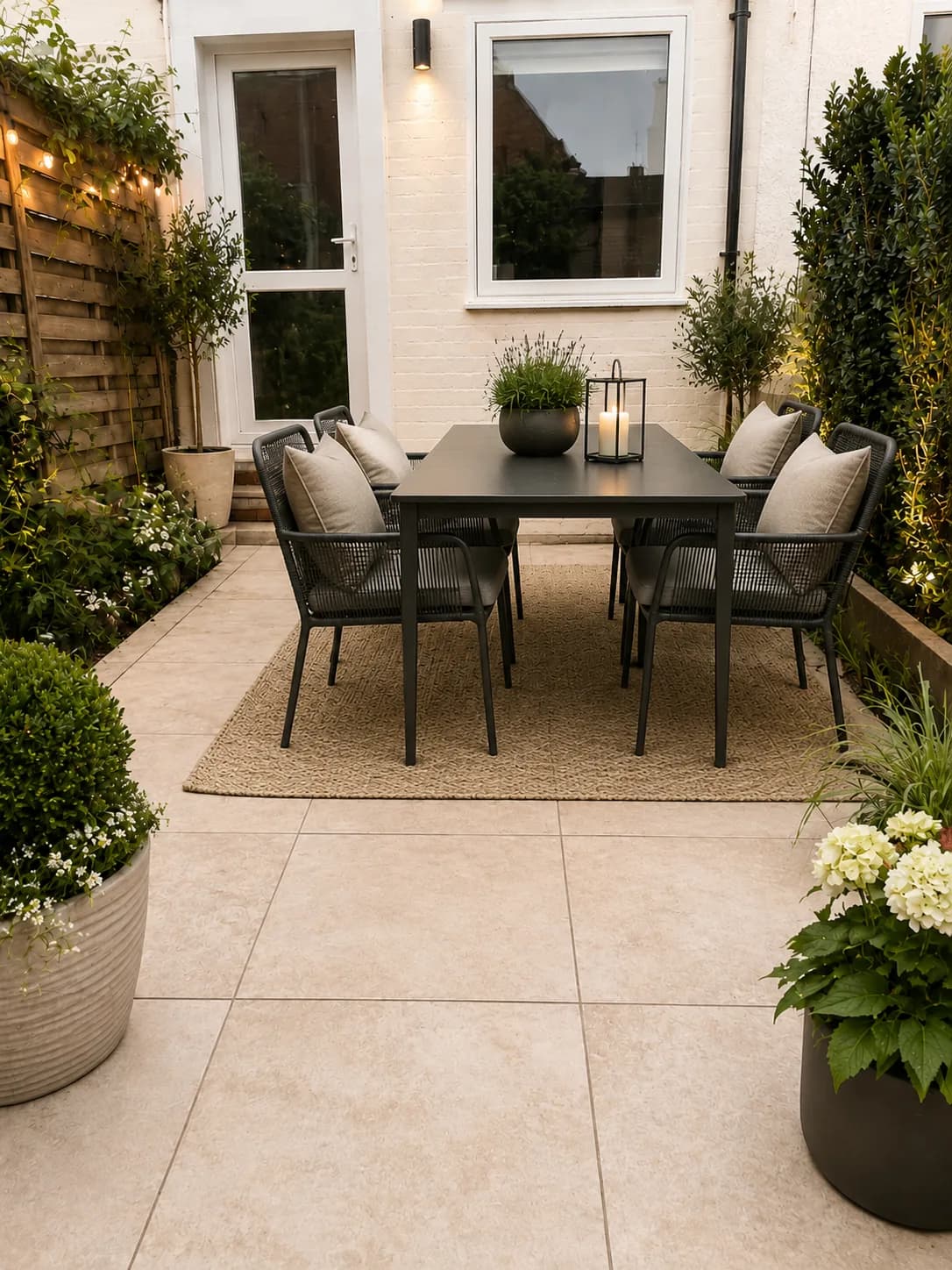
Yes. You can use Home Visualizer AI to explore kitchen remodels, bathroom renovations, exterior home design, curb appeal ideas, landscaping updates, and virtual staging. Upload a photo to preview cabinets, countertops, tile, siding, trim, front doors, patios, staged rooms, or real estate listing refreshes before committing to materials, revisions, or project direction.
Homeowners use it to make renovation decisions with more confidence. Interior designers, architects, contractors, landscapers, home builders, and real estate agents use it to present options, align clients, create faster concepts, and prepare clearer briefs. The renders are for visual planning and client alignment, not construction drawings.
Your images are used to create your visualizations. Uploads are processed only to generate the design results you request, and we do not sell your visualizations or uploads to third parties.

Start visualizing your home ideas today

Try Home Visualizer AI for free. No credit card required.

Try for free