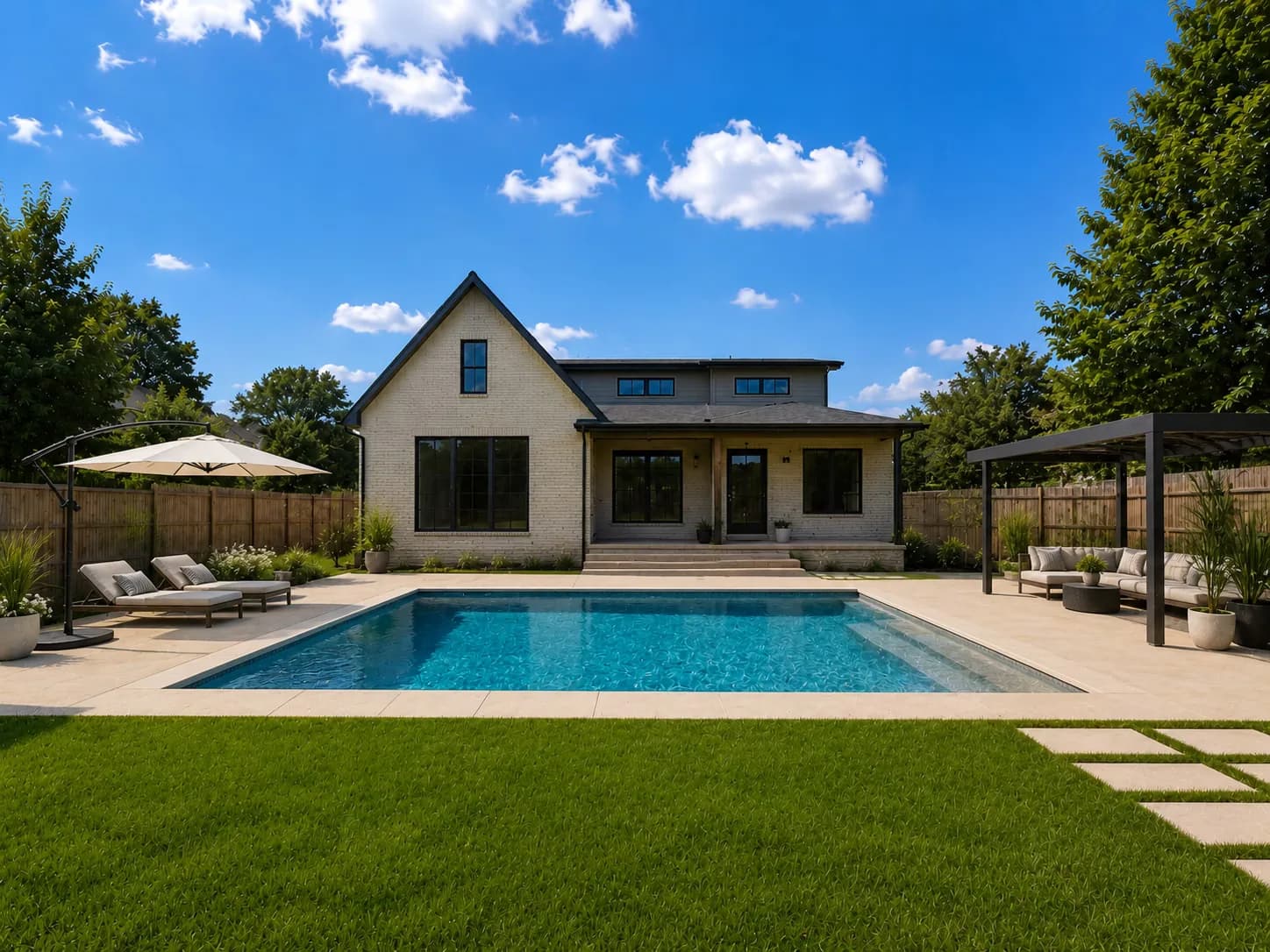
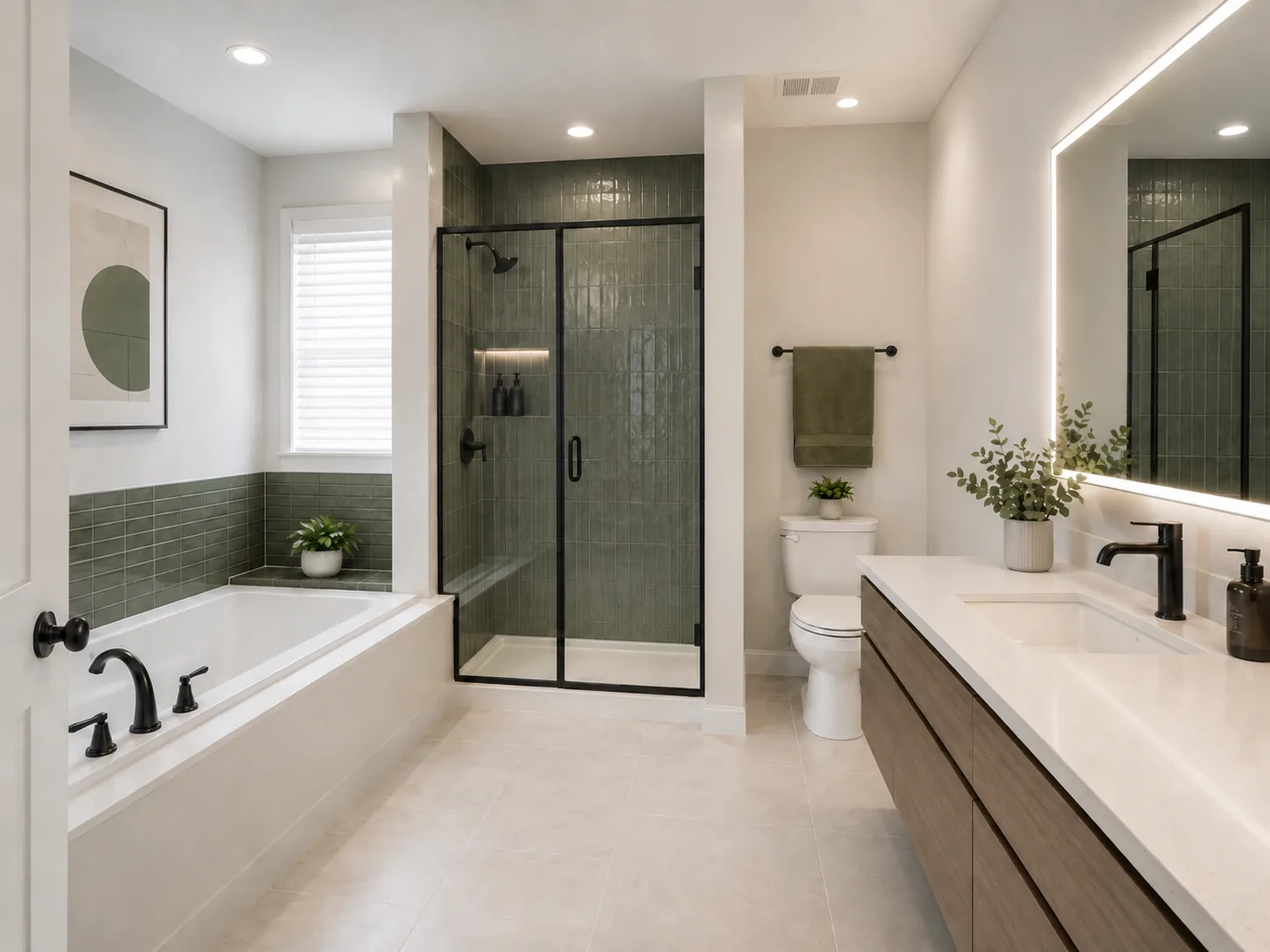
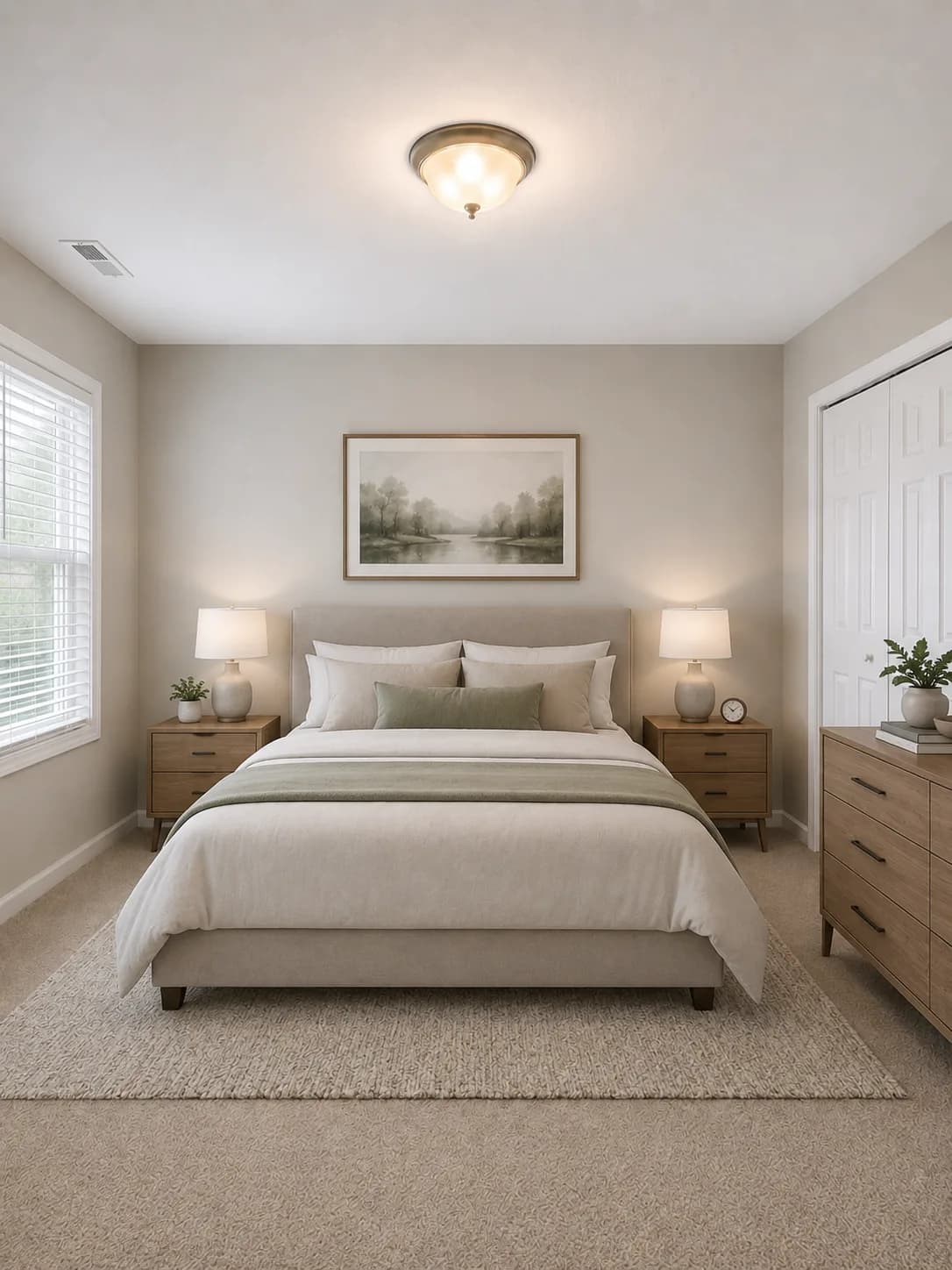
The #1 ranked AI home visualizer

AI Landscape Design Ideas in Seconds

Upload a photo of your yard, patio, or garden. Preview pools, firepits, outdoor kitchens, planting beds, patios, and complete landscape concepts before you start the project.

Landscape concepts
Flower Beds AI landscape design preview

Trusted By Professionals

Join thousands of design professionals and homeowners

1 million+
Images Processed
500k+
Users Inspired
98%+
Satisfaction Rate
Interior Designers
Architects
Real Estate Agents
Homeowners
Contractors
Staging Professionals

Design outdoor spaces in seconds

No landscape design skills required. Upload, choose, and visualize your yard in a few easy steps.

Drop outdoor photo
Yard, patio, or garden
1

Upload a photo

Drop in a photo of your backyard, front yard, patio, garden, pool area, or exterior space.

Auto Style
Fast concepts
Custom
Describe your yard
Style Fusion
Use references
2

Choose a design mode

Start with Auto for fast outdoor ideas, or use Custom to describe the exact landscape concept you want.

Select Features
Choose outdoor features
Patio
Garden
Pool
Firepit
Kitchen
Lighting
3

Pick outdoor features

Ask for patios, planting beds, firepits, pools, outdoor kitchens, low-water yards, or curb appeal updates.

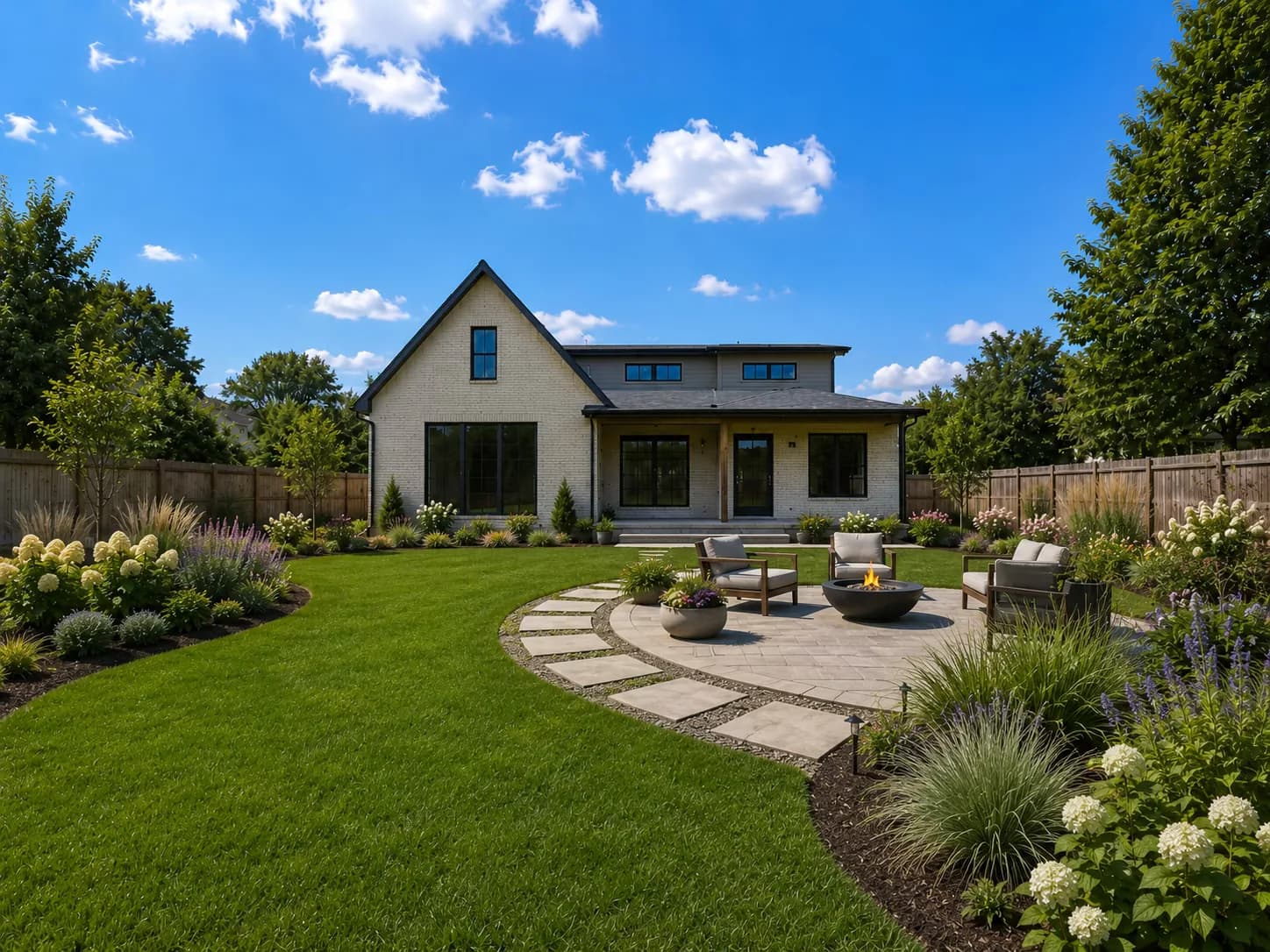
Backyard before AI landscape design
Backyard after AI landscape design
Creating landscape
4

Visualize in seconds

Preview realistic landscape concepts from your actual yard photo and compare directions before you build.

Visualize every part of your outdoor project

Explore planting, patios, water features, and outdoor living zones from the same yard photo.

Garden Beds before AI landscape design
Before
Garden Beds after AI landscape design
AI Render

Turn bare lawn or plain borders into layered garden beds, paths, seating pockets, and lush planting concepts.

Get started with your outdoor project.

Visualize products in your landscape

Upload a yard photo, add outdoor furniture, plants, hardscape, lighting, and material references, then preview the full concept in the same space.

01

Uploaded yard

Empty backyard patio and soil area before AI landscape product visualization
02

Outdoor selections

Outdoor furniture, pool, plants, lighting, hardscape, and material selections for an AI landscape design
03

AI landscape preview

Finished backyard AI landscape preview with pool, outdoor kitchen, firepit lounge, planting, and patio materials

Fuse your yard with outdoor products.

Landscape sketches vs AI renders

Traditional landscape visuals can be hard to evaluate. Home Visualizer AI turns early concepts into realistic outdoor previews with finished planting, lighting, furniture, and material direction.

Landscape concept sketch before AI rendering
Traditional Concept
Hard to judge final planting, lighting, texture, and atmosphere
Photorealistic AI landscape design render
Home Visualizer AI
Realistic outdoor previews that are easier to understand
Feature
Traditional visualizers
Home Visualizer AI
Preview planting and materials together
Evaluate trees, shrubs, planters, pavers, decking, concrete, fencing, and outdoor furniture in one view
Generate realistic landscape renders
Turn outdoor concepts into polished visuals with planting, lighting, furniture, and hardscape direction
Limited
No manual 3D modeling required
Skip measured site modeling, object placement, material setup, and manual lighting configuration
Start from a sketch or concept image
Use early landscape concepts, sketches, yard photos, patio photos, and outdoor reference images
Limited
Faster project decisions
Create a clear visual direction before sourcing products, preparing estimates, or starting revisions
Custom directed edits
Describe exact outdoor changes like firepits, retaining walls, seating, lighting, pools, and plant styles
Limited

Visualize outdoor concepts instantly.

Trusted, Secure, Reliable

Built for professional home projects, with reliable rendering, secure project data, and responsive support.

Premium Service
Contact us anytime for personalized support to address all your needs.
A1 +E %B 9=
5%B29=F &C3#
=F &C #? 7*
3#? 7*D4$A18
*D $A 8+ 5%
18+E5%B29
Data Security
Your data deserves the best protection. We will never sell it or use it for training.
Global Support
Empowering designers, homeowners, and creative teams around the globe.

Frequently Asked Questions

Have questions about AI landscape design? Find answers below or contact us at support@homevisualizer.ai

Upload a photo of your yard, patio, garden, or exterior space, then describe the outdoor design you want. Home Visualizer AI creates realistic landscape concepts with planting, hardscape, seating, pools, firepits, outdoor kitchens, and other features based on your image.
Yes. The AI landscape designer works with photos of your actual outdoor space, including backyards, front yards, side yards, patios, pool areas, and empty lots. Clear daylight photos give the most useful design previews.
You can preview garden beds, lawn layouts, patios, paver paths, pergolas, pools, ponds, firepit lounges, outdoor kitchens, seating areas, lighting concepts, low-water planting, and curb appeal updates.
Home Visualizer AI is best for exploring visual concepts, comparing directions, and communicating ideas before you hire or brief a professional. For construction, grading, irrigation, drainage, plant viability, and permitting, work with a qualified landscape designer or contractor.
Yes. Your projects are saved to your account, and paid plans include no-watermark downloads that you can share with clients, family, landscape contractors, or HOA review boards.

Start visualizing your home ideas today

Try Home Visualizer AI for free. No credit card required.

Try for free