AI Paint Visualizer in Seconds

Upload a photo of your room or home exterior and preview real paint colors from top brands like Behr, Sherwin-Williams, Benjamin Moore, and more in seconds.


WallsSelected
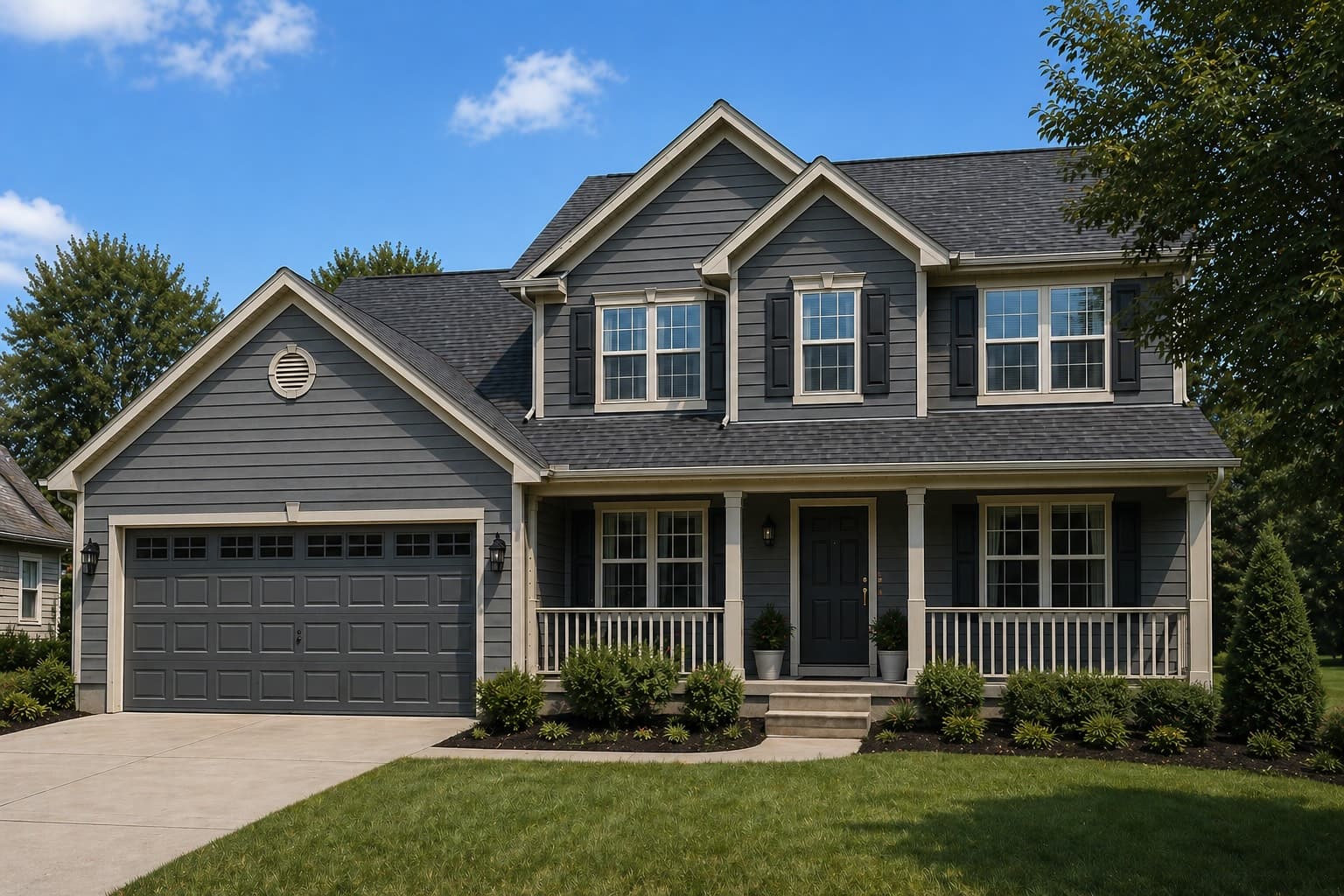
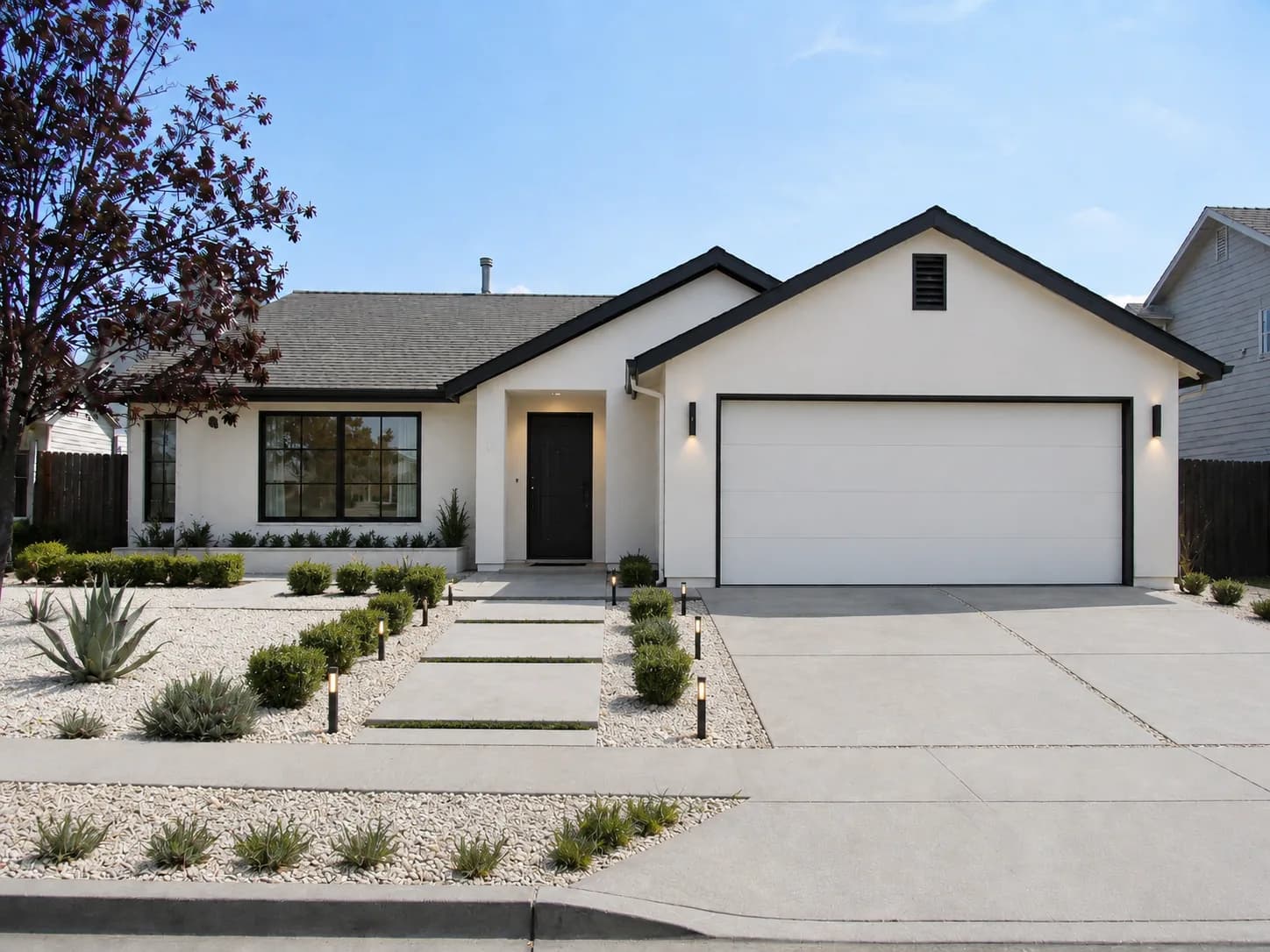
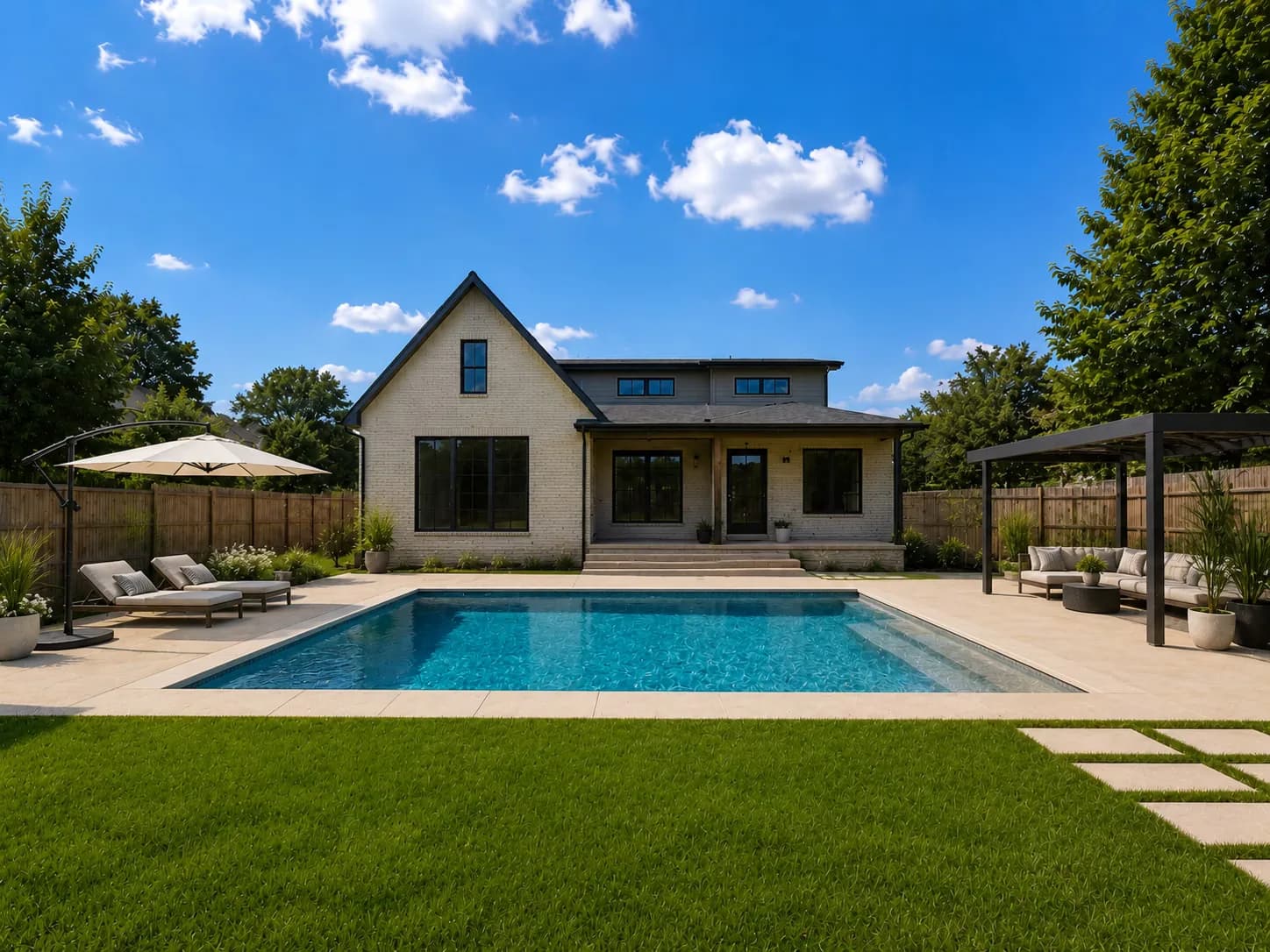
exterior scene painted coastal slate
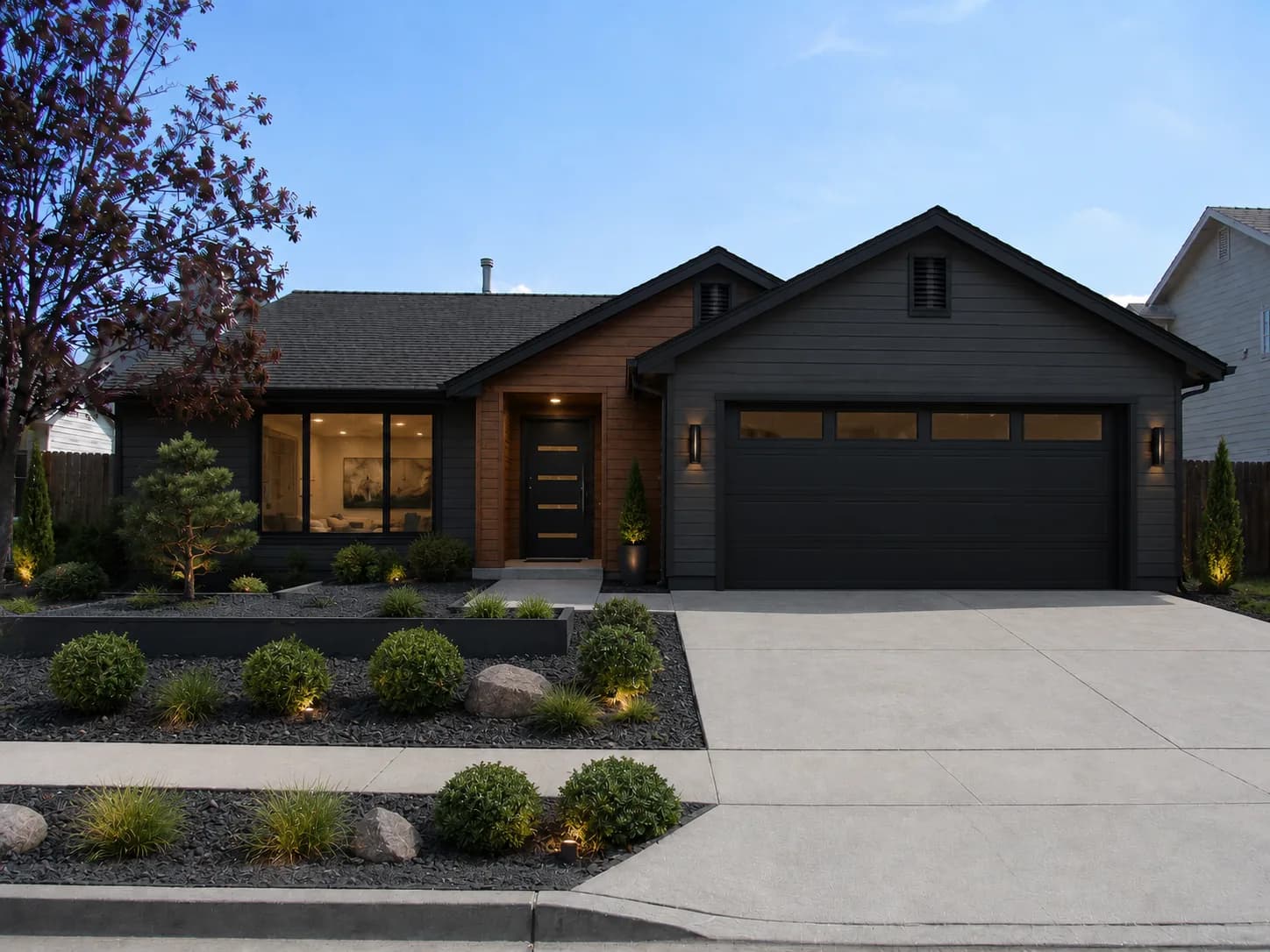
exterior scene painted graphite mist
exterior scene painted olive grove
exterior scene painted classic linen
exterior scene painted warm taupe
exterior scene painted drift blue
Coastal Slate
EXT-362

Supported Paint Brands

Visualize 15,692+ real paint colors from the top brands homeowners buy

Sherwin-Williams
Benjamin Moore
Behr
Dunn-Edwards
PPG
Valspar

See paint colors in seconds, no more guesswork

No design skills required. Visualize in just a few easy steps.

Drop image to upload
JPG, PNG, or HEIC
1

Upload a photo

Drop in any photo of your interior or exterior space.

Siding
Trim
Doors
Shutters
2

Pick a surface

Quickly select between walls, trim, doors, shutters, and more.

Siding
No color selected
3

Choose a color

Browse our color library for real paint colors from leading brands.

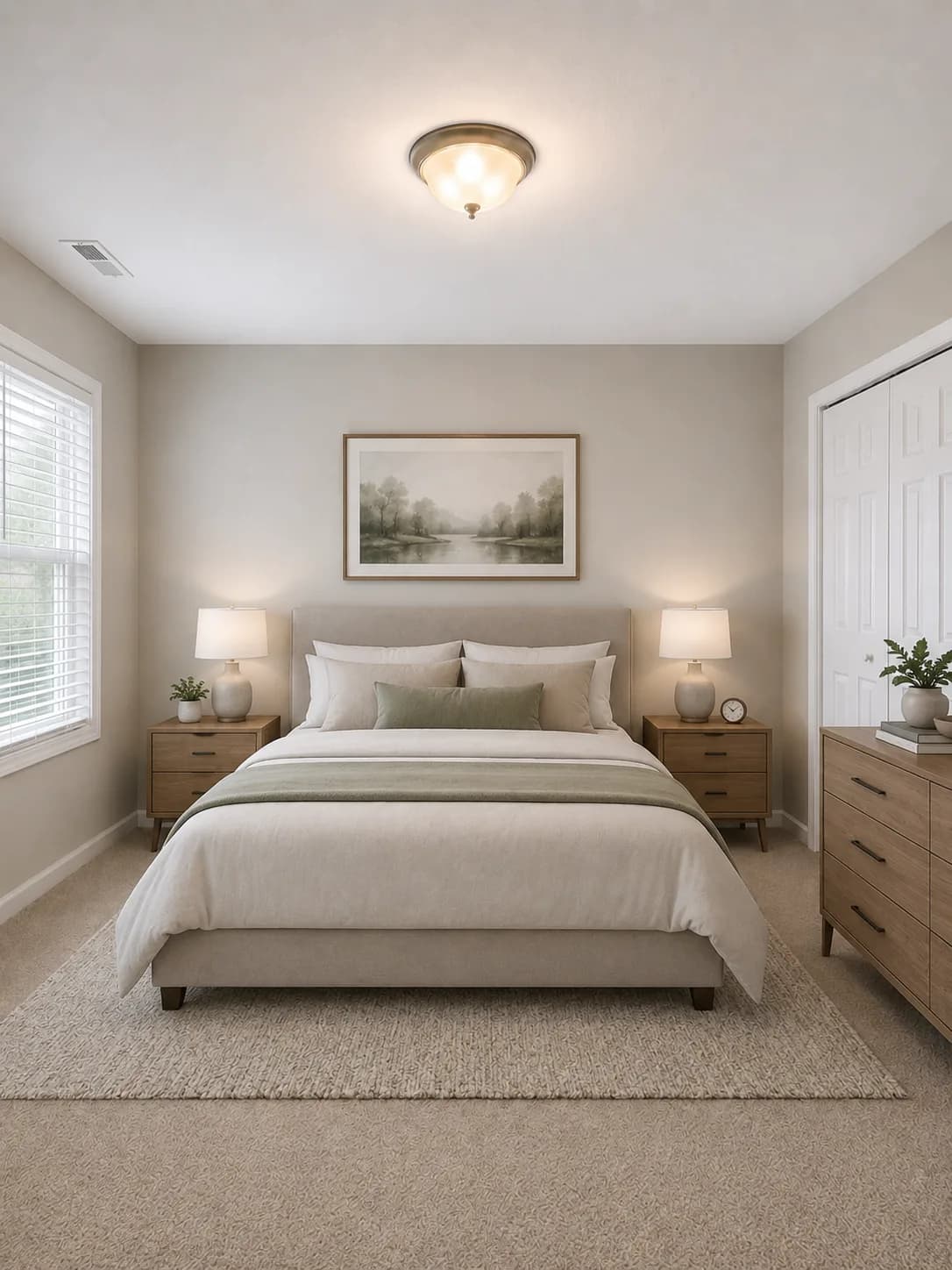
Room photo before paint visualization render
Paint render preview after selecting a new color
Painting walls
4

Visualize in seconds

Preview before you paint. Swap in colors for virtually unlimited combinations.

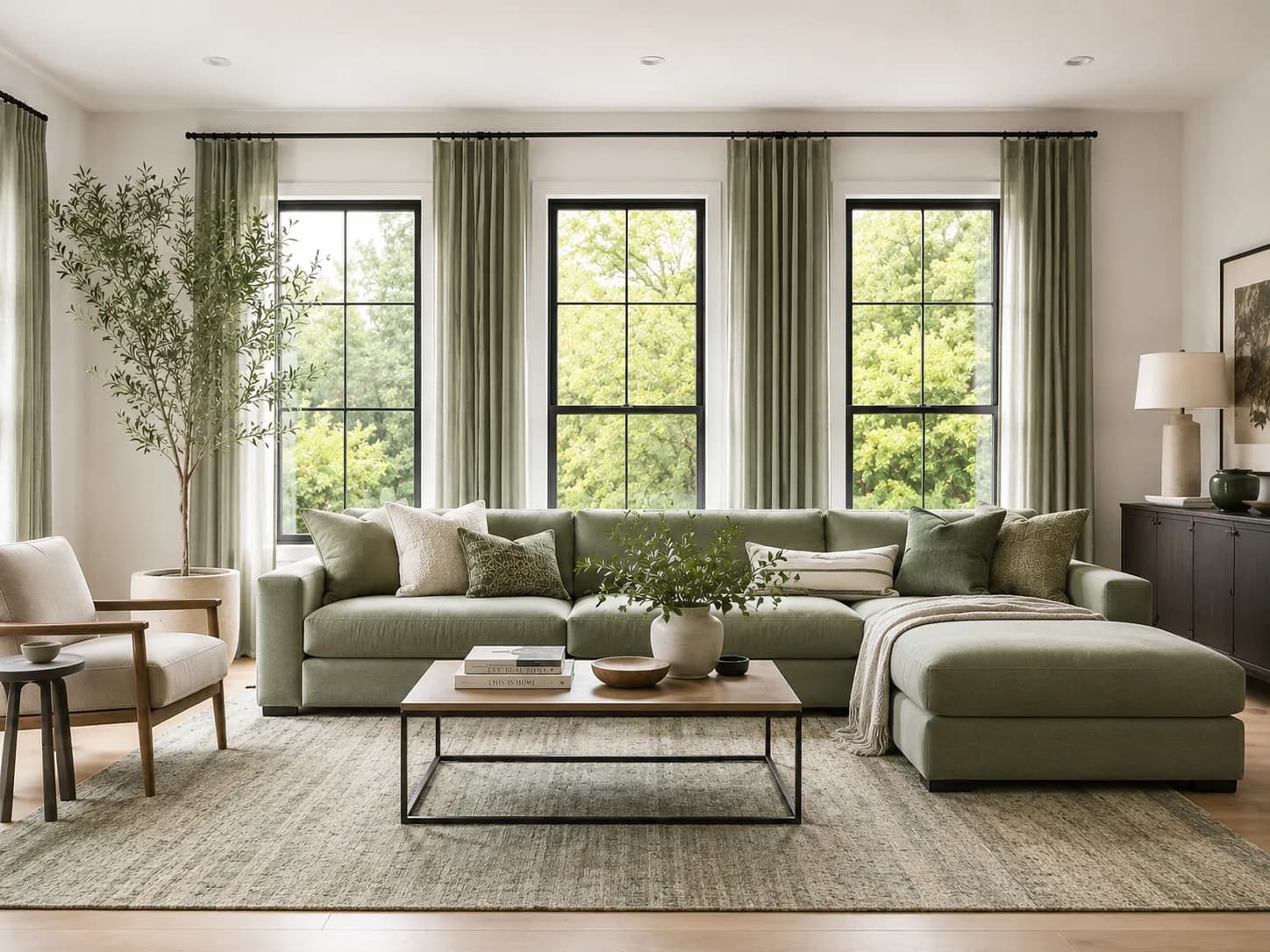
Perfect for every room

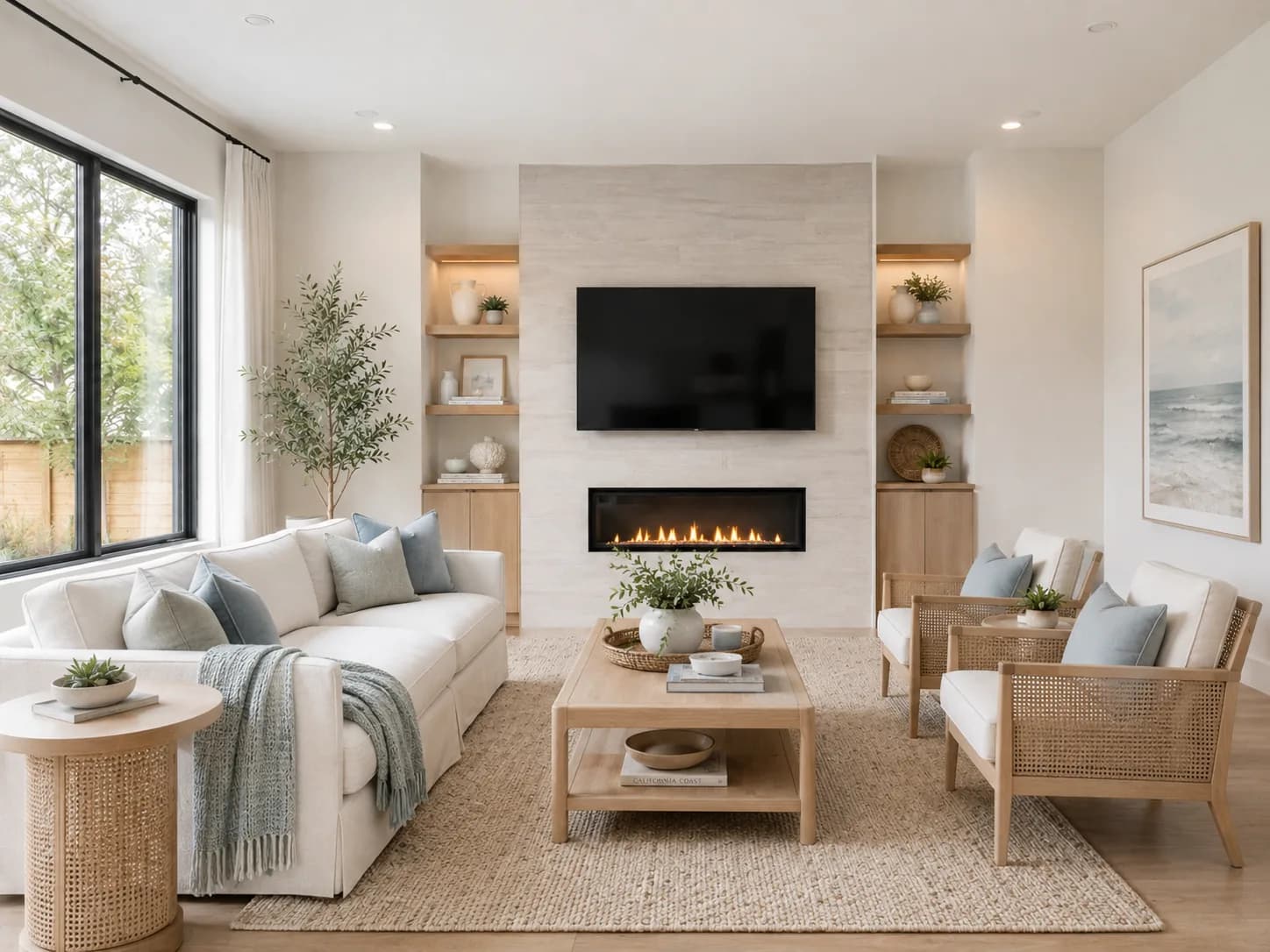
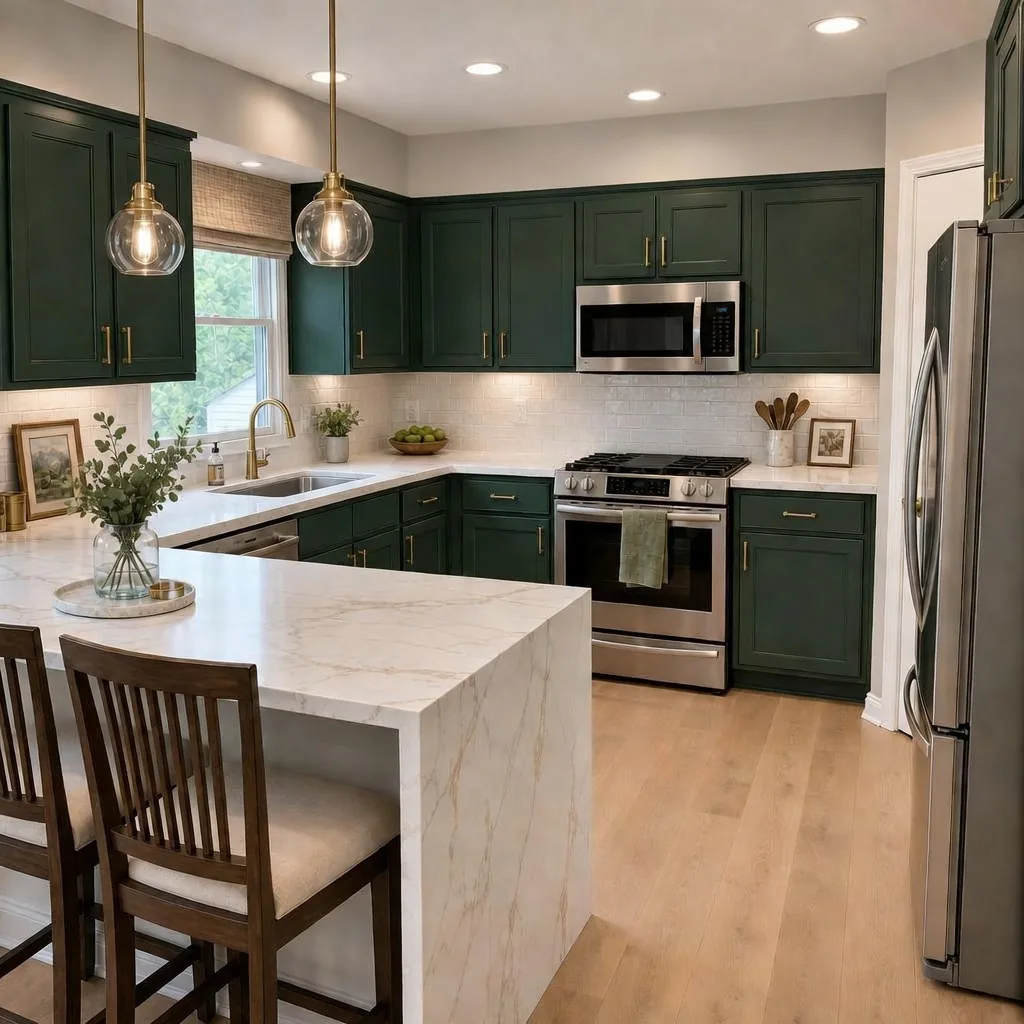
From cozy bedrooms and bright living rooms to kitchens, bathrooms, and dramatic home exteriors, our AI paint visualizer adapts perfectly to any space.
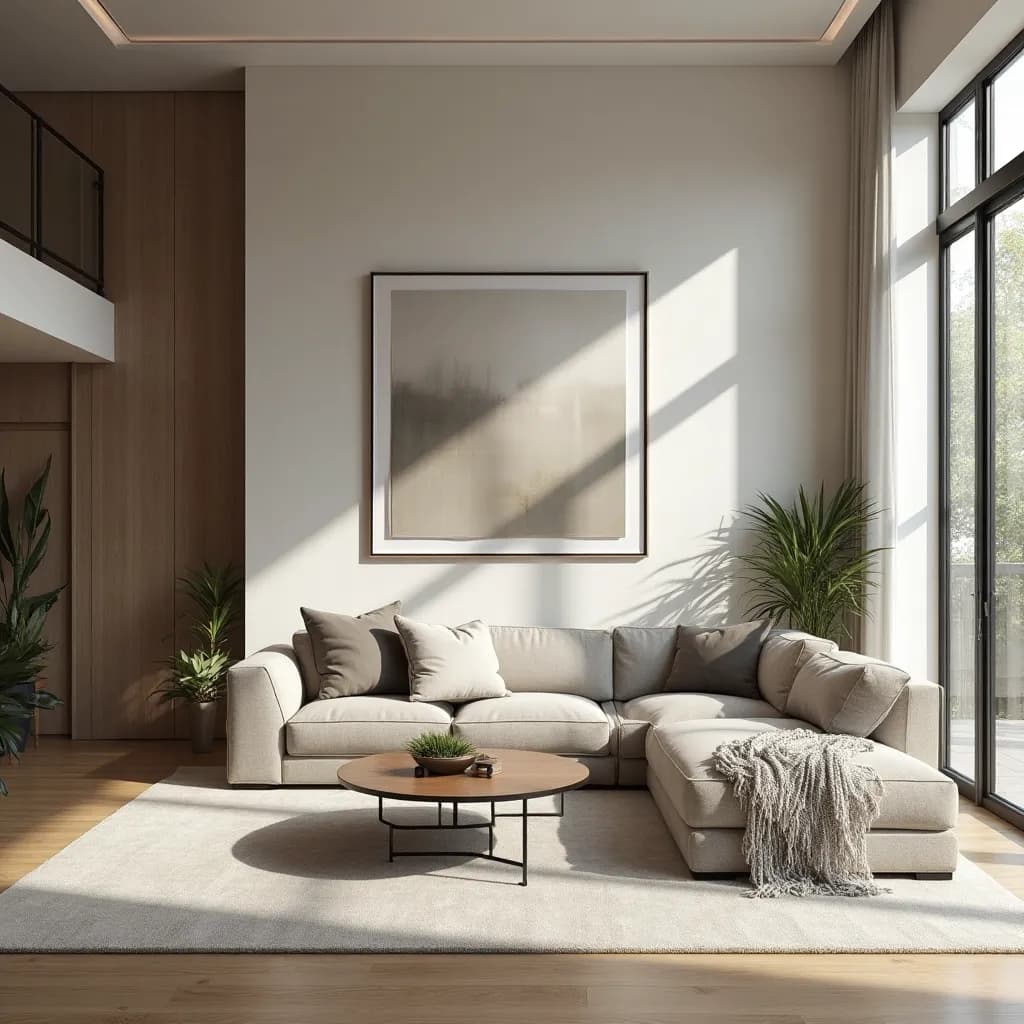
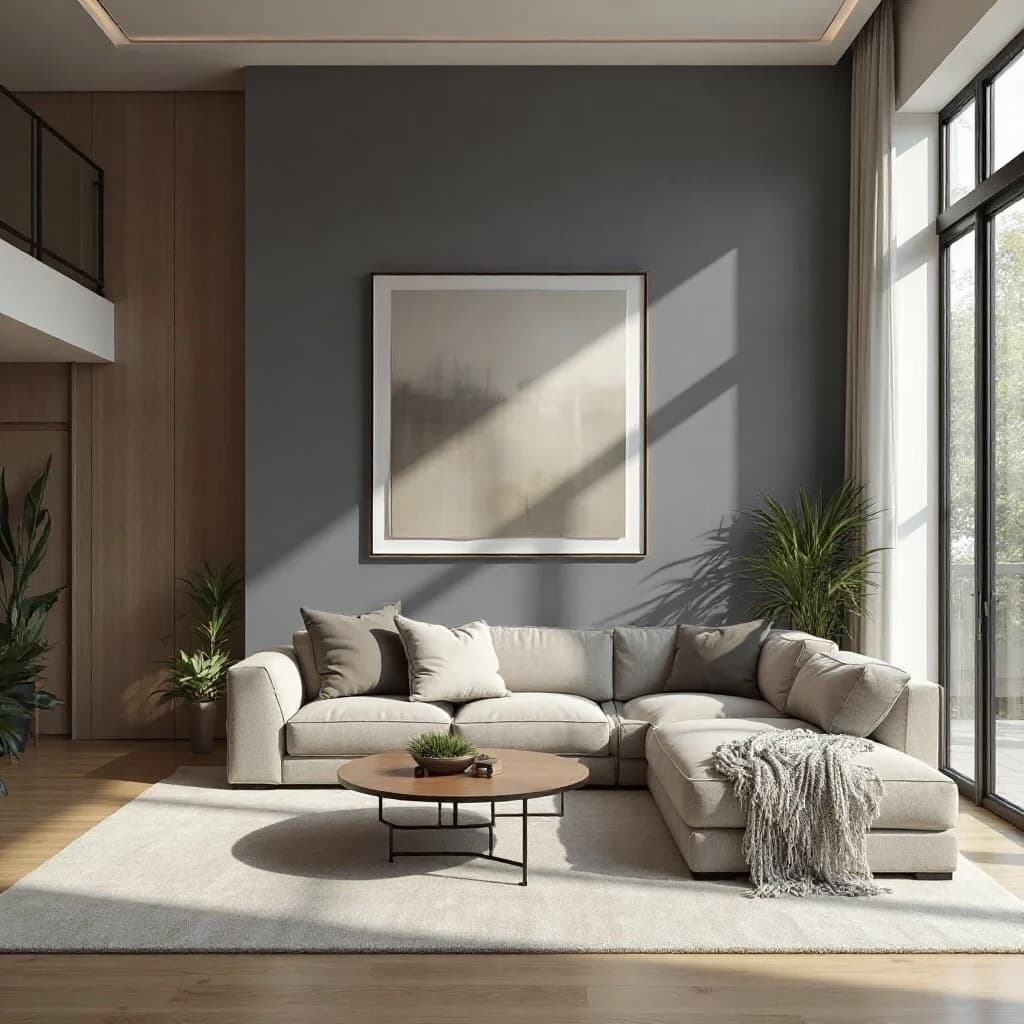
Living Room before paint visualization
Before
Living Room after paint visualization
AI preview
Living Room

Transform your living room with realistic paint colors. See how different wall colors look in your space with accurate lighting and shadows.

Beyond basic paint visualizers

See why Home Visualizer's advanced surface detection delivers results that actually look like your finished room.
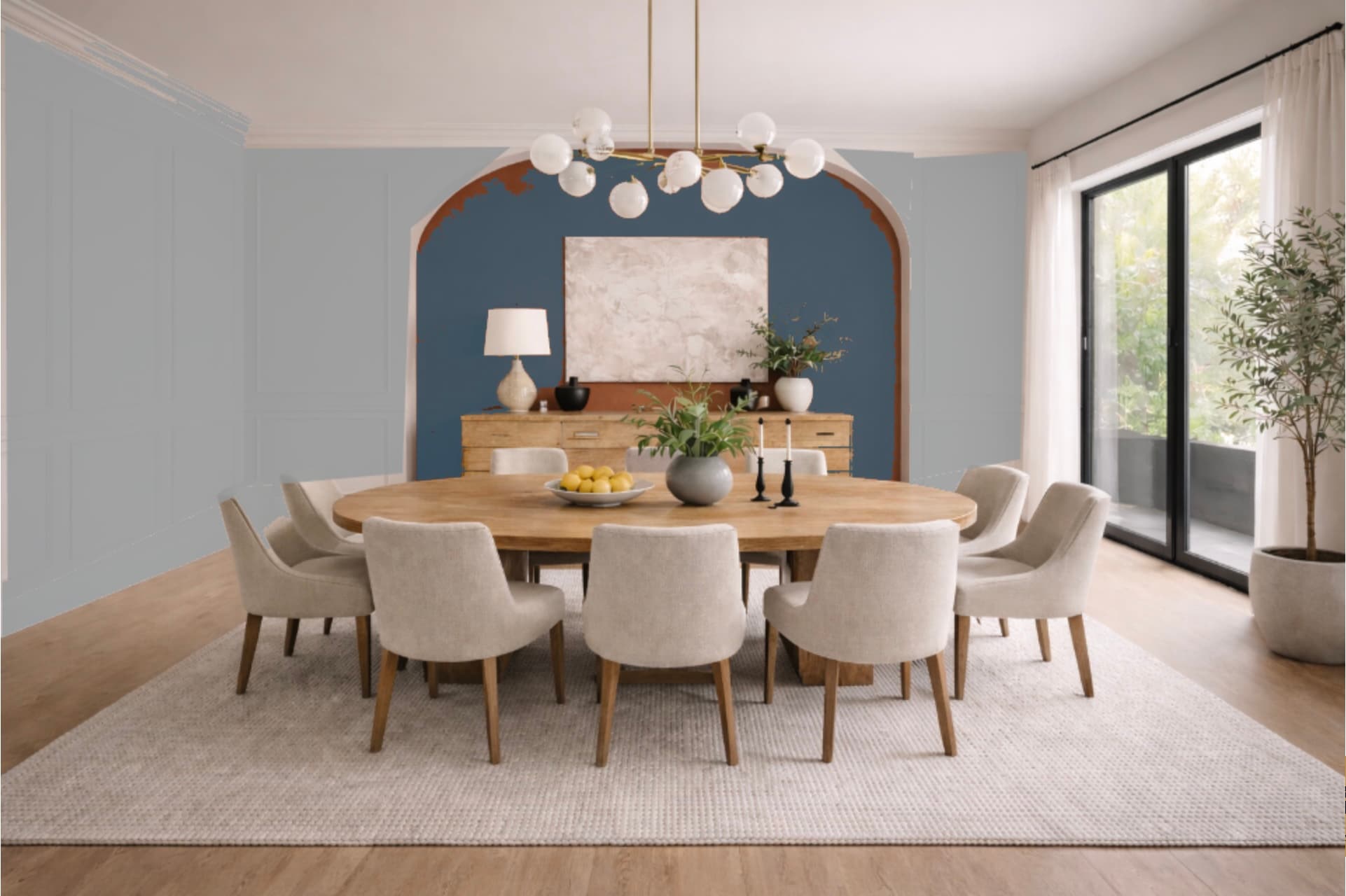
Traditional Visualizers
Traditional paint visualizer bleeding color across trim, archways, and room details
Messy paint overlays that bleed onto furniture, trim, and fixtures
Home Visualizer AI
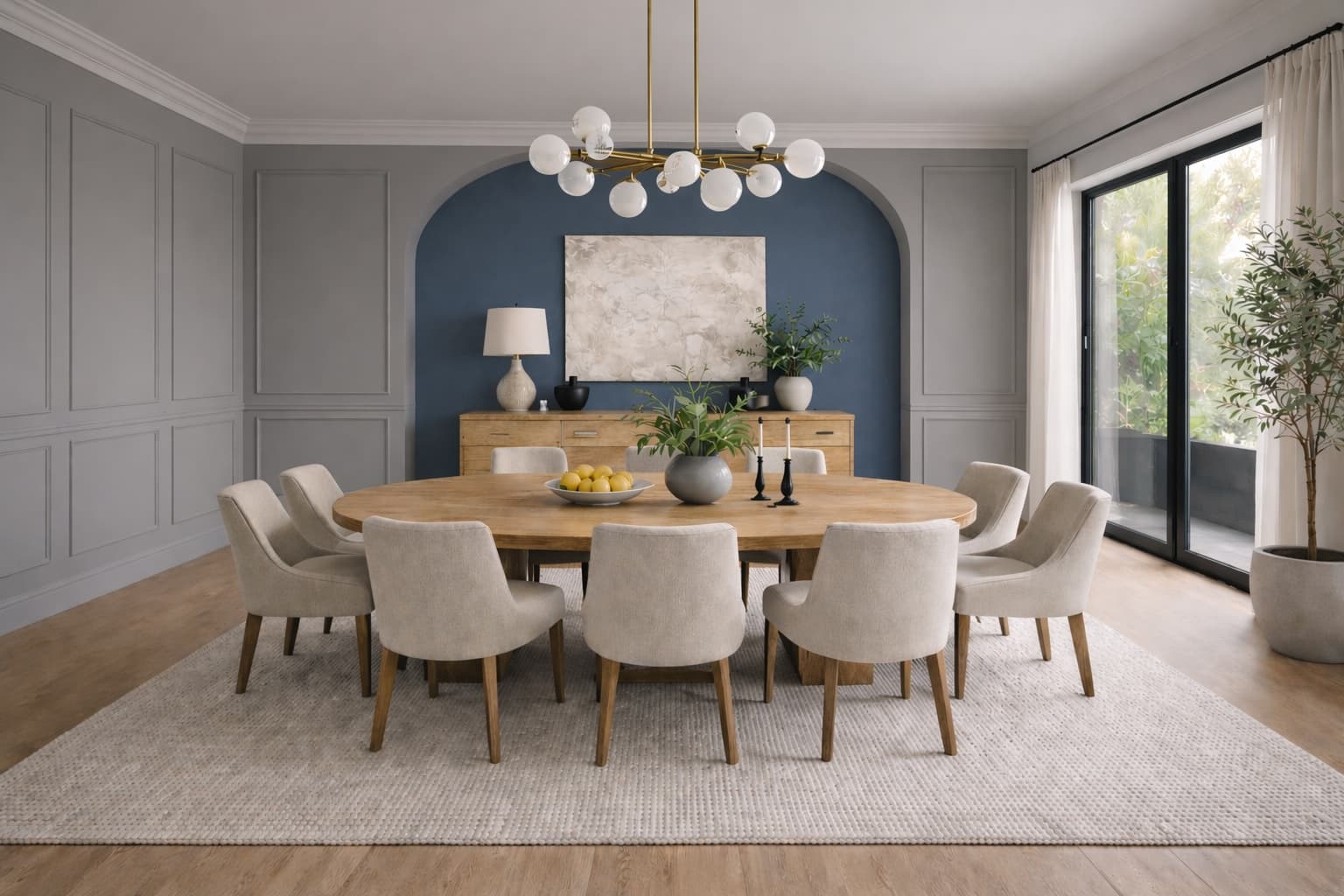
HomeVisualizer AI accurately preserving trim, furniture, and room details while changing the paint color
Precisely detects surfaces, so paint stays exactly where it belongs
Feature
Traditional
Home Visualizer AI
Accurate Surface Detection
AI automatically distinguishes walls from furniture, trim, and fixtures
Photorealistic Results
Natural lighting and shadow preservation for realistic previews
Multi-Surface Editing
Paint walls, trim, doors, and accents independently
Brand Color Matching
Access colors from multiple leading paint manufacturers in one app
Works With Any Photo
Use your own room photos, not just pre-loaded templates
Interior & Exterior Support
Visualize both indoor rooms and home exteriors

Trusted, Secure, Reliable

Premium Service
Contact us anytime for personalized support to address all your needs.
A1 +E %B 9=
5%B29=F &C3#
=F &C #? 7*
3#? 7*D4$A18
*D $A 8+ 5%
18+E5%B29
Data Security
Your data deserves the best protection. We will never sell it or use it for training.
Global Support
Empowering designers, homeowners, and creative teams around the globe.

Paint Visualizer FAQs

Have questions about our paint visualization tool? Find answers below or contact us at support@homevisualizer.ai

Our AI-powered paint visualizer uses advanced color calibration to display colors as accurately as possible on screen. While no digital representation can be 100% identical to physical paint, our technology accounts for lighting conditions and surface textures to give you the most realistic preview available. We strongly recommend getting physical paint samples for final decisions.
Yes! Unlike many traditional paint visualizers that only work with pre-loaded template images, Home Visualizer AI works with your actual room photos. Simply upload a photo of your space, and our AI will detect paintable surfaces automatically - walls, trim, ceilings, and more.
We support colors from all major paint manufacturers including Sherwin-Williams, Benjamin Moore, Behr, Dunn-Edwards, PPG, and Valspar. Our database includes over 15,700 colors across these brands, and we're constantly adding more. You can search by color name, code, or browse by brand.
Absolutely! Our visualizer handles both interior and exterior projects. For exteriors, you can visualize siding, trim, doors, shutters, and other architectural elements. The AI is trained to recognize different exterior surfaces and apply colors appropriately.
Our advanced AI automatically identifies different surfaces in your photo. It distinguishes between walls, furniture, trim, windows, doors, and other elements. This means when you apply a paint color, it only affects the intended surfaces - your furniture and fixtures stay untouched, giving you a realistic preview of your finished room.
Yes! All your paint projects are saved to your account so you can revisit them anytime. You can also download high-resolution images of your visualizations to share with family, interior designers, or contractors. Many users find this helpful when getting quotes from painters or shopping for complementary decor.

Start Visualizing Now

Try HomeVisualizer.AI for free. No credit card required.

Get Started