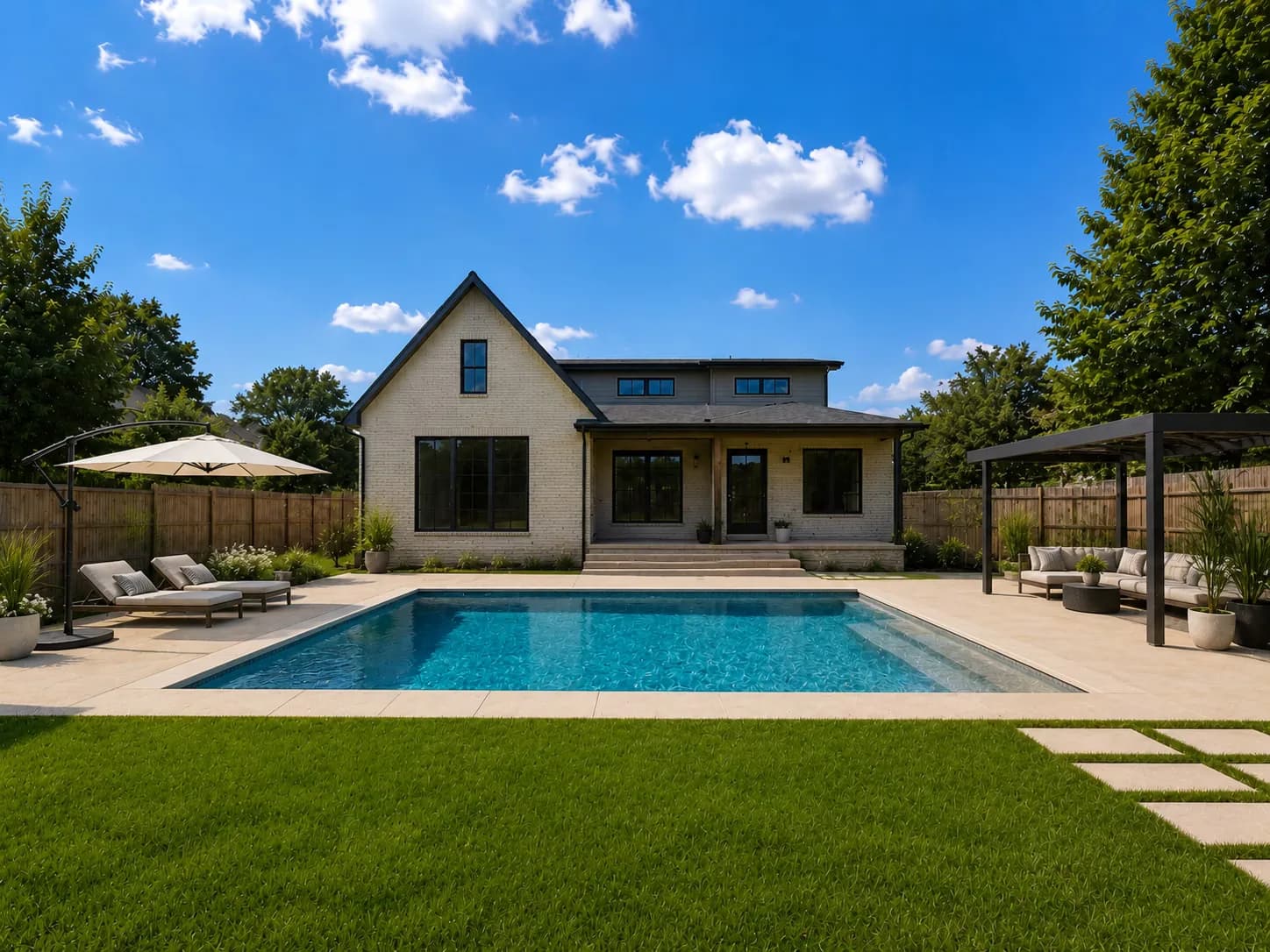
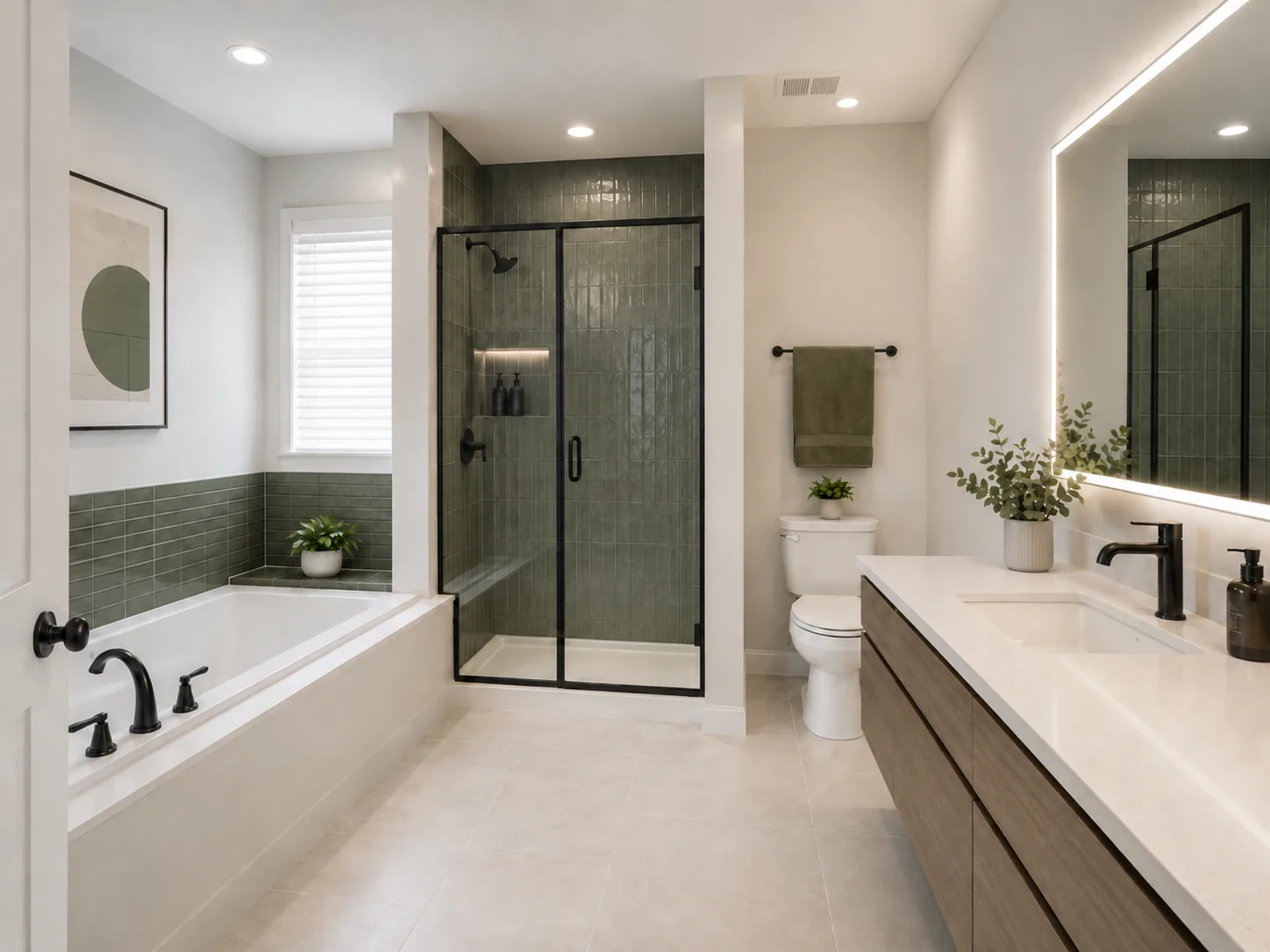
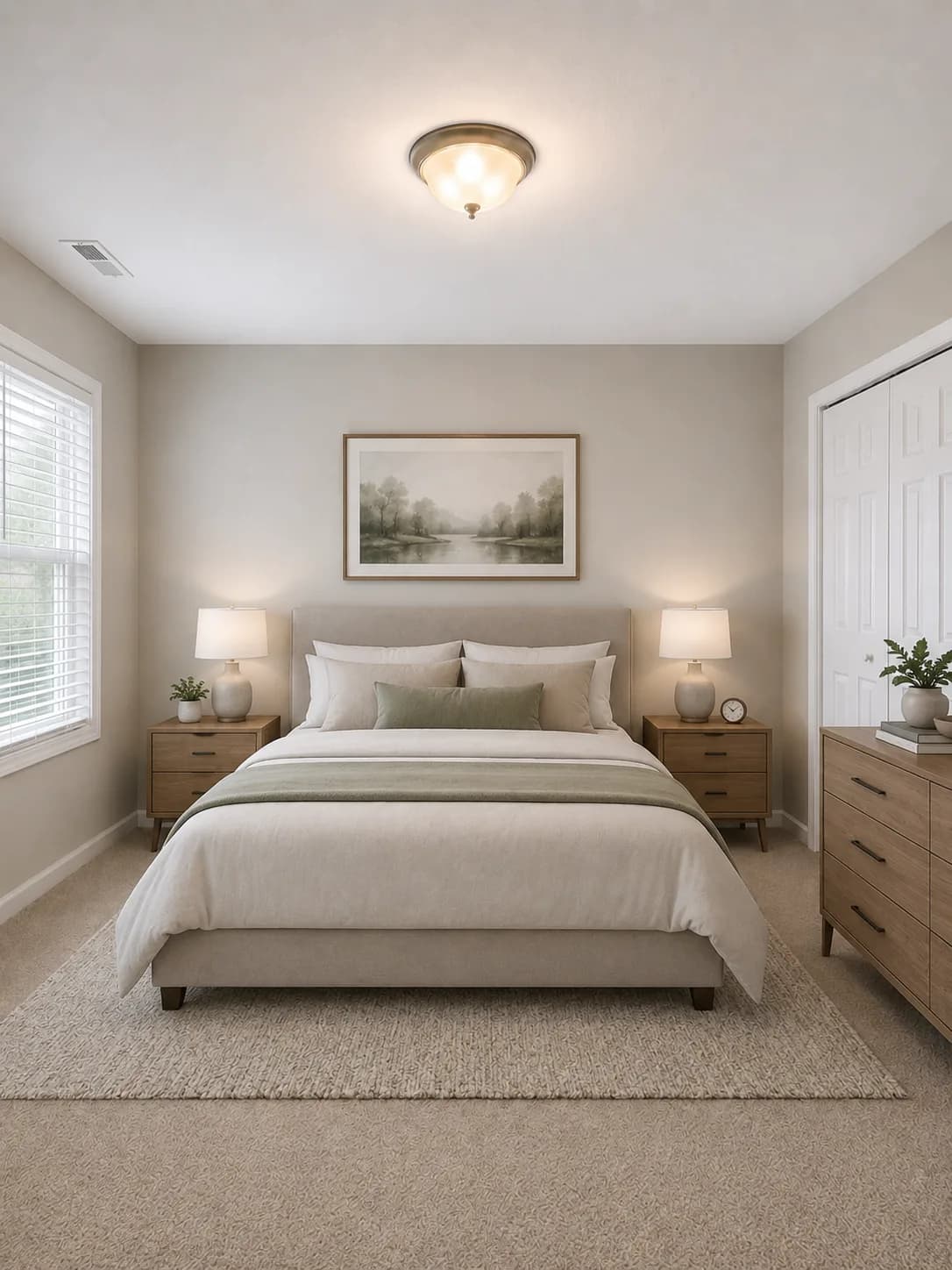
Interior design color palette generator
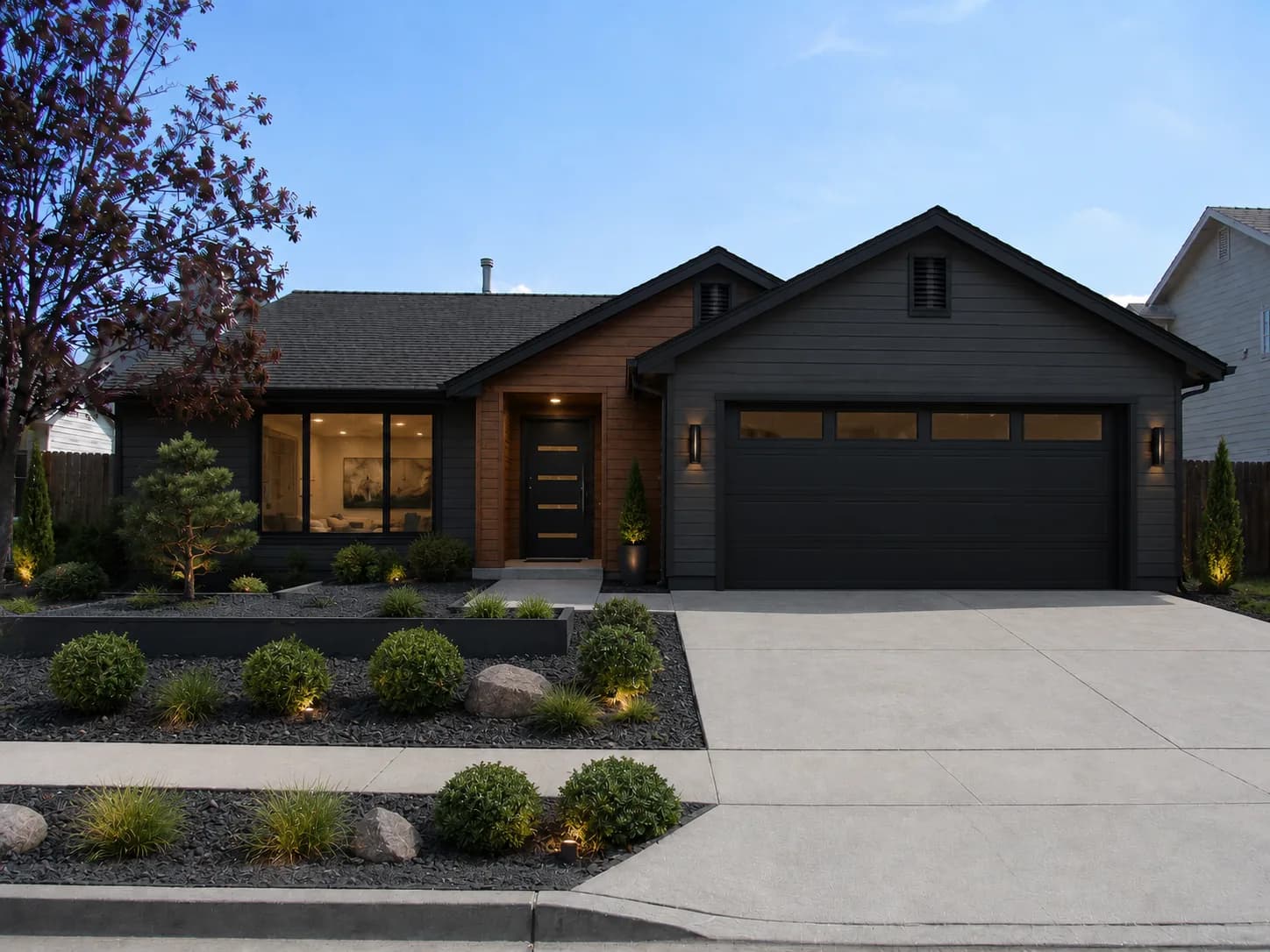
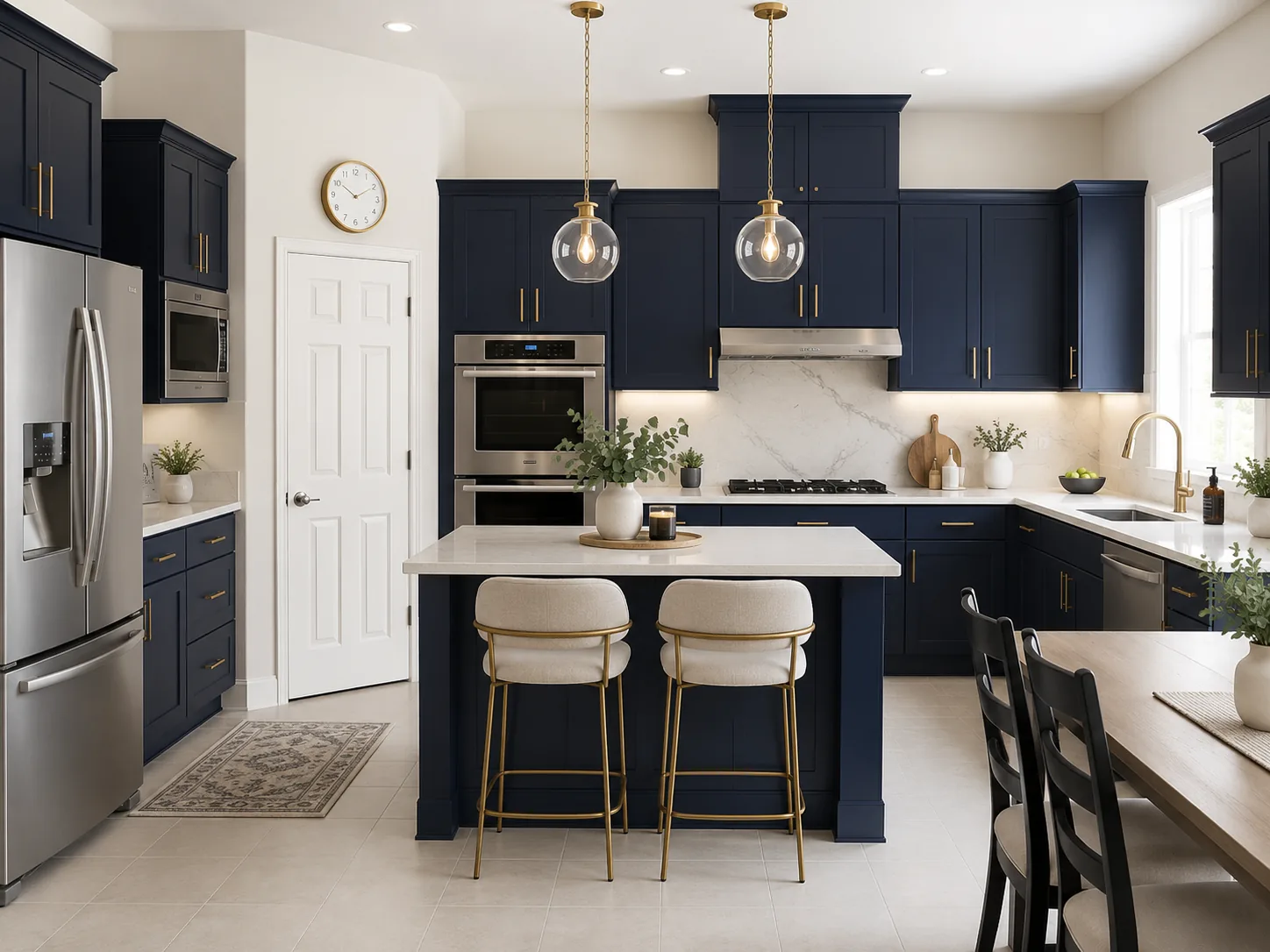
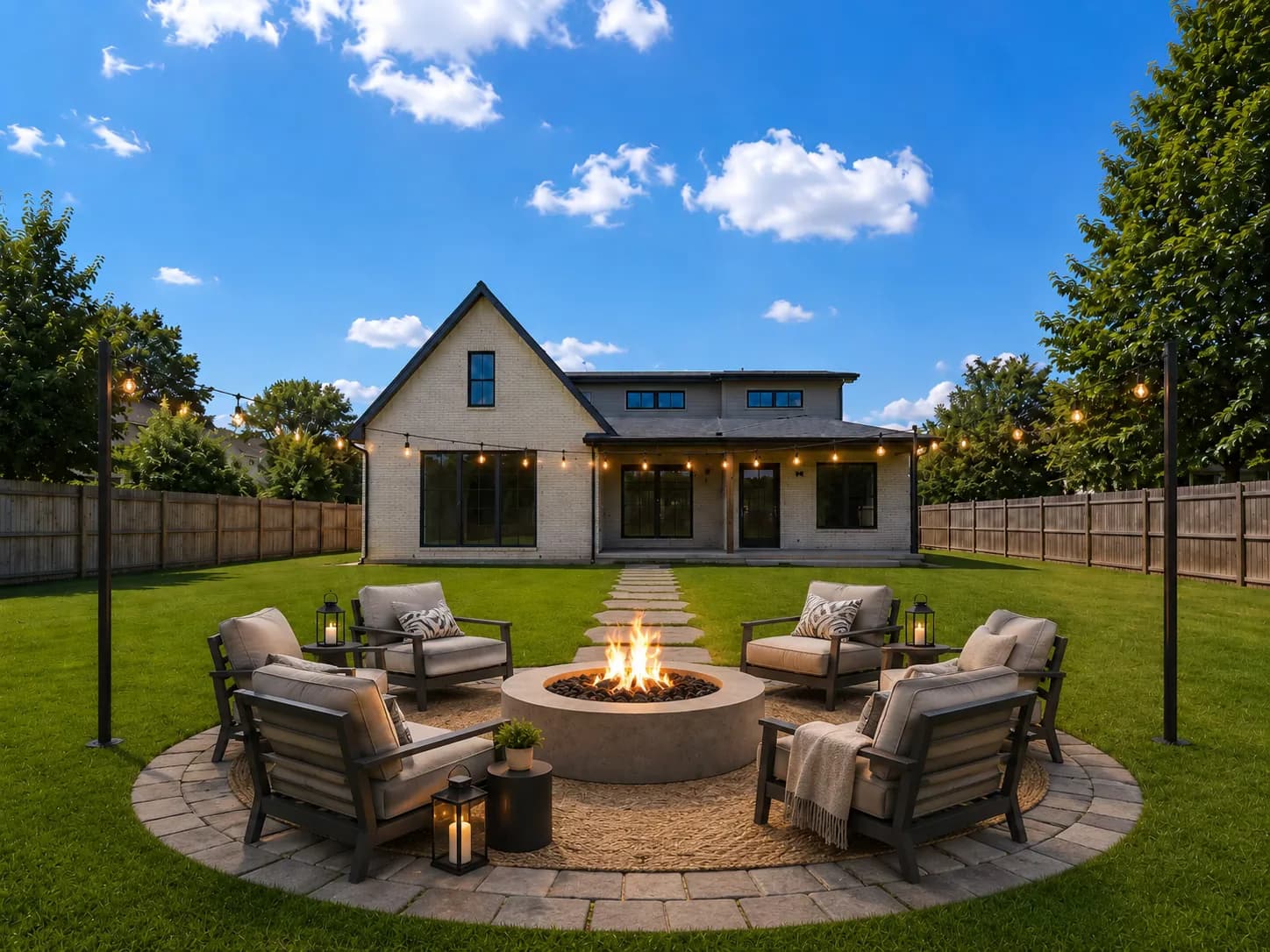
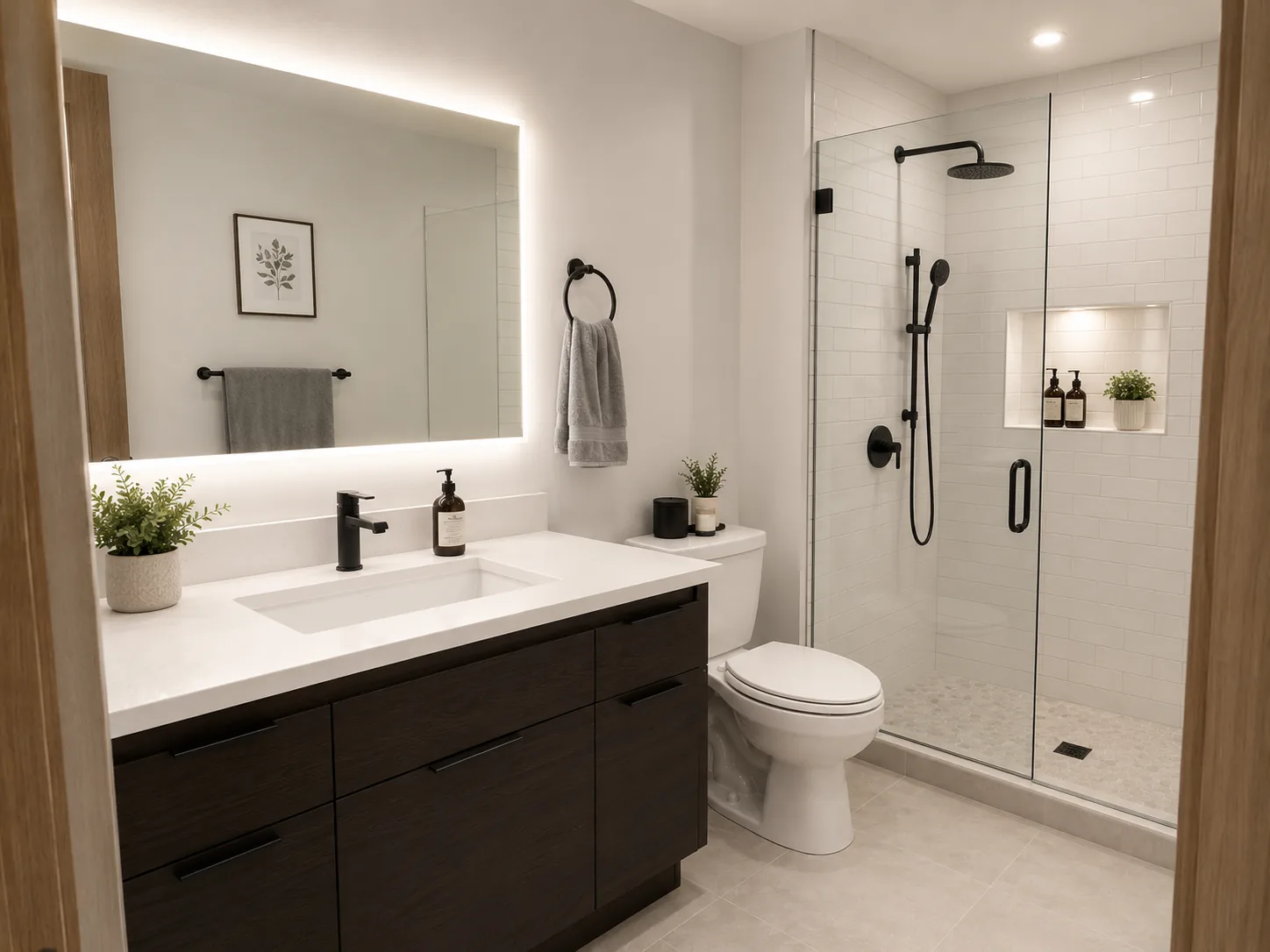
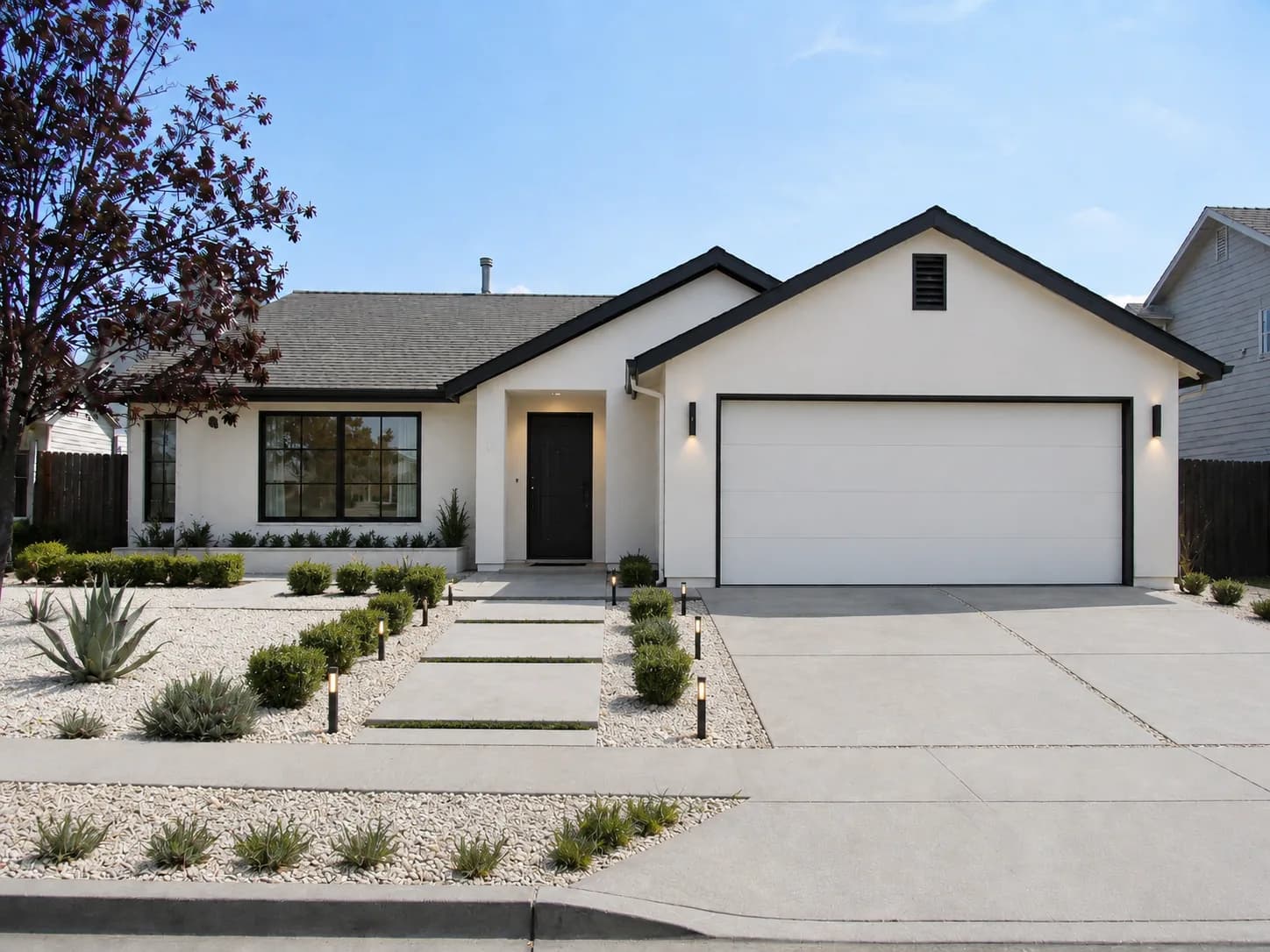
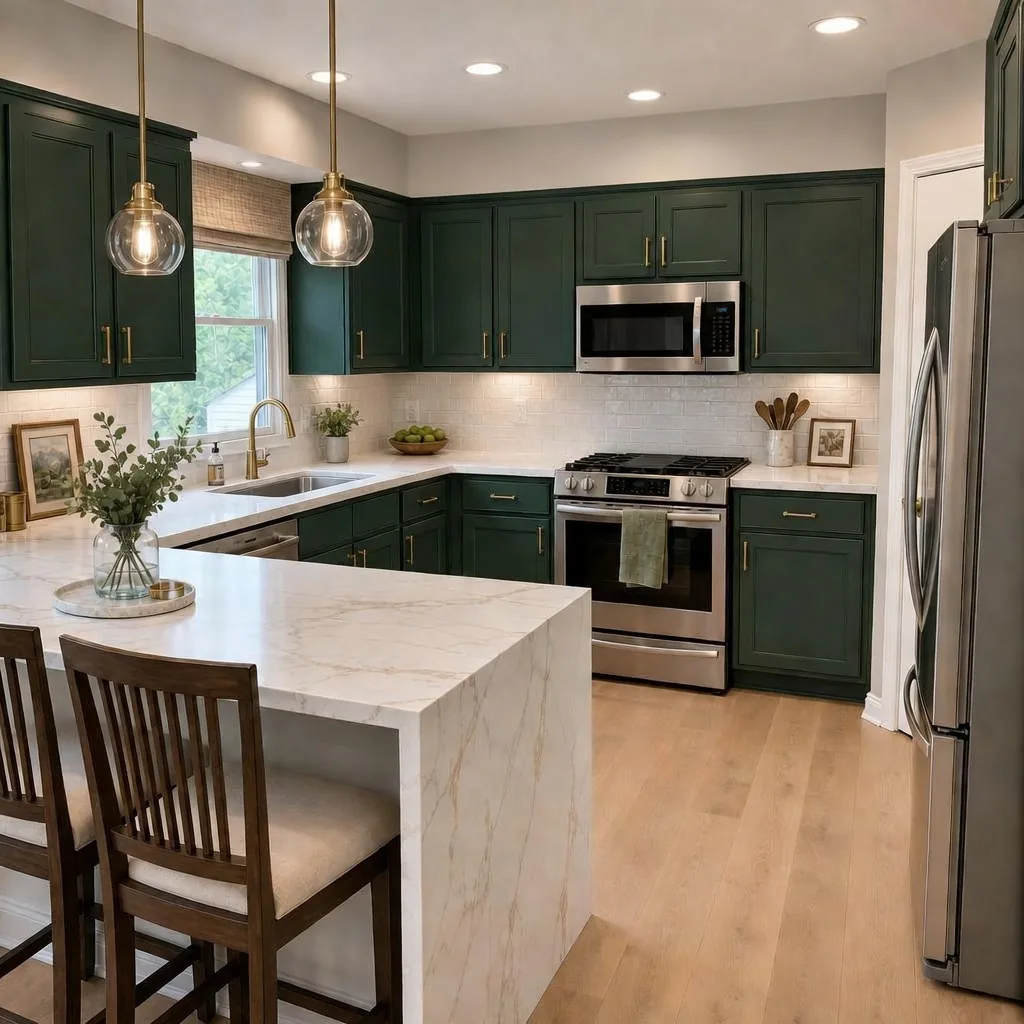
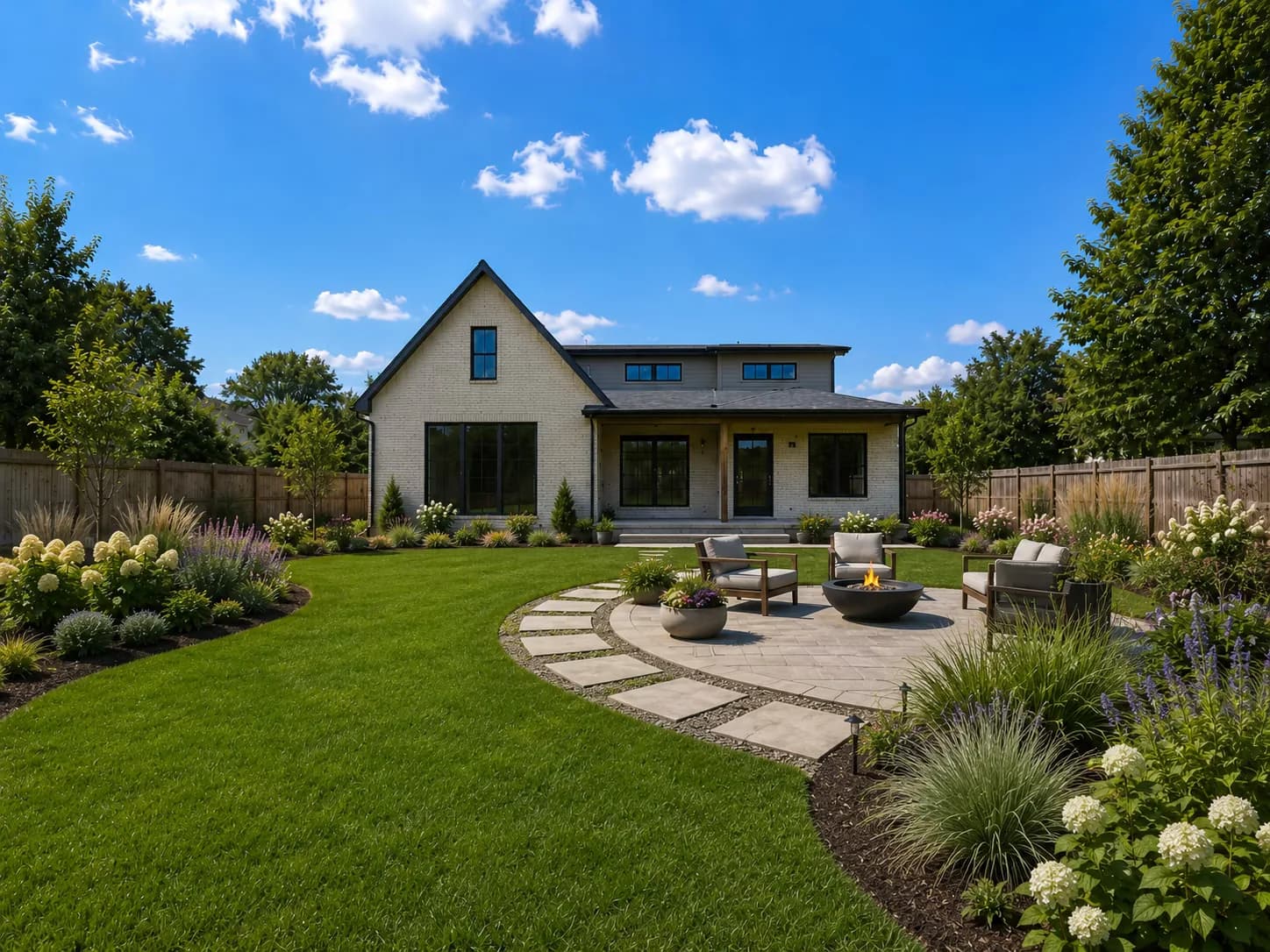
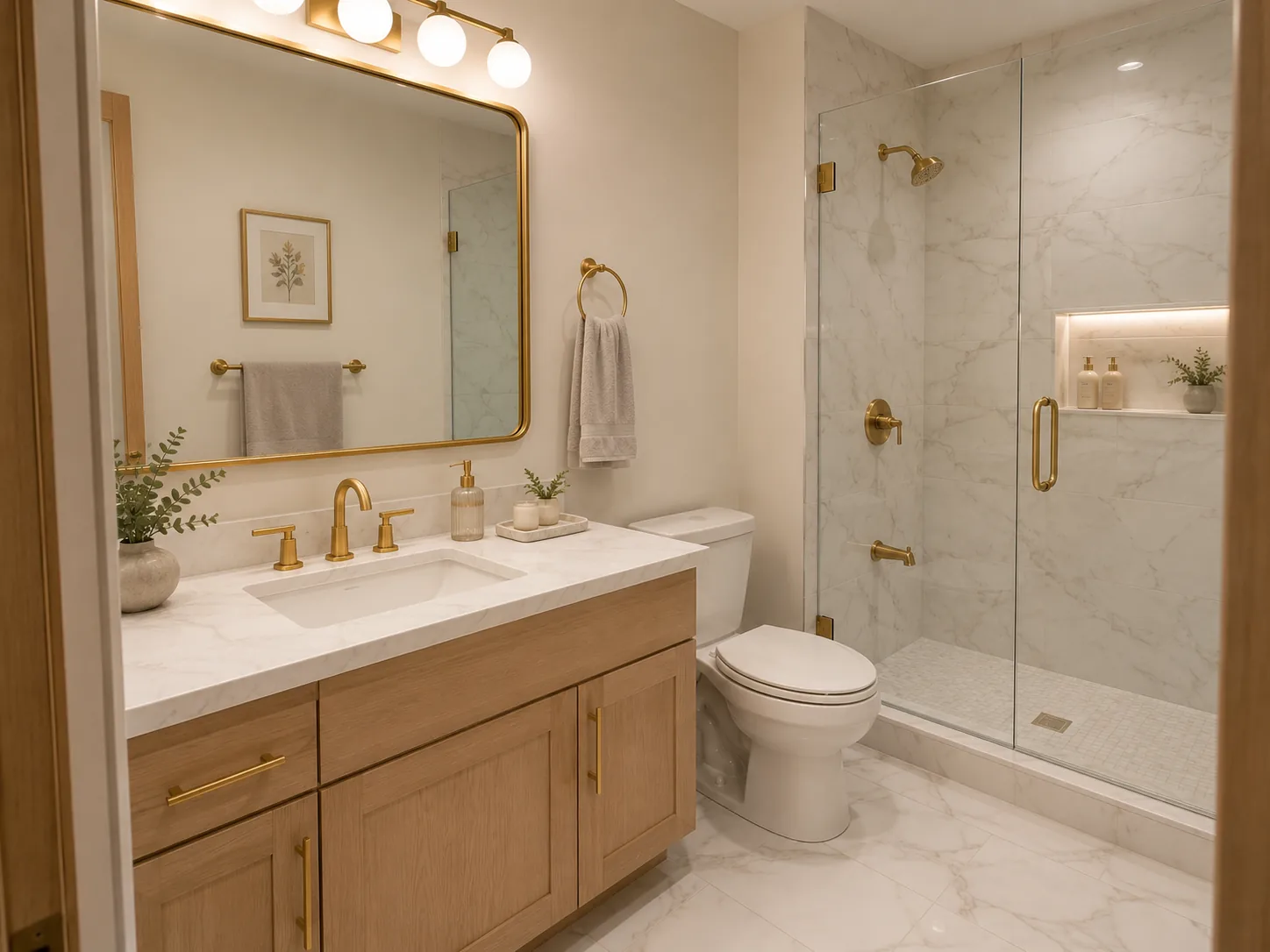
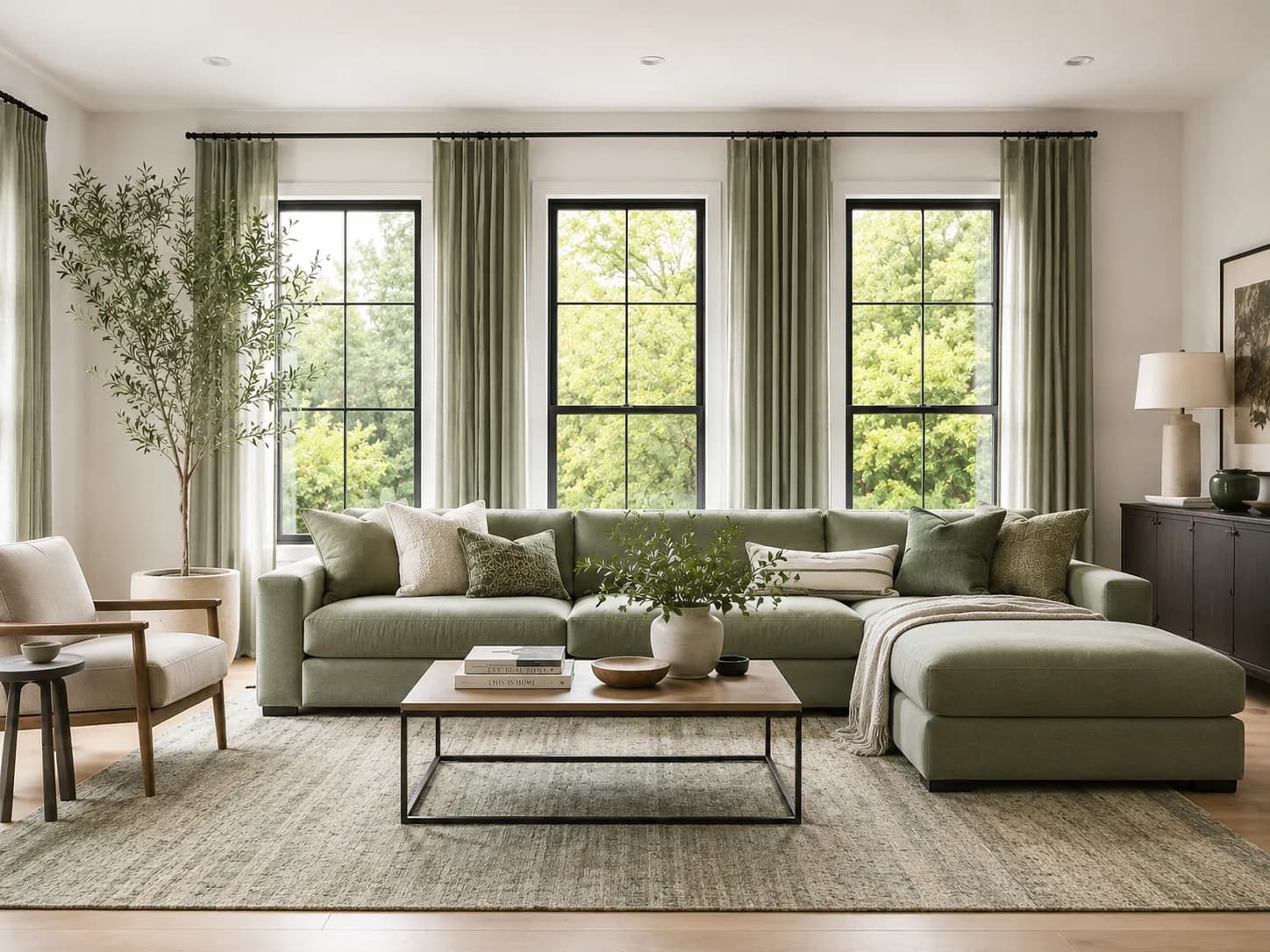
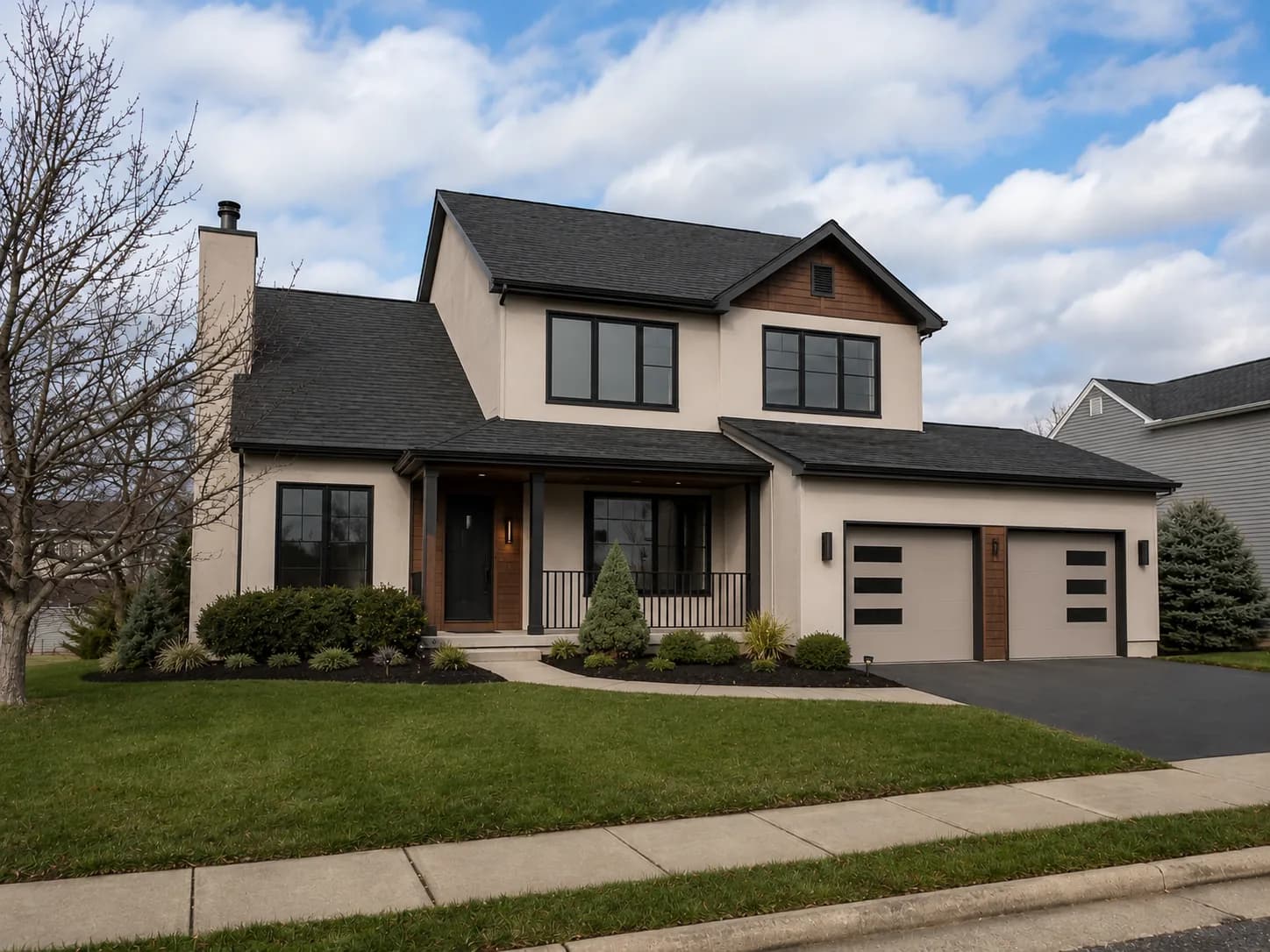
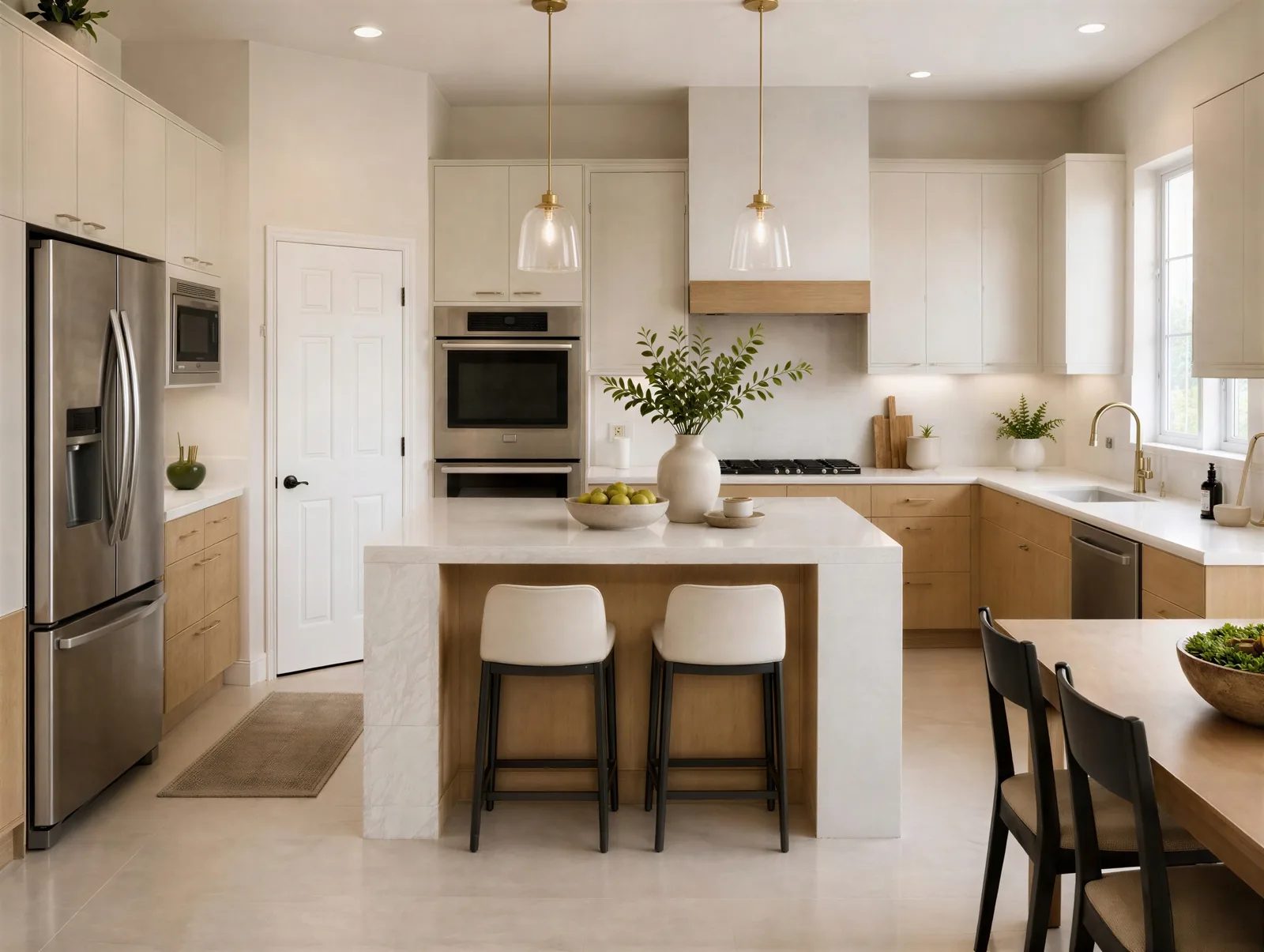
Upload an interior, exterior, kitchen, bathroom, or landscape photo and turn the existing colors into a practical palette with hex codes and accent ideas.
Image
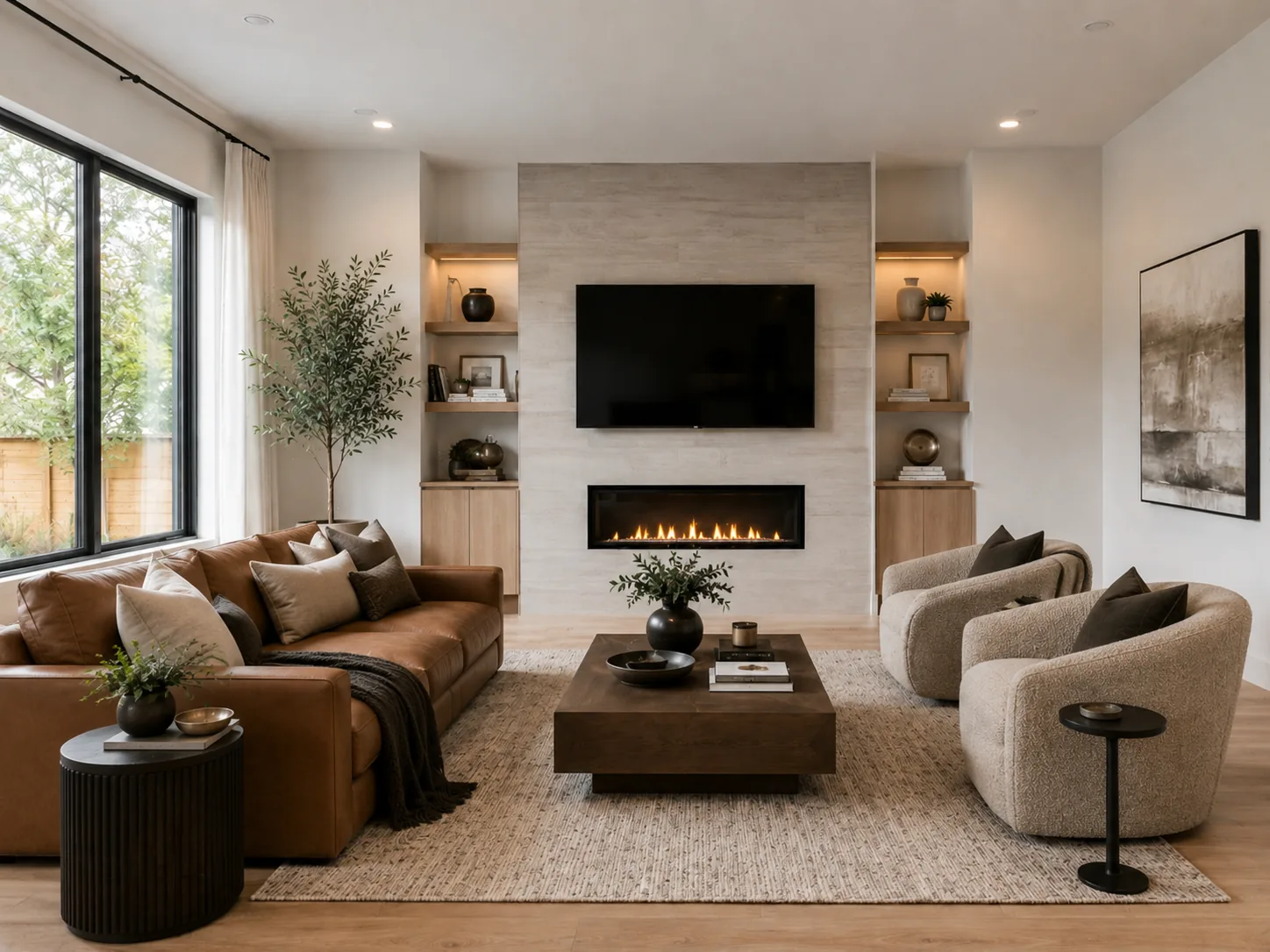
Color Palette
Analyzing image...
Why generate an interior design palette from a photo?
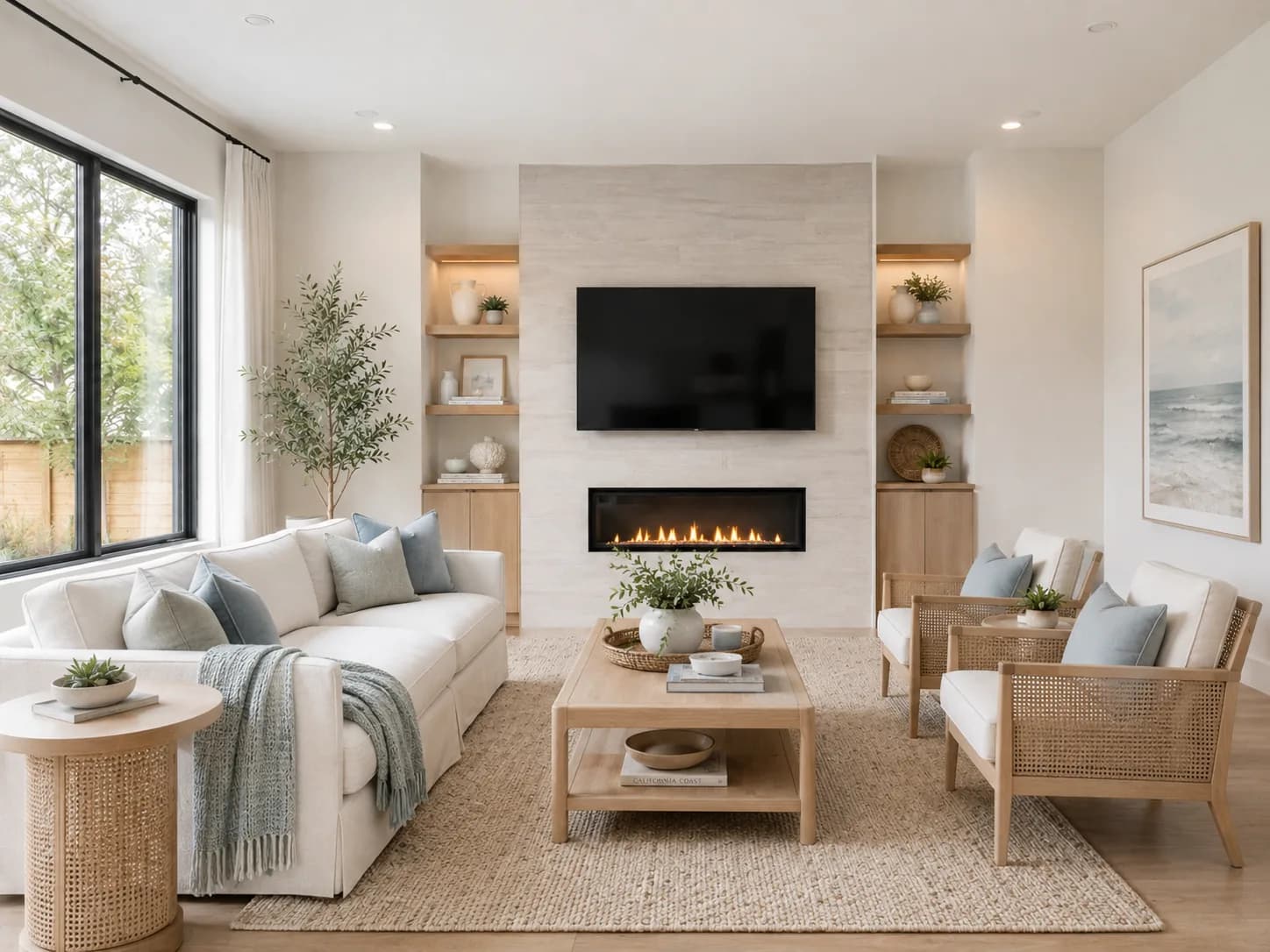
A photo-based room color palette helps you understand what is already happening in your space before you add paint, furniture, or decor. It surfaces the dominant tones, quiet neutrals, warm and cool undertones, and accent colors that shape the room's overall feel.
Understand the mood of the room
Extracting colors from an interior photo makes it easier to see whether a room feels warm, cool, calm, dramatic, earthy, bright, or visually busy. That gives you a clearer starting point than guessing from memory.
Spot colors that may be clashing
A palette view can reveal when flooring, cabinets, rugs, wall color, art, or upholstery are pulling in competing directions. Seeing the main colors together helps you decide what to repeat, soften, replace, or balance.
Find complementary colors to add
Once you know the colors already in the image, use complementary colors to explore accents that add contrast without feeling random. It is useful for pillows, art, rugs, lighting, cabinetry, hardware, or a feature wall.
Turn your palette into a visual direction
Once you know the colors in your space, preview how they can guide a real design. Test room concepts or paint colors before you buy samples, furniture, materials, or finishes.
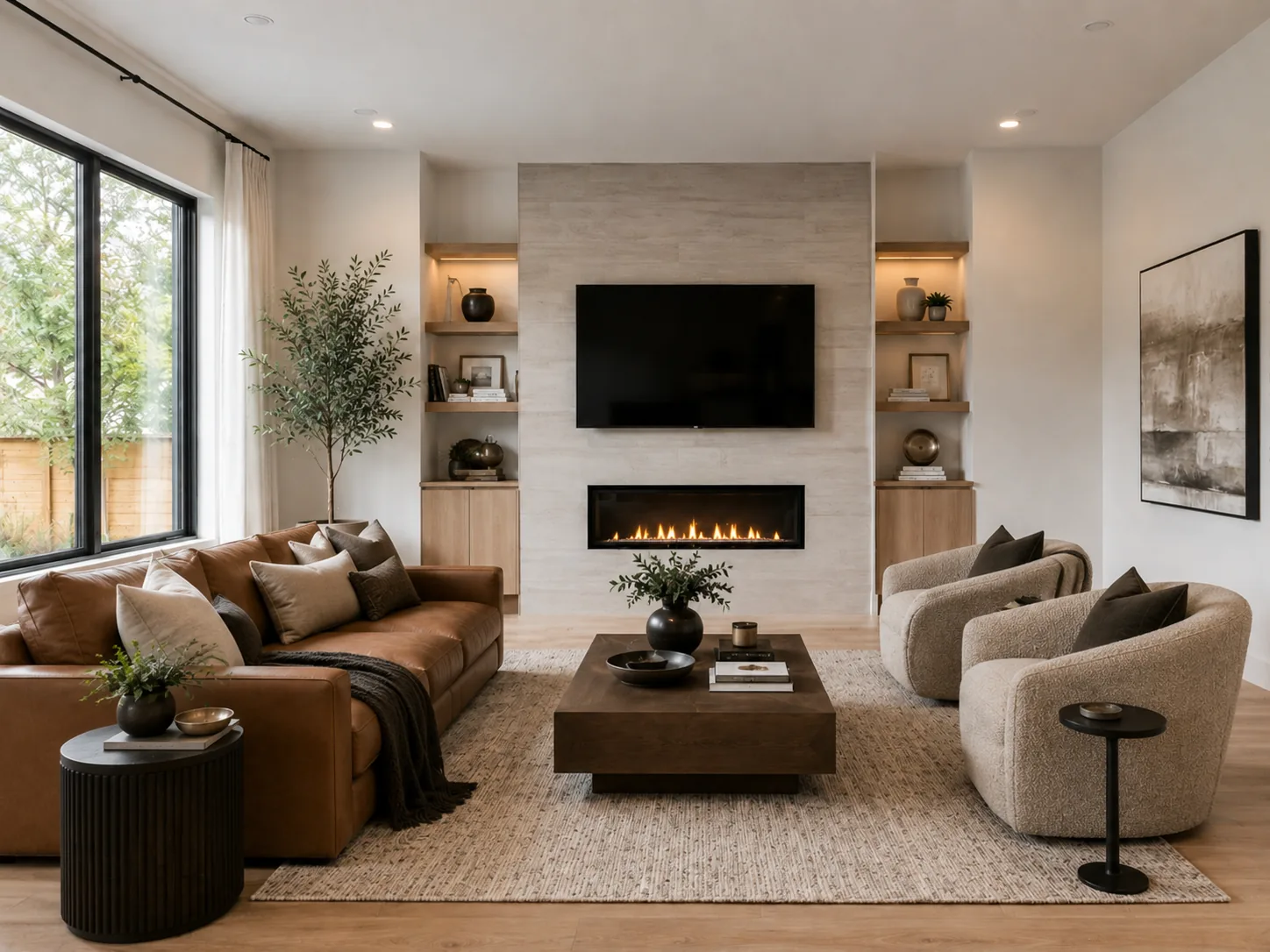
AI interior design visualizer
Use your palette as direction for living rooms, bedrooms, dining rooms, offices, and full interior redesigns.
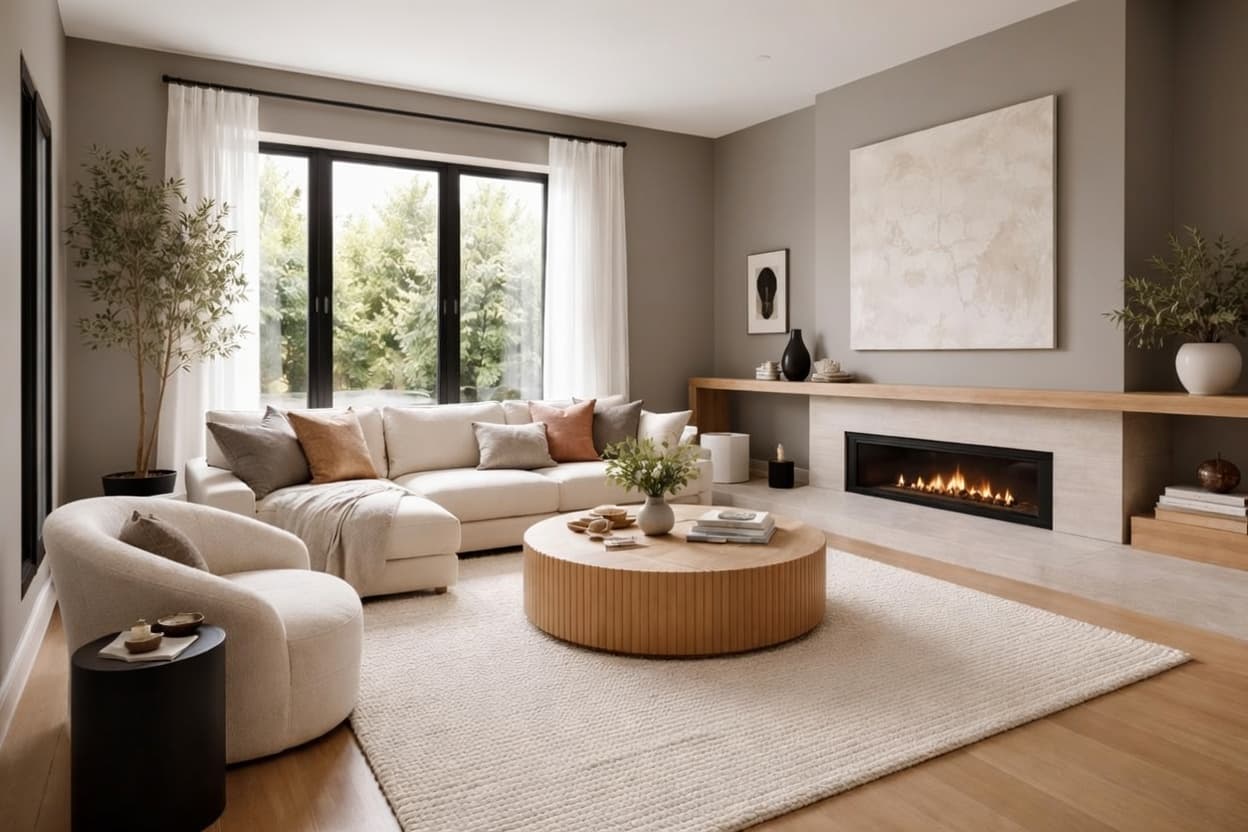
AI paint visualizer
Preview wall colors, trim colors, accent walls, and paint ideas on your own interior or exterior photos.
Frequently Asked Questions
Start visualizing your home ideas today
Use your palette as a starting point, then preview interior designs, paint colors, kitchens, exteriors, bathrooms, and landscapes with Home Visualizer AI.
Try for free